


Guest Experience on WhatsApp
From the event manager building the guest list to every guest interaction — here's how Weddingkart works end-to-end.
Prepare the guest list in Excel
Event managers prepare the guest list in a standard Excel or Google Sheets file before importing it into Weddingkart. The required columns are Name and Phone Number in international format (for example, +91 98XXX XXXXX); optional columns include Brideside/Groomside, Group, Hotel, Pickup Point, and any custom attributes the manager wants to personalise messages with. A typical Indian wedding sheet has 300–1,500 rows — two families, extended relatives, friends, colleagues, and plus-ones. Weddingkart accepts .xlsx, .xls, and .csv files and automatically detects the Brideside and Groomside columns to create WhatsApp broadcast groups without manual setup. Duplicate phone numbers are flagged on upload, mis-formatted numbers are normalised, and guest attributes like hotel or pickup point become variables available in every WhatsApp template.
| A | B | C | D | |
|---|---|---|---|---|
| 1 | Name | Phone | Brideside | Groomside |
| 2 | Rahul Sharma | +91 98765 43210 | Yes | No |
| 3 | Priya Mehta | +91 91234 56789 | No | Yes |
| 4 | Vikram Singh | +91 99887 76655 | Yes | Yes |
| 5 | Neha Kapoor | +91 88001 23456 | Yes | No |
| 6 | Arjun Patel | +91 77654 32109 | No | Yes |
| 7 |
Guest_List +
Prepare the guest list in Excel
Event managers prepare the guest list in a standard Excel or Google Sheets file before importing it into Weddingkart. The required columns are Name and Phone Number in international format (for example, +91 98XXX XXXXX); optional columns include Brideside/Groomside, Group, Hotel, Pickup Point, and any custom attributes the manager wants to personalise messages with. A typical Indian wedding sheet has 300–1,500 rows — two families, extended relatives, friends, colleagues, and plus-ones. Weddingkart accepts .xlsx, .xls, and .csv files and automatically detects the Brideside and Groomside columns to create WhatsApp broadcast groups without manual setup. Duplicate phone numbers are flagged on upload, mis-formatted numbers are normalised, and guest attributes like hotel or pickup point become variables available in every WhatsApp template.
| A | B | C | D | |
|---|---|---|---|---|
| 1 | Name | Phone | Brideside | Groomside |
| 2 | Rahul Sharma | +91 98765 43210 | Yes | No |
| 3 | Priya Mehta | +91 91234 56789 | No | Yes |
| 4 | Vikram Singh | +91 99887 76655 | Yes | Yes |
| 5 | Neha Kapoor | +91 88001 23456 | Yes | No |
| 6 | Arjun Patel | +91 77654 32109 | No | Yes |
| 7 |
Guest_List +
Upload the guest Excel sheet
Import the entire guest list from an Excel or CSV file. The app reads the Brideside and Groomside columns and automatically creates groups — no manual setup needed.
Groups created automatically
From "Brideside = Yes" column
From "Groomside = Yes" column
Weddingkart app
Upload the guest Excel sheet
Import the entire guest list from an Excel or CSV file. The app reads the Brideside and Groomside columns and automatically creates groups — no manual setup needed.
Groups created automatically
From "Brideside = Yes" column
From "Groomside = Yes" column
Weddingkart app
Create and send an announcement
The manager picks a template, writes the message, and selects the recipient group. Send it immediately or schedule it for the right moment — WhatsApp does the rest.
Dear Rahul,
We're so excited to welcome you to Priya & Arjun's wedding celebrations!
More details to follow.
Sent by the Kapoor Family
Weddingkart app
Create and send an announcement
The manager picks a template, writes the message, and selects the recipient group. Send it immediately or schedule it for the right moment — WhatsApp does the rest.
Dear Rahul,
We're so excited to welcome you to Priya & Arjun's wedding celebrations!
More details to follow.
Sent by the Kapoor Family
Weddingkart app
Receives a WhatsApp message
The guest gets a friendly message directly on WhatsApp — no app to install, no link to open.

Wedding Invite
Channel
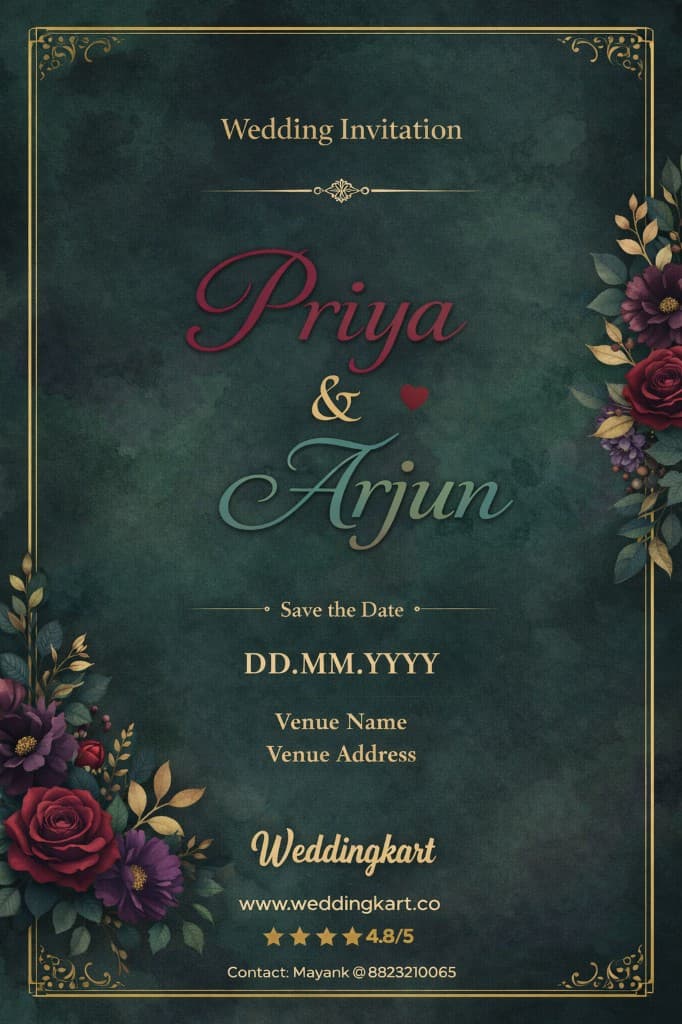
Wedding_Invite_Priya_Arjun.pdf
PDF · Tap to open
💍 Hi Rahul! You're invited to Priya & Arjun's wedding on 15th March in Mumbai. We'll share all updates right here on WhatsApp!
Receives a WhatsApp message
The guest gets a friendly message directly on WhatsApp — no app to install, no link to open.
Wedding Invite
Channel
Wedding_Invite_Priya_Arjun.pdf
PDF · Tap to open
💍 Hi Rahul! You're invited to Priya & Arjun's wedding on 15th March in Mumbai. We'll share all updates right here on WhatsApp!
Guest asks a question
Guests can reply directly in the WhatsApp thread. Their message arrives in the Weddingkart app instantly.
Wedding Invite
Channel
Event manager replies from the app
The manager sees the guest's message inside Weddingkart and replies — the guest receives it right back on WhatsApp.
Rahul Sharma
Family · +91 98765 43210
Weddingkart app — inbox
Guest asks a question
Guests can reply directly in the WhatsApp thread. Their message arrives in the Weddingkart app instantly.
Wedding Invite
Channel
Event manager replies from the app
The manager sees the guest's message inside Weddingkart and replies — the guest receives it right back on WhatsApp.
Rahul Sharma
Family · +91 98765 43210
Weddingkart app — inbox
Receives an RSVP request
An interactive WhatsApp message arrives with a wedding card image and quick-reply buttons at the bottom. The guest confirms with a single tap — no typing required.
Wedding Invite
Channel
Dear Rahul,
We'd love to know if you'll be joining us! Please let us know whether you're attending — it helps us plan the accommodations and logistics for a smooth experience.
This message has been sent to you by the Kapoor Family
Receives an RSVP request
An interactive WhatsApp message arrives with a wedding card image and quick-reply buttons at the bottom. The guest confirms with a single tap — no typing required.
Wedding Invite
Channel
Dear Rahul,
We'd love to know if you'll be joining us! Please let us know whether you're attending — it helps us plan the accommodations and logistics for a smooth experience.
This message has been sent to you by the Kapoor Family
Receives a travel ticket & ID request
Weddingkart sends a request for the guest's travel ticket and a photo of their ID — right in the same WhatsApp thread.
Wedding Invite
Channel
Receives a travel ticket & ID request
Weddingkart sends a request for the guest's travel ticket and a photo of their ID — right in the same WhatsApp thread.
Wedding Invite
Channel
Uploads right there on WhatsApp
No forms. No portals. The guest just taps the attachment icon and sends the files as a reply — exactly like any other WhatsApp message.
Wedding Invite
Channel
Uploads right there on WhatsApp
No forms. No portals. The guest just taps the attachment icon and sends the files as a reply — exactly like any other WhatsApp message.
Wedding Invite
Channel
Sees all guest info in one place
Every RSVP response, travel ticket, and ID card is collected under each guest's profile. Export to Excel anytime.
Guest List — 42 guests
✅ RSVP 38 / 42
✈️ Tickets 31 / 42
🪪 ID Cards 35 / 42
⬇️ Export to Excel
Weddingkart app
Sees all guest info in one place
Every RSVP response, travel ticket, and ID card is collected under each guest's profile. Export to Excel anytime.
Guest List — 42 guests
✅ RSVP 38 / 42
✈️ Tickets 31 / 42
🪪 ID Cards 35 / 42
⬇️ Export to Excel
Weddingkart app
Receives a thank-you message
After the wedding, the guest receives a warm thank-you message on WhatsApp — with a memory to keep.
Wedding Invite
Channel
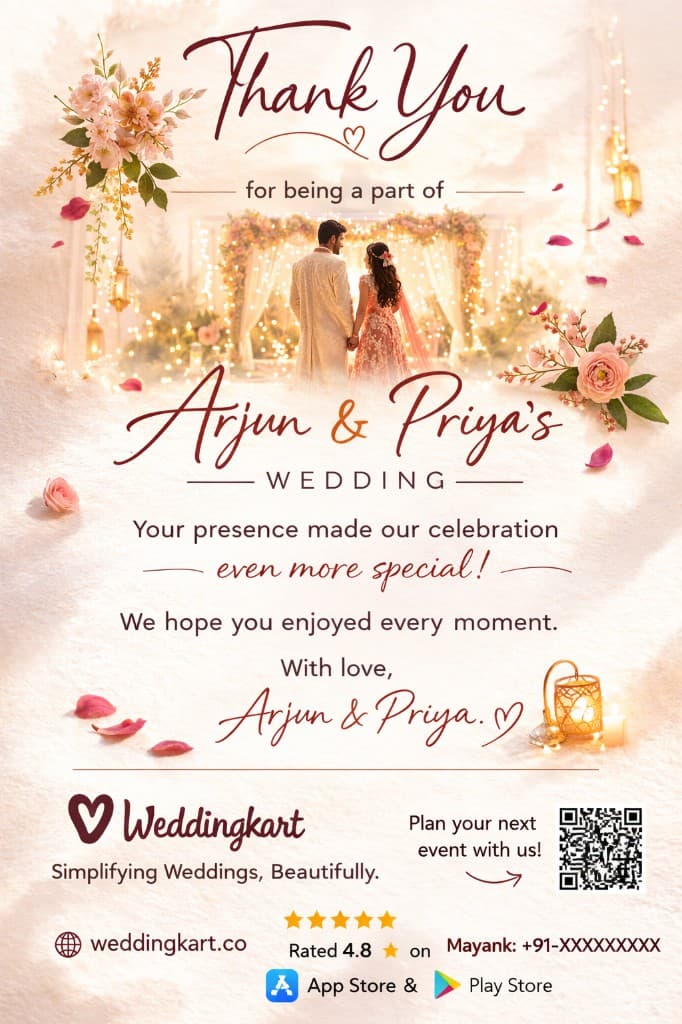
🙏 Thank you for being a part of our special day, Rahul! Your presence made it even more memorable. With love, Priya & Arjun 💍
Receives a thank-you message
After the wedding, the guest receives a warm thank-you message on WhatsApp — with a memory to keep.
Wedding Invite
Channel
🙏 Thank you for being a part of our special day, Rahul! Your presence made it even more memorable. With love, Priya & Arjun 💍