
Quick Answer
How do you send each wedding guest their own hotel and room number on WhatsApp?
Store each guest's hotel and room as fields imported from your guest Excel, then write one WhatsApp message with {Hotel Name} and {Room Number} merge fields — every guest receives their own version, so 300 guests get 300 personal messages. Send the hotel name early (it never changes), but send the room number only once the hotel has locked the rooming list, on the day before or at check-in, because rooms get reassigned.
Last updated:
How to Send Hotel Name & Room Number to Guests on WhatsApp
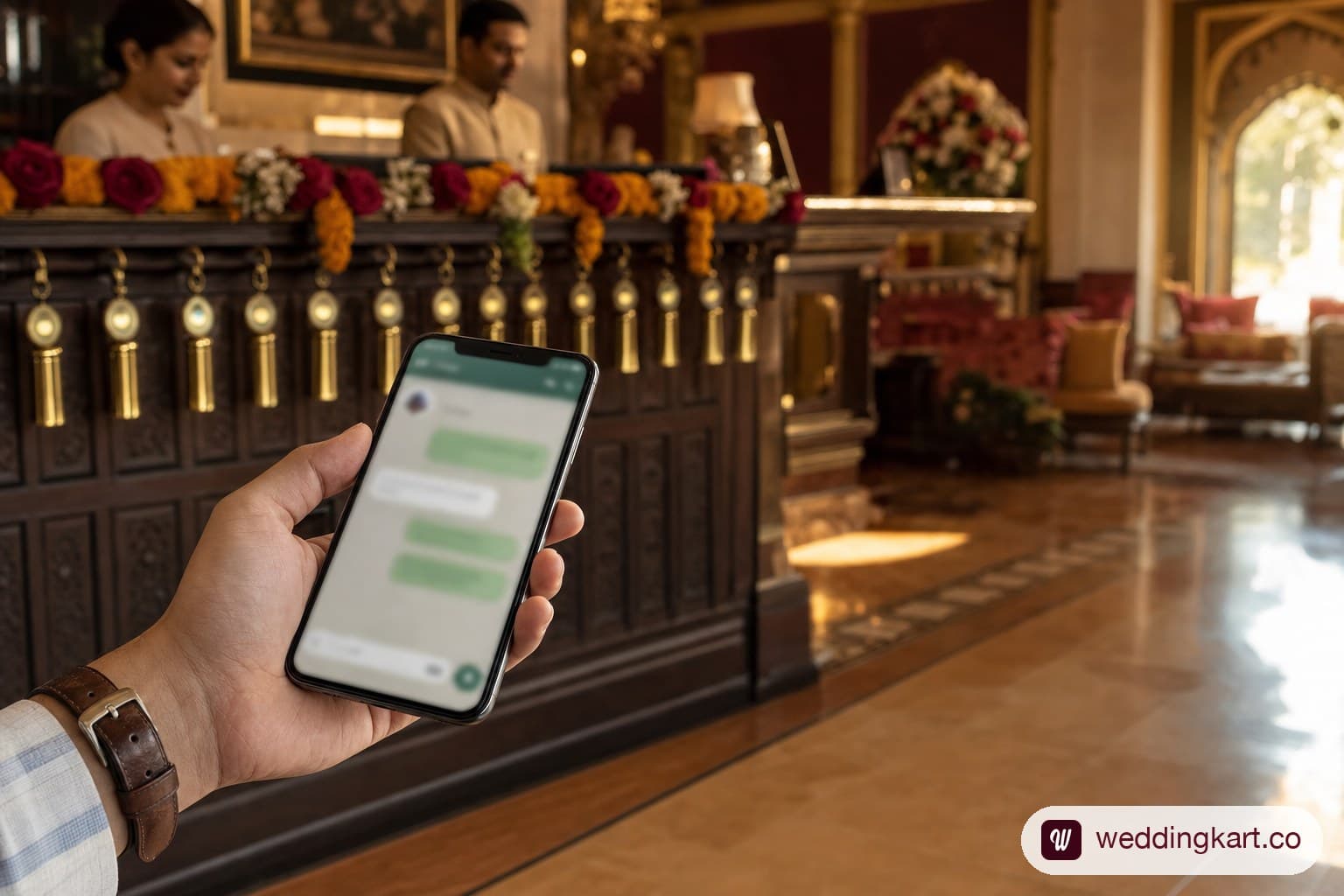
Two days before a 300-guest wedding, someone drops the rooming list into the family WhatsApp group — a screenshot of a spreadsheet with every guest's name, hotel, and room number on it. Within the hour, four people have asked which row is theirs, one has noticed a cousin got the suite, and the bride's mother wants it deleted.
There is a cleaner way to get 300 guests their room details, and it is the opposite of a shared table: send each guest a single WhatsApp message that contains only their own hotel and room. Store the hotel and room against each guest, write the message once with merge fields — {Hotel Name} and {Room Number} — and every guest receives their own version. Sachin reads “Room 101, Taj Mumbai”; Virat reads “Room 102, Taj Mumbai”; nobody scrolls a list, and nobody sees anyone else's room.
The mechanism is simple. The part that actually decides whether this works is when you send the room number — and that is where most weddings get it wrong.
Why a shared room list is the wrong tool
Two habits fill the gap, and both backfire.
- The group-chat table. One message, one screenshot, everyone's details. It leaks who is staying where (a real friction point when family politics ride on room tiers), forces every guest to hunt for their own name, and gets reforwarded until it is impossible to correct.
- The 1 a.m. copy-paste. A coordinator opening 200 individual chats and pasting room numbers by hand. It is accurate for about the first thirty guests. After that, someone gets the wrong room, and on the wedding morning that guest is standing at the wrong door.
Personalising the message removes both failure modes at once. The data already sits in the host's guest sheet; the message is written once; the system does the merge. What follows is how to set it up — and the one timing rule that keeps the room numbers right.
Before you send anything: how the allocation actually gets decided
Sending Rahul his room number assumes someone has already decided which room is Rahul's. That decision is its own small workflow, and it happens before any WhatsApp message goes out.
- Size the block off occupancy, not headcount. Thirty out-of-town guests is rarely thirty rooms — couples share, some are day-trippers, a few stay with relatives. Blocks run ₹3,000–₹10,000 per room per night, split between a contracted block (you pay for empties) and a courtesy block (held, no obligation). Guess low and a guest is stranded at midnight; guess high and the couple pays for empty rooms.
- Allocate by unit, not by name. A couple is one room. A family of four with kids is one room, or two adjoining if the hotel has them. Decide the unit first, then assign the room — not the reverse.
- Group by side and by relationship, the same way the guest list itself is structured — bride's side and groom's side rarely want to be mixed on a floor, and elderly relatives generally want a lower floor or one near the lift over a room with a view.
- Hold a buffer. Two or three rooms unassigned until a week out absorbs the plus-one who becomes plus-three and the guest who confirms late.
| Guest / Unit | Side | People | Room Type | Adjoining Req. | Room # | Status |
|---|---|---|---|---|---|---|
| Rahul & Priya Sharma | Bride | 2 | Double | No | 412 | Confirmed |
| Verma family (4) | Groom | 4 | 2 Double | Yes | 305, 306 | Confirmed |
| Sneha Iyer | Bride | 1 | Single | No | — | Buffer |
Once every row says "Confirmed" with a real room number, that's the moment to move to delivery — which is where the rest of this guide picks up.
Set up: hotel and room as per-guest details
The details come straight from the guest Excel the host already keeps. Add a column for Hotel Name and a column for Room Number next to each guest and import the sheet; Weddingkart detects the extra columns and lists them as fields you can drop into a message. It is the same guest attributes mechanism used for pickup points, bus groups, and dietary flags — hotel and room are simply its most common job. (For the full feature, see personalised guest details.)
| Guest Name | Phone | Hotel Name | Room Number |
|---|---|---|---|
| Rahul Sharma | +91 98200 11234 | Taj Lake Palace | 412 |
| Priya Mehta | +91 99300 55678 | The Leela Palace | 218 |
| Aman Verma | +91 98111 22890 | Taj Lake Palace | 305 |
| Sneha Iyer | +91 97400 33221 | The Leela Palace | not yet assigned |
| Rohan Gupta | +91 98999 77654 | Taj Lake Palace | 508 |
Then you write one message and drop the fields in as merge fields:
The message you write once
Dear {Guest Name}, you're booked at {Hotel Name}, room {Room Number}. Check-in is from 2 PM — the welcome desk in the lobby has your key. See you soon! 🎉
What Rahul receives:
Dear Rahul Sharma, you're booked at Taj Lake Palace, room 412. Check-in is from 2 PM — the welcome desk in the lobby has your key. See you soon! 🎉
What Priya receives:
Dear Priya Mehta, you're booked at The Leela Palace, room 218. Check-in is from 2 PM — the welcome desk in the lobby has your key. See you soon! 🎉
Each guest receives their own version through the verified WhatsApp Business API — the channel guests actually open, unlike email. One message, 300 personal ones, no re-segmenting your list by hotel.
The part everyone gets wrong: when to send the room number
Here is the tension worth naming. General advice — including our own guide to guest attributes — often says don't text guests their room numbers. That advice is right about one thing and wrong about another.
It is right that a room number sent too early is a liability. Hotels reassign rooms between check-in batches, upgrade a guest, or move someone for maintenance. Blast 300 room numbers a week out and a chunk of them are wrong by check-in — and guests blame the wedding team, not the front desk.
It is wrong to conclude you therefore can't send room numbers at all. You can — you just send them late, once the hotel has locked the rooming list. Split the two details by how stable they are:
- Hotel name — send early. It is fixed the moment rooms are blocked. Put it in the arrival message a week out so guests can plan the drive from the airport.
- Room number — send late. Send it the day before, on the morning of check-in, or the moment the guest arrives, using the final rooming list the hotel confirms. That is the version that will still be true when they walk to the door.
The WhatsApp side of this is trivial once the data is in place: same template, same {Room Number} field, you just fire it at the right hour instead of a week early.
A timeline that works
- ~1 week before — the arrival message. Hotel name, check-in date, and any airport-pickup detail. Everything here is stable, so it is safe to send in advance.
- Day before / check-in morning — the room message. Pull the hotel's finalised rooming list, update the Room Number column, and send the room number with check-in time and where to collect the key.
- On arrival — the welcome nudge. For guests landing through the day, send the room-and-key message as each one checks in, so what they receive is never stale.
If a room changes after you have sent it, fix that one guest's value in the app and resend to them alone — no new broadcast, no re-doing the sheet. Pair this with a hospitality desk in the lobby and the two cover each other: the message tells the guest their room, the desk hands over the key and the welcome hamper.
Guardrails so it doesn't embarrass you
- Set a fallback. For a guest with no room yet, a fallback like “your hotel” keeps the sentence reading cleanly instead of printing a blank or a raw
{Room Number}. - Use the pre-send check. Before the room message goes out, the dispatch screen flags any guest missing a room value so you fix the source row first — not after 40 guests have received a broken line.
- Skip the room line for the unassigned. Guests still without a room — late confirmations, day-only guests — can simply be left out of that send.
- Watch delivery. Because the room message is time-sensitive, delivery tracking tells you who actually received it, so you chase the three phones that were switched off — not re-blast all 300.
The short version
Sending every guest their own hotel and room on WhatsApp is a two-part job: personalise it, so each guest gets only their own from a single message; and time it, so the hotel name goes out early and the room number goes out once the rooming list is locked. Get both right and 300 guests walk straight to the correct door — with nobody scrolling a shared spreadsheet to find their own name.


Planning the room-and-travel logistics for a big wedding? WhatsApp us at +91 92176 10045 — we'll walk you through the setup for your event.
Frequently asked questions
Should you send wedding guests their room numbers before they arrive?+
Send the hotel name early — it never changes once rooms are blocked — but hold the room number until the hotel has locked the rooming list, usually the day before or at check-in. Hotels reassign rooms between check-in batches, so a number sent a week out is often wrong by arrival. Sent late, from the final list, it stays accurate.
How does each guest get only their own room number on WhatsApp?+
You store each guest’s hotel and room as fields (imported from your guest Excel), write one message with {Hotel Name} and {Room Number} merge fields, and the system fills in each guest’s values at send time. One guest reads “Room 412, Taj Lake Palace” while another reads their own — nobody sees a shared list.
What if a guest’s room changes at check-in?+
Update that one guest’s room value in the app and resend to them alone — no new broadcast for everyone. For guests arriving through the day, many teams send the room message as each guest checks in, so it is always current.
Can I send personalised room numbers with just WhatsApp?+
A normal group message or broadcast list can’t insert a different room for each recipient — everyone gets identical text, which is why people fall back to shared tables. Per-guest merge needs a tool that stores each guest’s details and sends through the WhatsApp Business API, like Weddingkart’s personalised guest details.
Related reading
Feature: Personalised Guest Details →
Send each guest their own hotel, room, flight and pickup — merged from your Excel.
Guest Attributes: Personalised WhatsApp for Every Guest →
The full guide to per-guest fields and how the merge works.
Destination Wedding Communication Timeline →
When to send every guest update across the run-up to the wedding.
What is a rooming list? →
How hotels map guests to rooms — and why the final version arrives late.
Was this article helpful?
Share