
Digital Wedding Invitations With RSVP: What Works and What Gets Missed
By Weddingkart TeamLast updated
Last updated:
Digital wedding invitations cost roughly $0 to $2 per guest against $3 to $8 for printed suites, and they track RSVPs automatically instead of making you decipher handwritten reply cards. The problem nobody mentions is delivery: a share of your guests will never see the invitation, and you will not know which ones until the RSVP deadline has passed.
That risk is manageable, but only if you plan for it before you send. This guide covers what digital invitations cost, which channel actually reaches people, and what to do about the households that go quiet.
Is it okay to send digital wedding invitations?
Yes. Digital invitations are now standard for save the dates and widely accepted for the invitation itself, particularly for casual and destination weddings.
Two situations still call for paper. A black-tie or formal wedding, where the physical invitation signals the register of the event and its absence reads as a mismatch. And any guest list with a meaningful number of people over about 70, where a share simply will not engage with an emailed invitation.
The common answer is a split send: digital for most of the list, printed for the households that need it. That is more work than picking one, and it is what most experienced planners actually do.
What digital wedding invitations cost
| Option | Cost per guest | RSVP tracking | Design quality |
|---|---|---|---|
| Free platform (Evite, basic tiers) | $0 | Basic | Templated, ads on free tiers |
| Paid digital suite (Paperless Post, Bliss and Bone) | $0.50–$2 | Good | High |
| Custom designed digital | One-off design fee, then $0 | Depends on platform | Whatever you commission |
| Wedding website RSVP only | $0 | Good | n/a, no invitation artefact |
| Printed suite | $3–$8 | Manual | High |
The figures above cover the invitation itself. Printed suites carry postage on top, both outbound and on the reply card if you include a stamped return envelope, which roughly doubles the per-guest cost for a traditional suite.
The real saving is not the money. It is that digital RSVPs arrive as structured data, so you are not transcribing 180 handwritten cards into a spreadsheet at 11pm.
Email vs text vs WhatsApp vs link: which actually reaches people
The channel matters more than the design. A beautiful invitation in a spam folder has a delivery rate of zero.
| Channel | Reaches | Fails when | Best for |
|---|---|---|---|
| Most guests under 60 | Lands in spam or promotions; address is stale | The main send, with a fallback | |
| Text / SMS | Nearly everyone with a mobile | Feels informal for formal weddings; needs current numbers | Reminders and the chase |
| Strong for international and South Asian guest lists | Low adoption among older US guests | Guests abroad, group coordination | |
| Printed with QR code | Everyone who opens post | Slow; QR scanning defeats some older guests | Formal weddings, older households |
| Wedding website link only | Guests who click through | No push; passive by nature | Detail and updates, not the invitation |
The practical pattern is: email as the main send, text as the reminder channel, paper for the households you know will not engage digitally.
For international guest lists, channel choice shifts significantly. Our breakdown of WhatsApp versus email adoption by country has the detail if a large share of your list is outside the US.
How paperless wedding invitations work
The mechanics are consistent across platforms.
- Build your guest list with names, email addresses and mobile numbers, one row per guest, grouped into households.
- Design or choose the invitation. Most platforms are template-based with limited customisation on free tiers.
- Attach an RSVP form to the invitation, covering attendance, per-event responses if relevant, meal choice and dietary requirements.
- Send, either all at once or in waves.
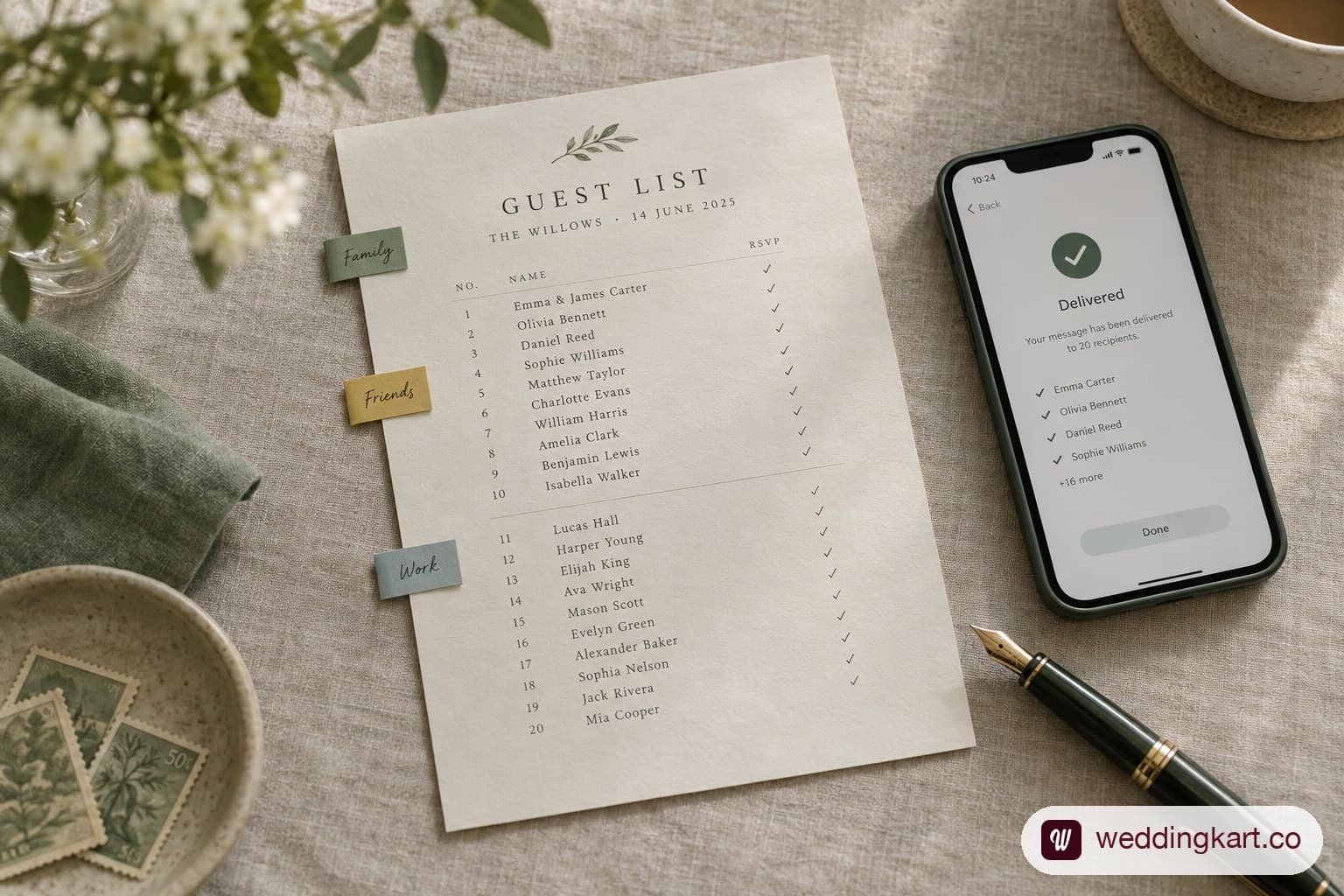
- Track who opened, who responded, and who did neither.
- Chase the non-responders, which is the part that takes the real work.
The step that separates platforms is step 5. Some tell you only who responded. Better ones tell you who opened without responding, which is a completely different problem requiring a different message, and lets you distinguish a guest who is undecided from one who never received the invitation at all.
What to write in a digital wedding invitation
The content is the same as a printed invitation. The formatting is not.
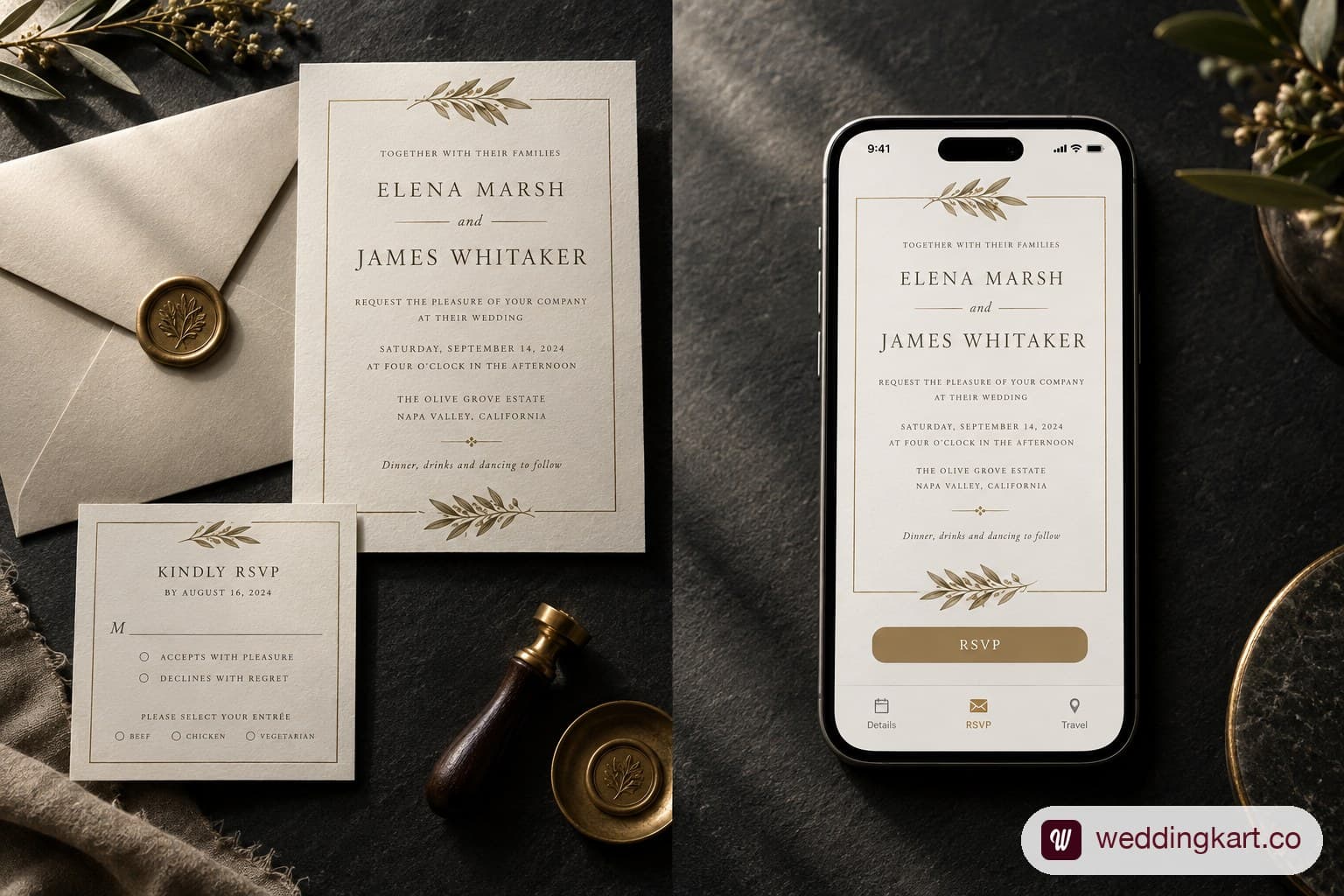
Include: both names, the hosts if parents are hosting, date, time, venue name and full address, dress code, RSVP deadline, and a link or button to the RSVP form.
Three differences from print:
Front-load the date. Guests read the first two lines on a phone and decide whether to keep reading. Names and date go first.
Make the RSVP a button, not a sentence. "RSVP by May 1" as plain text gets a fraction of the responses of a tappable button.
Keep it to one screen. A digital invitation that requires scrolling loses people. Put the detail on your wedding website and link to it.
For wording itself, our wedding invitation wording guide covers the full range including divorced and deceased parents, which is the case most templates handle badly.
The deliverability problem nobody mentions
This is the section The Knot and every stationery brand skips, because a stationery brand has no incentive to tell you their product might not arrive.
Digital invitations fail in five ways, all silent.
Spam and promotions filtering. Bulk-sent email from a platform domain frequently lands in promotions rather than the inbox. Gmail is the biggest single point of failure because it filters most aggressively and holds the largest share of US personal email. You will not be notified.
Stale addresses. The email address you have for a relative may be one they stopped checking in 2019. It will not bounce. It will simply sit unread.
Wrong household member. You have one address for a couple, and it belongs to the one who does not manage their social calendar.
Deleted without opening. A subject line that reads like marketing gets treated like marketing.
Never scrolled. Mobile email previews cut off after a line or two. If the RSVP button is below the fold and the guest does not scroll, functionally they did not receive an invitation.
How to reduce the failure rate
- Send a test to yourself and two friends on different email providers before the real send. Check whether it lands in inbox or promotions on Gmail specifically.
- Warn guests it is coming. A text saying "our invitation is landing in your email today, check promotions if you don't see it" materially improves open rates. This single step does more than any design change.
- Use a subject line that looks personal, not promotional. "Alex and Jordan's wedding, June 14" beats "You're invited!"
- Send from a name guests recognise, not a platform default.
- Follow up on a second channel within a week. Text is the highest-reaching option.
- Track opens, not just responses, so you can separate no-answer from never-saw-it.
The households that go silent across two channels need a phone call. There is no software fix for that, and building the call list is a normal part of wedding planning rather than a failure.
Where this stops being manageable by hand is around the 200-guest mark, or any wedding with several events where each guest has a different invitation. WeddingKart's guest management tracks delivery and response per guest per event and moves the chase to whichever channel that household actually answers on, so the silent ones surface weeks before your deadline rather than after it.
Guests who will not respond digitally, and the fallback plan
Assume 10 to 15 percent of your list will not RSVP digitally regardless of what you do. Plan for them rather than being surprised.
Identify them in advance. Before you send, go through your list and flag anyone over about 75, anyone you have no mobile number for, and anyone you know is not comfortable online. That flagged group gets a different treatment from the start.
Give them a phone number. A digital invitation with a line saying "or call Priya on 555-0142 to RSVP" removes the barrier entirely. Nominate a family member on each side who will field those calls.
Send them paper. A printed invitation to thirty households costs a fraction of printing for the whole list and solves the problem outright.
Have someone call them. Two weeks before the deadline, whichever family member knows them best makes the call. This works better than any reminder and is how most weddings actually close the gap.
Etiquette: when digital is fine and when it is not
Digital is fine for: save the dates in nearly every case, casual and outdoor weddings, destination weddings where guests need links and updates anyway, second marriages, reception-only invitations, and any wedding where most of the list is under 60.
Paper is still expected for: black-tie and formal weddings, invitations where a parent's generation is hosting and would be embarrassed by an email, and very traditional religious ceremonies.
The split send is the honest answer for most US weddings in 2026. Digital for the bulk of the list, printed for the twenty to forty households that need it. It costs more than going fully digital and far less than printing for everyone, and it is what avoids the one outcome that actually matters: a relative who was never told.
Frequently asked questions
Are digital wedding invitations tacky? Not for most weddings. They read as informal, which is a mismatch for black tie and a fit for everything else. The tackiness risk is in the design and the wording, not the medium.
How much do digital wedding invitations cost? Free on basic platforms, roughly $0.50 to $2 per guest on paid ones, against $3 to $8 per guest for printed suites before postage.
Can I send digital save the dates and printed invitations? Yes, and it is the most common combination. Save the dates carry no formality expectation, so digital is the default.
What if a guest's email bounces? Treat a bounce as a hard failure and switch that household to phone or post immediately. A bounce is the good case, because at least you know. Silent non-delivery is the harder problem.
Do digital invitations work for multi-day weddings? Only if the platform supports separate guest lists per event. Most free tiers give you a checkbox per event instead, which breaks when different guests are invited to different events. See multi-event RSVP tracking for how that differs.
How far in advance should I send digital invitations? The same timeline as print: six to eight weeks for a local wedding, three months for a destination one. Being digital does not mean being late. Our guide on when to send wedding invitations has the full schedule.
Sources
- How Digital Wedding Invitations Work With Pros & Cons, The Knot
- Online Invitations, Paperless Post
- Online Wedding Invitations, Evite
- Online Wedding Invitations, Bliss and Bone
Pricing checked September 2026.