
Last updated:
All PostsWedding Invitation Video Maker: 15+ Free Templates & How to Send on WhatsApp
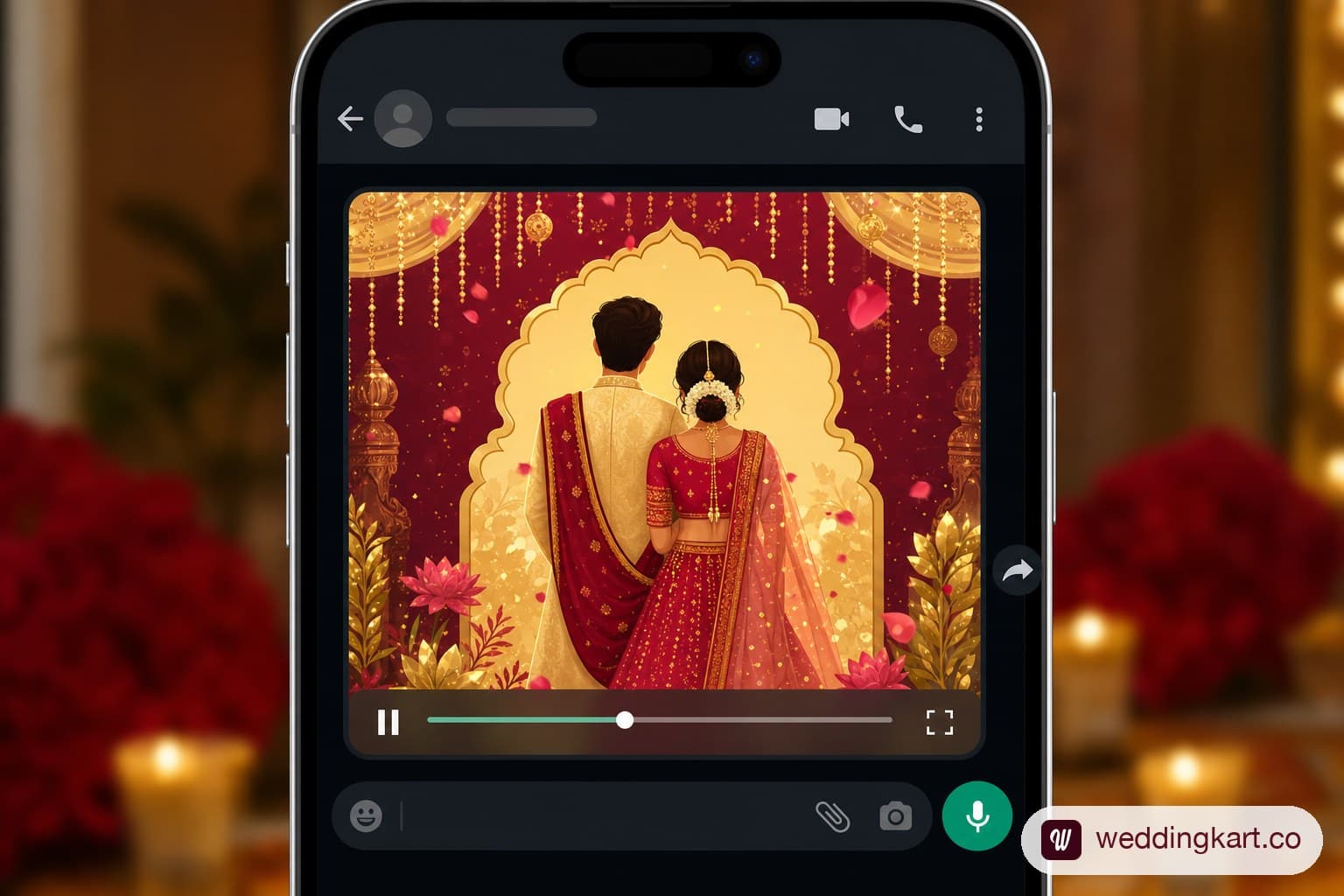
Video invites have quietly overtaken static cards as the default way Indian couples announce their wedding on WhatsApp — and the number of free (and not-so-free) video makers out there has exploded to match. This guide rounds up 15+ real template styles, breaks down what "free" actually means across the major tools, and covers the WhatsApp-specific details (compression, aspect ratio, length) that determine whether your invite looks great or grainy in a guest's chat.
Why video invites are overtaking static cards
A static card is a single image — nice, but static. A video invite can layer music, motion graphics, the couple's photos, and animated text revealing the date and venue, all in 20-30 seconds. On WhatsApp specifically, a video auto-plays or is a single tap away in the chat, and it tends to get watched (and forwarded) far more than a static image gets studied. For a generation that already consumes short-form video everywhere else, a video invite simply feels more current — and more shareable when a guest wants to forward it to their own plus-one.
Free vs paid video invitation makers — what's the difference
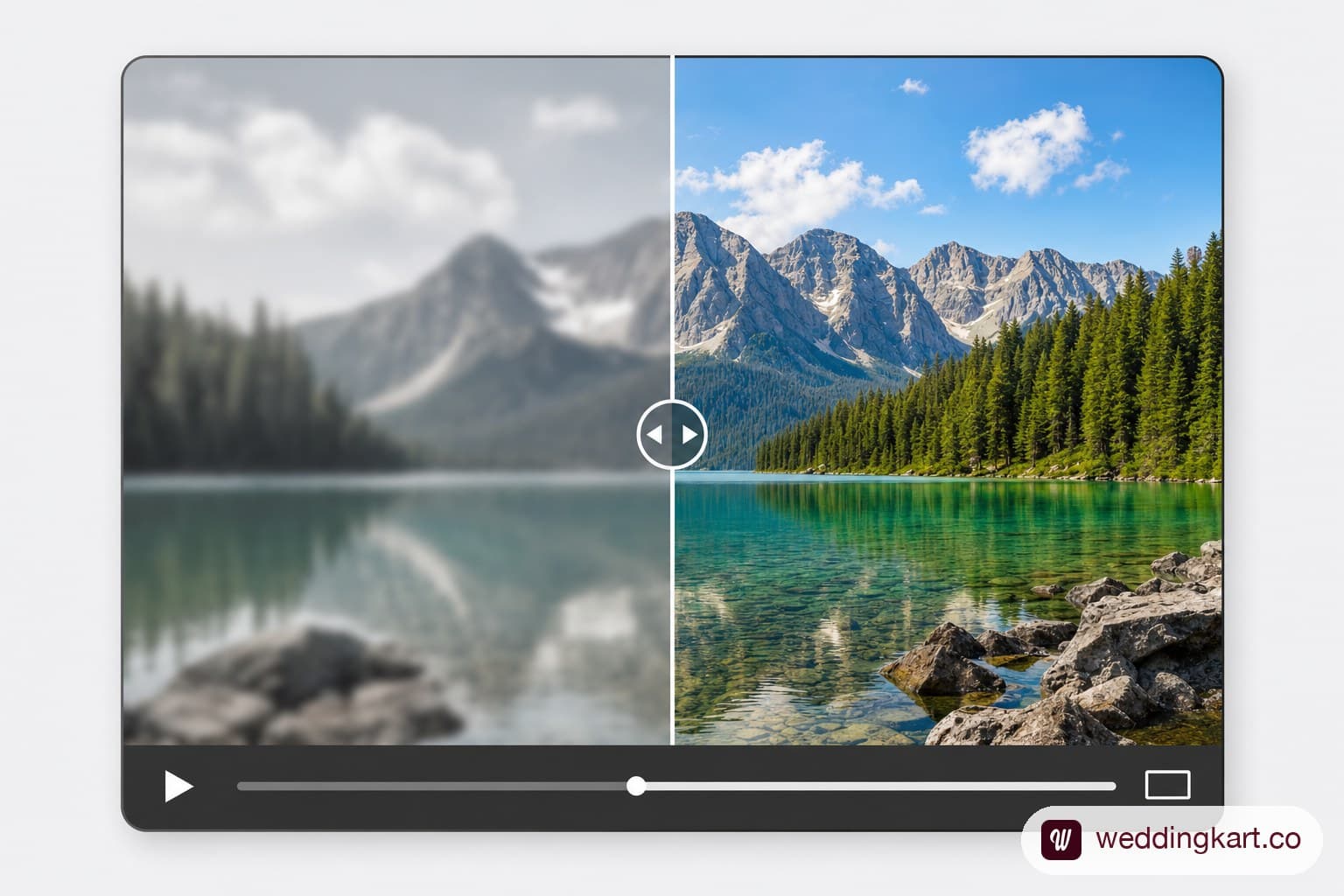
This is the part almost nobody explains clearly: most tools that advertise "free wedding invitation video" have a catch. The pattern shows up across nearly every free template site — you customise the whole video, get excited, hit download, and only then discover a watermark stamped across the video, a resolution cap (often 480p, which looks visibly soft on a modern phone screen), or a hard paywall at the export step. It's the same dark-pattern problem that shows up across other "free" wedding-tool categories — the free tier is really a preview, not a usable final product.
That's not to say every free tool is a trap — some genuinely offer a usable free export, just with fewer template choices or a small logo credit rather than a watermark plastered over the couple's names (we cover the same pattern in our marriage biodata maker research). The practical move is to check the export terms before investing twenty minutes customising a template: does the free tier export at full resolution, watermark-free, with no minute-by-minute time limit?
15+ template styles
Traditional (Kankotri/Shadi-card animated)
- Classic red-and-gold Kankotri with animated peacock motif
- Ganesh-ji opening animation with traditional shehnai music
- Marigold-and-diya themed border with elegant script fonts
- Royal Rajasthani-pattern frame with animated jharokha reveal
- Bengali-style shubho bibaho card with red-and-white motifs
3D & AI-generated styles
- 3D animated mandap with rotating floral arch reveal
- AI-generated couple caricature walking into a decorated venue
- 3D typography with names forming out of gold particle effects
- Animated fireworks-and-confetti reveal with couple photo overlay
- AI-stylised "storybook" animation of the couple's journey
Simple text + music templates
- Minimalist white-and-gold text animation with soft instrumental
- Elegant cursive typography with a single couple photo backdrop
- Modern gradient background with clean sans-serif date reveal
- Photo-slideshow style with soft transitions and romantic music
- Simple countdown-style template ("Save the Date" ticking down)
- Pastel floral-frame template with handwritten-style font
How to customise your video invite (name, date, venue)
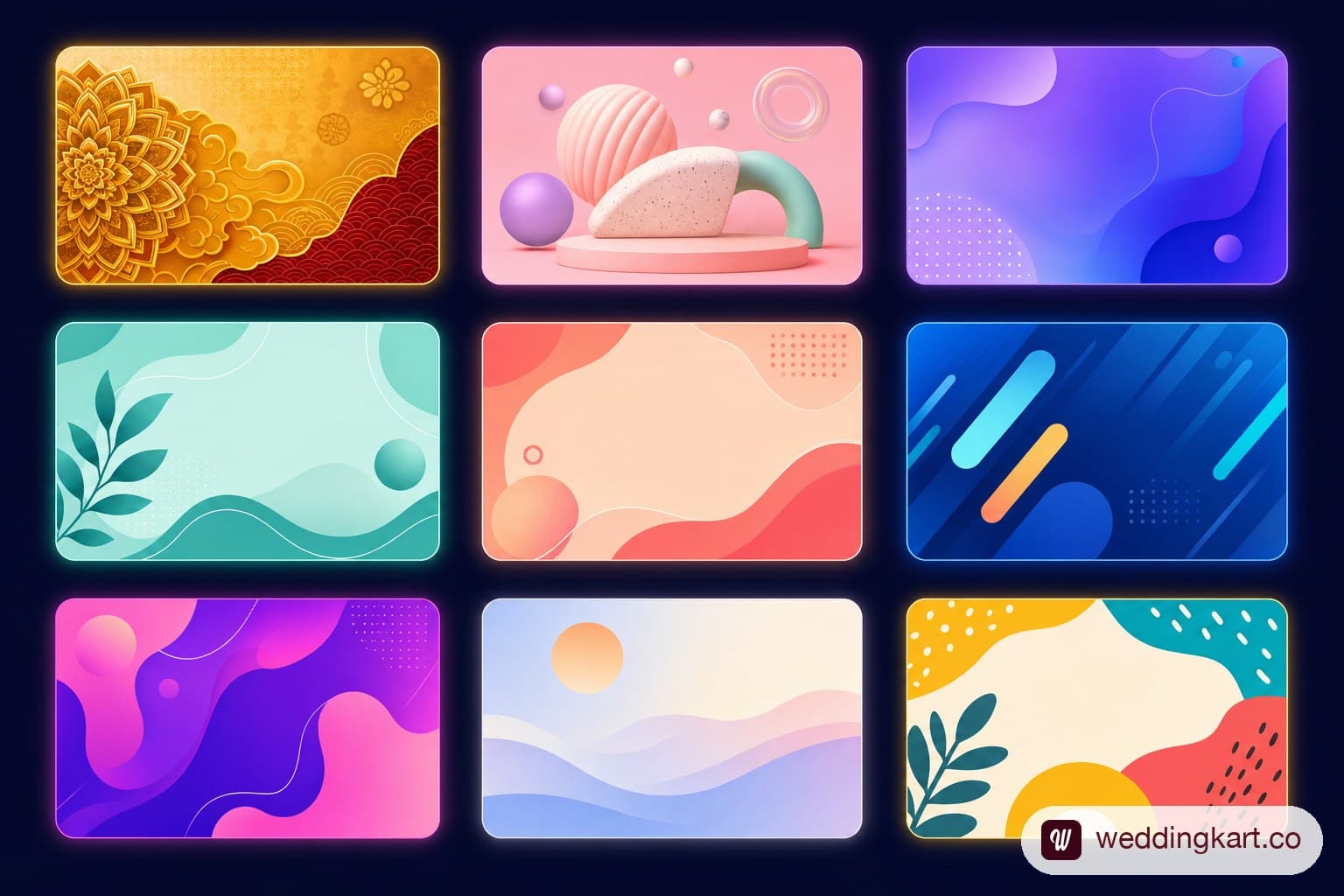
Most template tools follow a similar flow: pick a template, then fill in a form with the couple's names, wedding date, venue name and address, and any additional event details (haldi, sangeet, reception times). Better tools let you swap in your own photos and adjust the colour palette to match your wedding's theme; simpler ones lock the design and only let you edit text. Preview the full video before exporting — templates can look different once real names and longer venue addresses are dropped in, especially if a long venue name overflows the text box on some templates.
How to send a video invite on WhatsApp without it compressing badly
WhatsApp automatically compresses video sent through the app, which can visibly soften a crisp invite if you're not careful about the source file. A few practical fixes:
- Keep it under 60-90 seconds. Longer videos get compressed harder and guests are less likely to watch to the end anyway.
- Export at 1080p, not 4K. WhatsApp compresses everything down regardless, so a 4K export just means a slower upload with no visible quality benefit on a guest's phone screen.
- Use a 9:16 (vertical) or 1:1 (square) aspect ratio. Vertical fills a phone screen properly in-chat; a widescreen 16:9 video shows up small with black bars either side.
- Send as a "Document" instead of a normal video attachment if quality matters most. WhatsApp compresses documents less aggressively than regular media, at the cost of guests needing an extra tap to open it.
- Pair it with the text invite — see our WhatsApp wedding invitation message templates — the video sets the tone, the text carries the RSVP details and Maps link guests actually need.
Free tools compared: watermarks, resolution, download limits
| Tool type | Typical free tier | Watermark | Max resolution (free) | Notes |
|---|---|---|---|---|
| Generic free template sites | Preview only, export locked or paywalled | Usually yes | 480p-720p | Read export terms before customising |
| App-based invite makers | Limited templates, workable export | Small logo, sometimes removable | 720p-1080p | Varies significantly by app |
| WeddingKart video generator | Full customisation, wedding-specific templates | No watermark | 1080p | Built specifically for WhatsApp delivery |
Make it, then send it right
Building a beautiful video invite is only half the job — sending it in a way that reaches every guest, personalised, and trackable, is the other half. This is where WeddingKart connects the two steps directly: create your video invite using the built-in wedding invitation generator (or the function-specific mehendi, haldi, and reception invitation generators), then send it personalised per guest, tracked for delivery, via WhatsApp announcements — all in one flow, instead of exporting a video from one tool and manually pasting it into WhatsApp chats one by one. See also our roundup of the best AI wedding invitation generators. Try the Generator
The takeaway
Video invitations are now genuinely the format guests expect to see land in their WhatsApp chat, and there's no shortage of template styles to choose from — traditional Kankotri animations, 3D and AI-generated styles, or simple text-and-music templates. The real decision points are less about which template looks nicest and more about avoiding the watermark-and-paywall trap most "free" tools set, and getting the technical details (resolution, aspect ratio, file size) right so the video actually looks good once WhatsApp compresses it.
💌 WeddingKart's video generator exports full resolution, watermark-free, and sends it personalised per guest via WhatsApp announcements — no exporting and re-pasting required.
Try the Generator →By Mayank JaiswalLast updated
Was this article helpful?
Share