
Last updated:
All PostsWhatsApp's Wedding Event Invite Feature, Explained (2026)
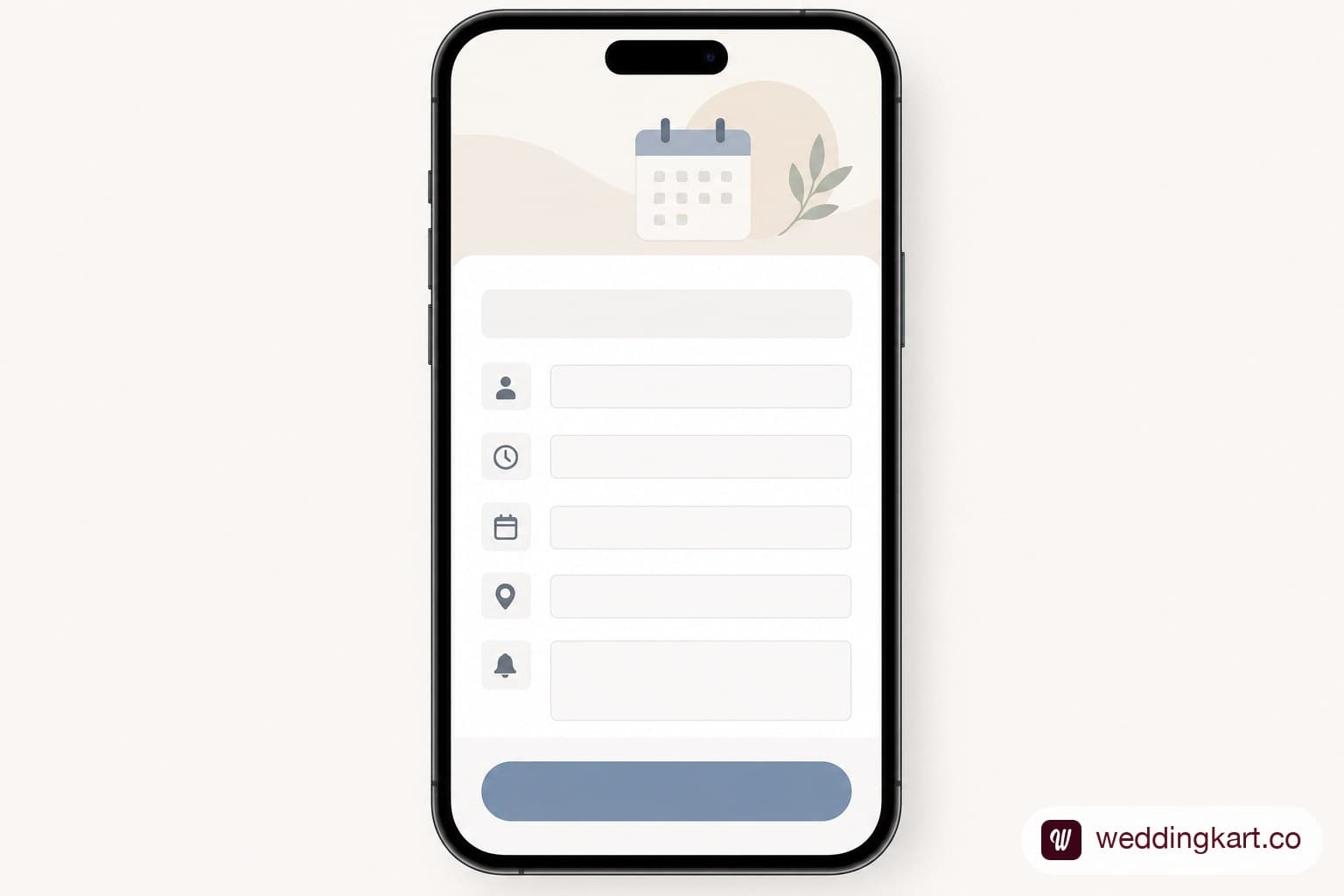
WhatsApp's built-in Events feature has quietly become useful enough that couples are starting to use it for real wedding logistics — and almost nobody has written a clear, wedding-specific explainer of what it can and can't do. Here's what the feature actually offers, how to set one up, and where it genuinely falls short once your wedding has more than one function.
What the feature actually does
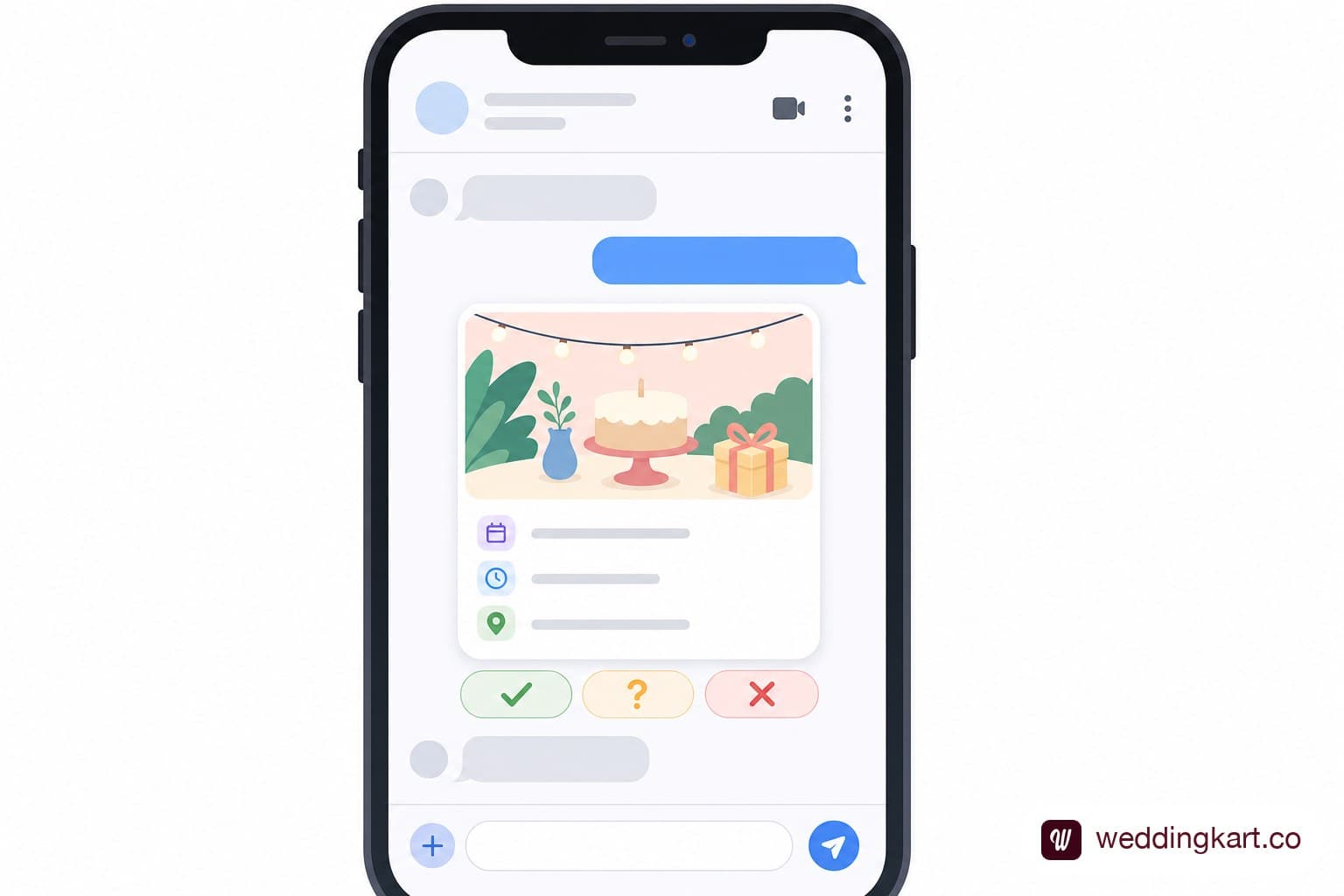
WhatsApp Events lets you create a structured event — with a name, date, time, location, and optional notes — inside a group, a community, or even a 1:1 chat, rather than relying on a plain text message to announce it. Once created, the event appears as a dedicated card in the chat that members can interact with directly, instead of scrolling back to find "the message with the details" days later.
Guests can RSVP with yes, no, or maybe, and the feature has expanded to support inviting a plus-one, setting an end date and time for longer events, and pinning the event card to the top of the chat so it doesn't get buried under other messages. For a single-function gathering — a sangeet, a mehndi, an engagement party — this covers the basics reasonably well.
How to create one for your wedding
- Open the group, community, or chat where your guests are already added.
- Tap the attachment icon and select Event.
- Fill in the event name (e.g. "Sangeet Night — [Couple Name]"), date, start time, and end time if relevant.
- Add the venue — WhatsApp allows a location that guests can tap to open in Maps.
- Add any notes (dress code, parking instructions, a note about the schedule).
- Post the event — it appears as a card in the chat, and members can RSVP directly from there.
What it's good for — and where it falls short at scale
For a single event with a guest list under a couple hundred people, the native feature genuinely works: it's free, it's built into an app your guests already have open, and the RSVP buttons are a real improvement over a scrolling group thread. Where it starts to strain is a full, multi-day Indian wedding with several distinct functions and a guest list that doesn't overlap perfectly across all of them.
No per-event tracking across multiple functions
A real Indian wedding often has four or five separate functions — haldi, mehndi, sangeet, wedding ceremony, reception — frequently with different (overlapping but not identical) guest lists for each. WhatsApp Events handles one event at a time reasonably well, but there's no built-in way to see, at a glance, who's confirmed across all of them, or to manage guest lists that differ function by function without creating and tracking several separate event cards manually.
No delivery/read reporting per guest
The RSVP buttons tell you who's tapped yes, no, or maybe — but there's no delivery or read tracking beyond that, and no way to export a clean, per-guest report of who's confirmed for what. For hosts trying to finalise catering counts or seating charts, "some people RSVP'd in the app, some replied in text, some haven't responded at all" is a common and frustrating mix to reconcile by hand.
Still capped by group/contact limits
Because Events lives inside groups and chats, it inherits WhatsApp's normal group-size ceiling of 256 members. A wedding with more guests than that runs into the same wall covered in our piece on managing 500+ guests across a multi-day wedding — the native Events feature doesn't change that underlying limit.
When the native feature is enough, and when you need more
If you're hosting a single, smaller function with a guest list that comfortably fits in one group, WhatsApp's native Events feature is a genuinely good, free option — use it and don't overthink it. If you're running a multi-day, multi-function wedding with a guest list in the hundreds and different combinations of guests per event, the native feature's limits (no cross-event view, no delivery reporting, the 256-member ceiling) start to matter quickly.
This is exactly the layer WeddingKart adds on top. Where WhatsApp's native event feature is a good start for a single function, WeddingKart is built for the full picture: multi-event support with per-event RSVP tracking across every function in a multi-day wedding, RSVP tracking with delivery and read reporting per guest, and scheduled announcements for reminders — without the group-size ceiling. Compare Features

The bottom line
WhatsApp's Events feature is a real, useful upgrade over a plain group announcement, and it's worth using for smaller, single-function gatherings. For a full multi-event Indian wedding, though, its limits show up fast — no cross-event guest tracking, no delivery reporting, and the same 256-member ceiling that affects every other native WhatsApp tool. Know which situation you're in before you commit to it as your only RSVP system.
Sources: New Feature Roundup: Updates to group chats, events, calls, channels and more, How to Create a WhatsApp Event: Step-by-Step Guide
💌 WeddingKart handles the full multi-event picture WhatsApp's native Events feature doesn't: per-event RSVP tracking, delivery and read reporting, and scheduled reminders, with no 256-member ceiling.
Compare Features →By Mayank JaiswalLast updated
Was this article helpful?
Share