
Last updated:
All PostsHow Many Guests Can You Fit in a Wedding WhatsApp Group? (And What to Do Past 256)
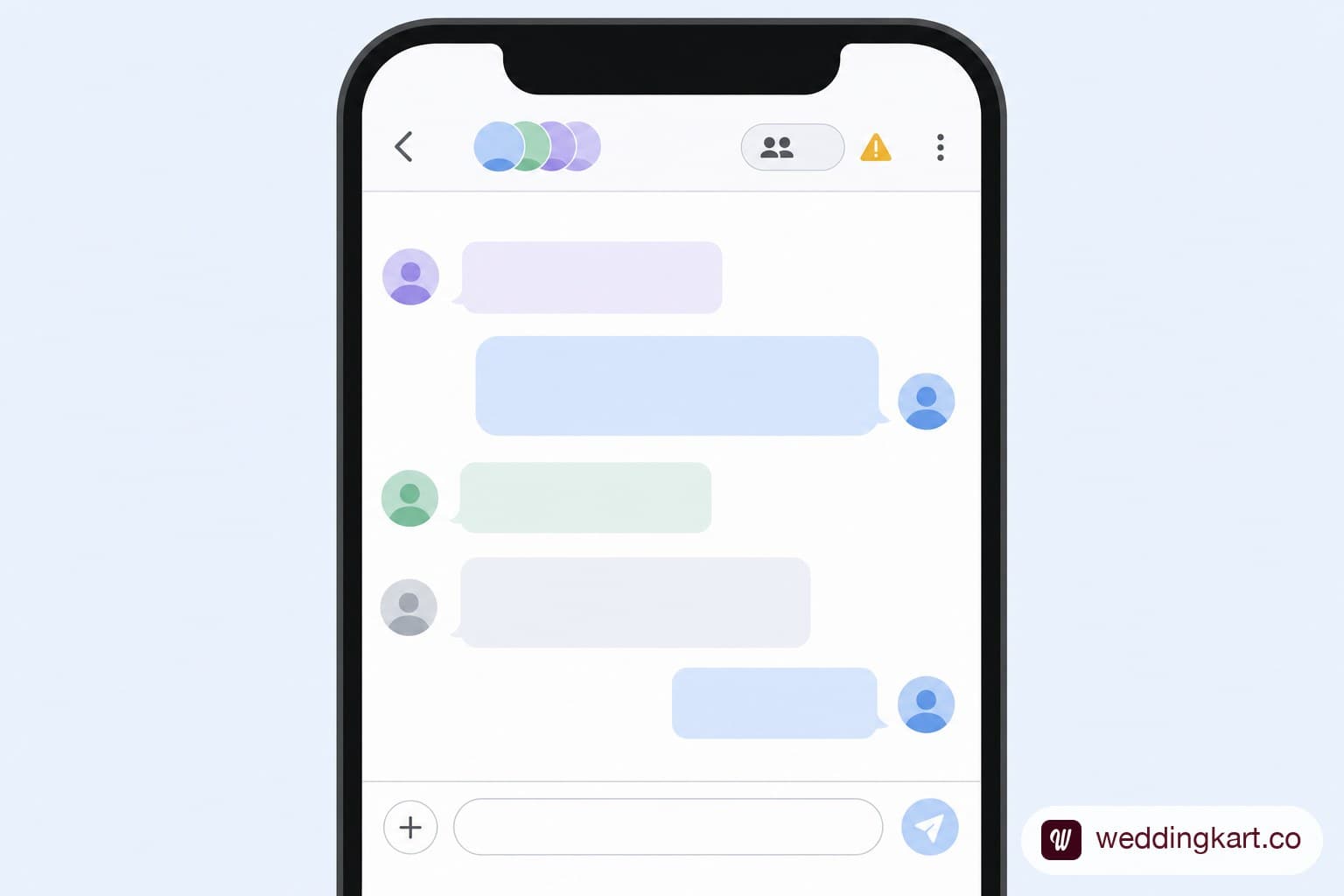
If you're building out your wedding WhatsApp group and wondering whether it can hold your entire guest list, here's the number that matters: 256 members. That's WhatsApp's hard cap on both groups and broadcast lists — not a soft recommendation, a technical ceiling you simply cannot cross. For a large Indian wedding, that number gets hit faster than most hosts expect.
WhatsApp's real limit: 256 members per group
Whether it's a group chat or a broadcast list, WhatsApp stops you at 256 contacts. There's no premium tier or setting that raises this — it's a platform-wide limit that applies to every WhatsApp user equally. For context, a mid-sized Indian wedding with extended family, both sides' friend circles, and colleagues can easily clear 300, 500, or more invitees once you count every function — which means a single group was never going to hold everyone in the first place.
What happens when your guest list is bigger than that
Once a group hits 256 members, you simply can't add another person — WhatsApp blocks it outright. Hosts who don't plan for this ahead of time typically discover it mid-way through adding guests, days or weeks before the wedding, and end up scrambling to create a second group on the fly, re-explaining to a batch of latecomers why they're in "Group 2" instead of the main one. It's avoidable friction if you plan the split from day one instead of hitting the wall by accident.
Splitting one wedding into multiple groups: the right way
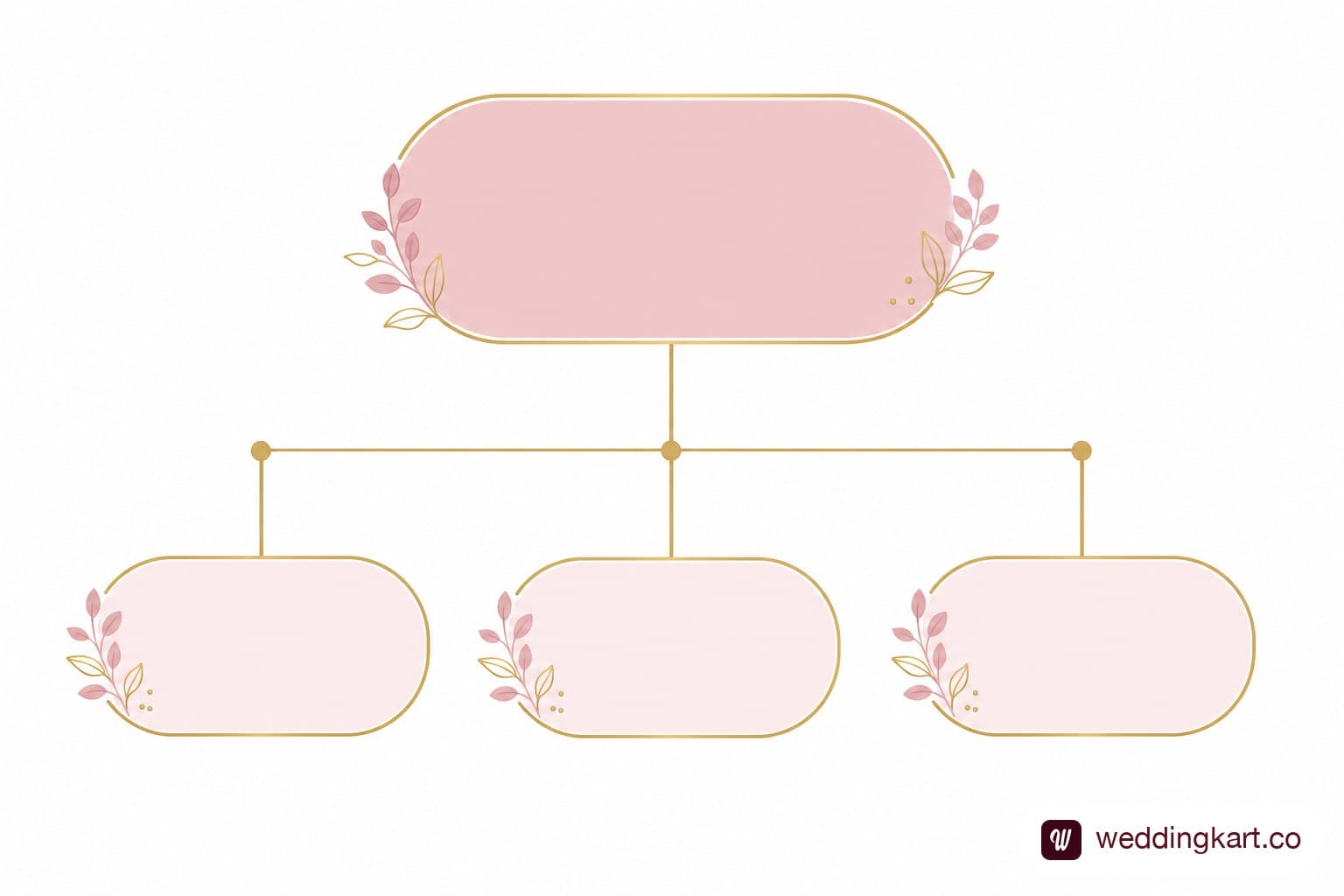
Rather than splitting arbitrarily once you hit the cap, plan the split around a logic guests will actually understand:
- By side: bride's family and friends in one group, groom's side in another — the most common and intuitive split for Indian weddings.
- By event: a group for haldi/mehndi attendees, a separate one for wedding-and-reception-only guests, useful when your functions have genuinely different guest lists.
- By city or travel status: useful for destination weddings, where out-of-town guests need different logistics info (travel, accommodation) than local guests.
Whichever logic you pick, name each group clearly ("[Couple Name] — Bride's Side" vs "[Couple Name] — Groom's Side") so nobody's confused about which one they're in, and keep a master spreadsheet mapping guests to groups so you're not relying on memory to track who's where — see our guide on cleaning a wedding guest list for WhatsApp if your spreadsheet is already messy.
Why a group was never meant to be a guest-list tool
It's worth being direct about this: WhatsApp groups were designed for conversation among a bounded circle of people, not as a database for tracking hundreds of individual guests' attendance. A group tells you who's a member — it doesn't tell you who's actually coming to which specific event, who still needs a nudge, or who RSVP'd weeks ago versus who's gone quiet. Treating a group as your source of truth for guest management means falling back on manually scrolling through chat history to figure out who said yes, which gets genuinely unmanageable somewhere around the 100-guest mark.
What actually scales past 256 guests
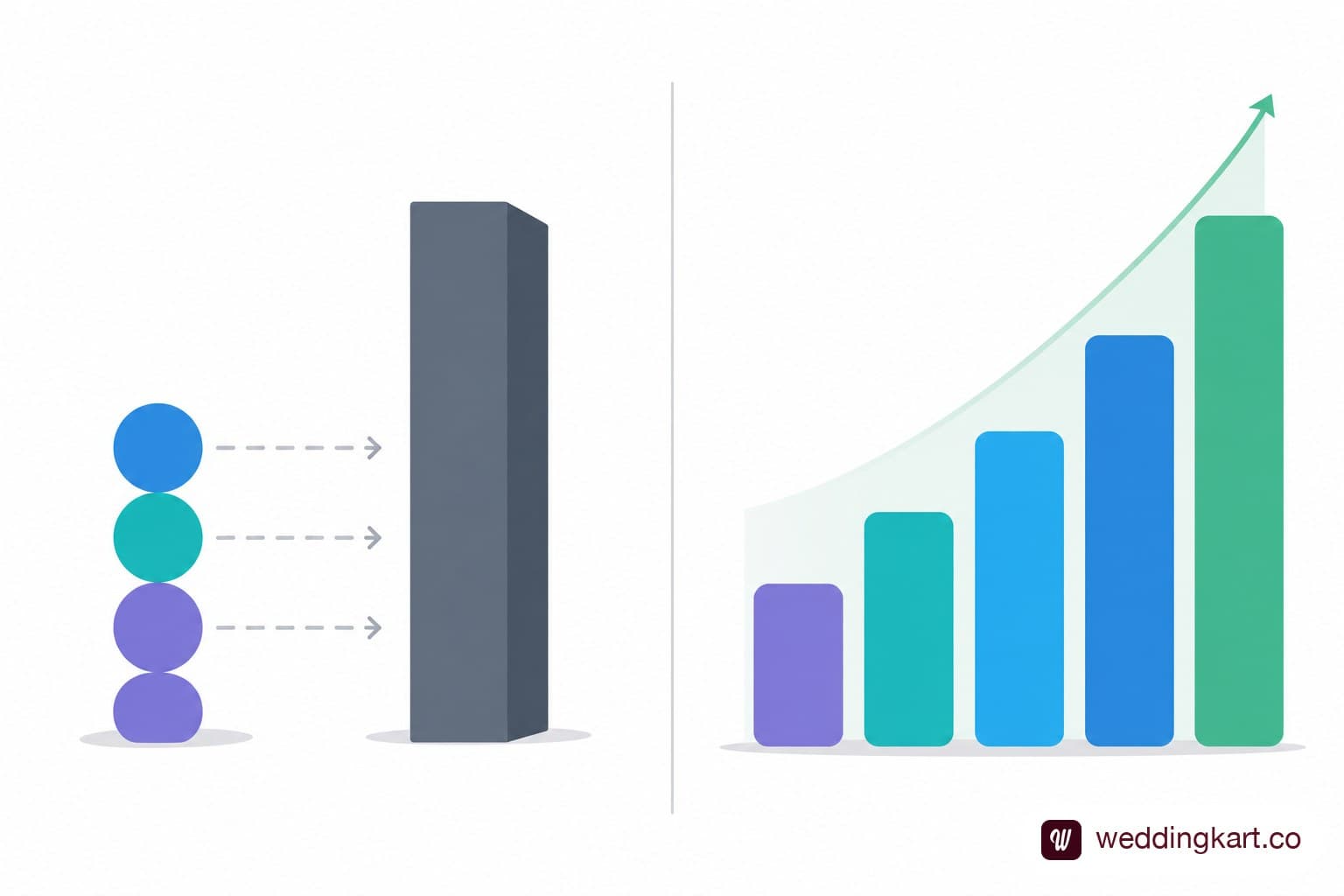
For a guest list that's outgrowing WhatsApp's native group and broadcast-list limits, the practical fix isn't more groups — it's a system built to send personalised messages to an unlimited list while keeping every guest's status trackable in one place. WeddingKart does exactly this: 256 is WhatsApp's ceiling, not WeddingKart's. Messages go out personalised to your entire guest list, however large, via guest management, with per-event grouping (haldi, sangeet, wedding, reception) built in from the start — so you're not manually splitting groups or losing track of who's confirmed for what. Our wedding guest management software page has the full picture. See How It Works
The takeaway
256 members is a hard, unmovable ceiling for any WhatsApp group or broadcast list — plan your group structure around that number from the start rather than discovering it mid-way through adding guests. Split by side, event, or city depending on what makes sense for your wedding, keep a master list mapping guests to groups, and remember that a group was built for conversation, not for tracking who's actually attending. For anything beyond a few hundred guests, a dedicated system built for per-event guest tracking will save far more time than another WhatsApp group ever could.
💌 256 is WhatsApp's ceiling, not WeddingKart's. Send personalised messages to your entire guest list, however large, with per-event grouping built in from the start.
See How It Works →By Mayank JaiswalLast updated
Was this article helpful?
Share