
Last updated:
All PostsThe 7-Star VIP Guest Experience Playbook for Indian Weddings
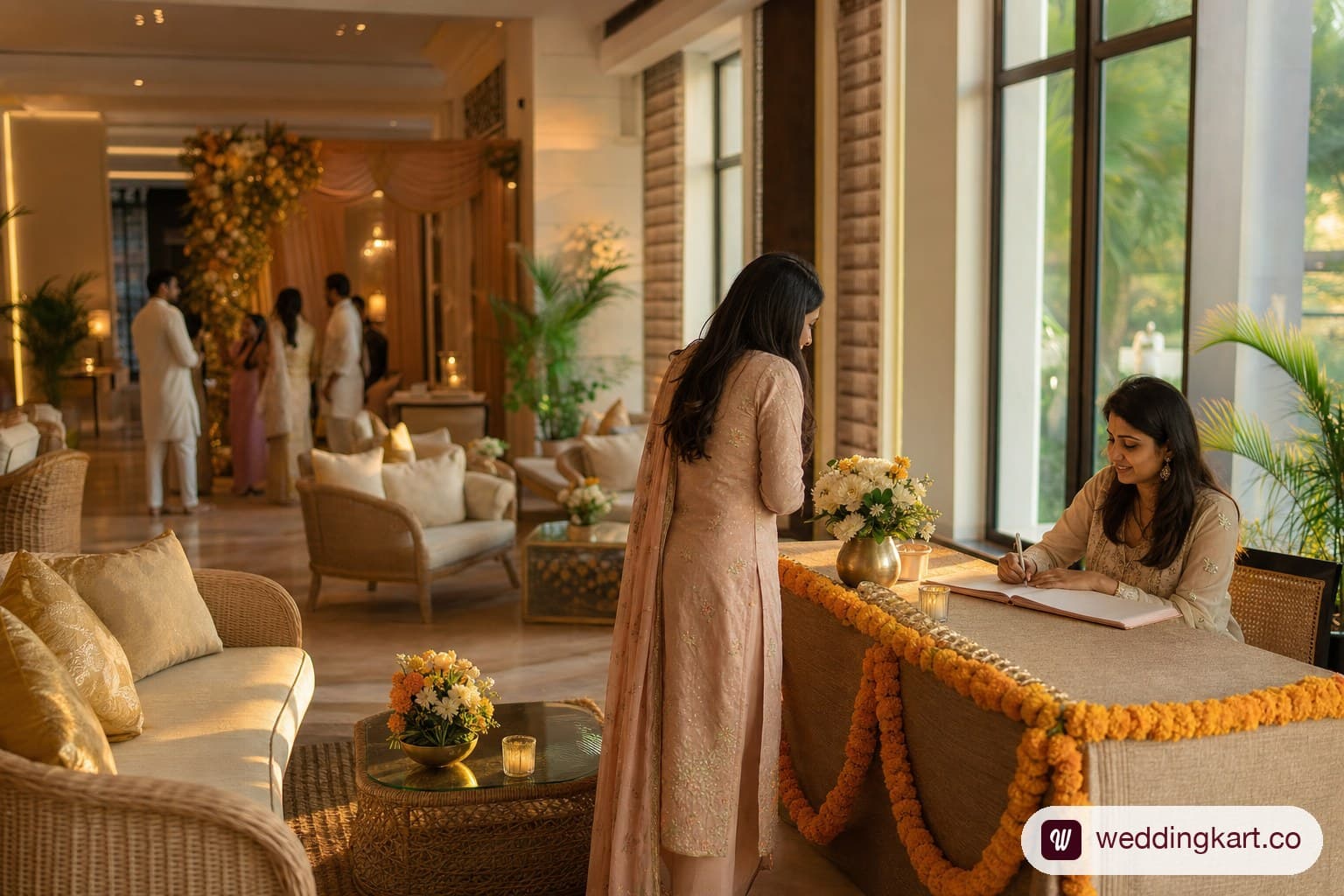
A 7-star VIP guest experience means every guest gets a personalised itinerary, a timed room-drop gift, a pickup that matches their actual flight, and a live way to ask questions — without ever having to chase the couple’s family for answers. It’s not about spending more on favours; it’s about making sure information reaches the right guest at the right moment, every time, across a three-to-five-day event. This guide breaks down each piece and shows what “good” actually looks like in practice.
What separates a good wedding from an unforgettable one: the guest journey
Most Indian weddings get the big-ticket items right — venue, décor, catering — and lose guests in the gaps between them. A guest lands at 11 PM, isn’t sure if a car is coming, checks into a hotel room with no note about tomorrow’s muhurat timing, and spends the next morning texting three different cousins to find out when the haldi actually starts. None of that is a decor problem. It’s an information-relay problem, and it’s the difference a VIP guest experience is built to close.
Think of the guest journey as five handoffs: pre-arrival information, pickup, room-drop, in-event updates, and a channel for questions in between. A wedding can nail four of five and still leave a guest feeling lost, because the failure point is wherever the chain breaks — usually right after landing, when the guest is tired, in an unfamiliar city, and has no single source of truth to check.
The planners who consistently get “best wedding I’ve been to” feedback aren’t spending more per guest. They’re running a tighter handoff: someone (or something) confirms the flight, someone meets the guest, someone has already dropped a gift and a schedule in the room, and someone is reachable by text the moment a guest has a question nobody briefed them on. That’s the whole playbook — the sections below cover each handoff in the order a guest actually experiences it.
It’s worth being explicit about what “VIP” means here, because the term gets used loosely. This isn’t about a separate, more expensive tier of treatment for a handful of named guests while everyone else gets a photocopied schedule. It’s a standard of information accuracy — every guest knows where to be, when, in what to wear, and who to ask — applied consistently across the full guest list. A 40-guest wedding can deliver this with a WhatsApp group and a genuinely attentive family member. A 300-guest, three-city wedding with staggered arrivals cannot, unless the underlying system is built for it, which is why the rest of this guide treats each handoff as a discrete, solvable problem rather than a vague aspiration.
Personalised itineraries for every guest
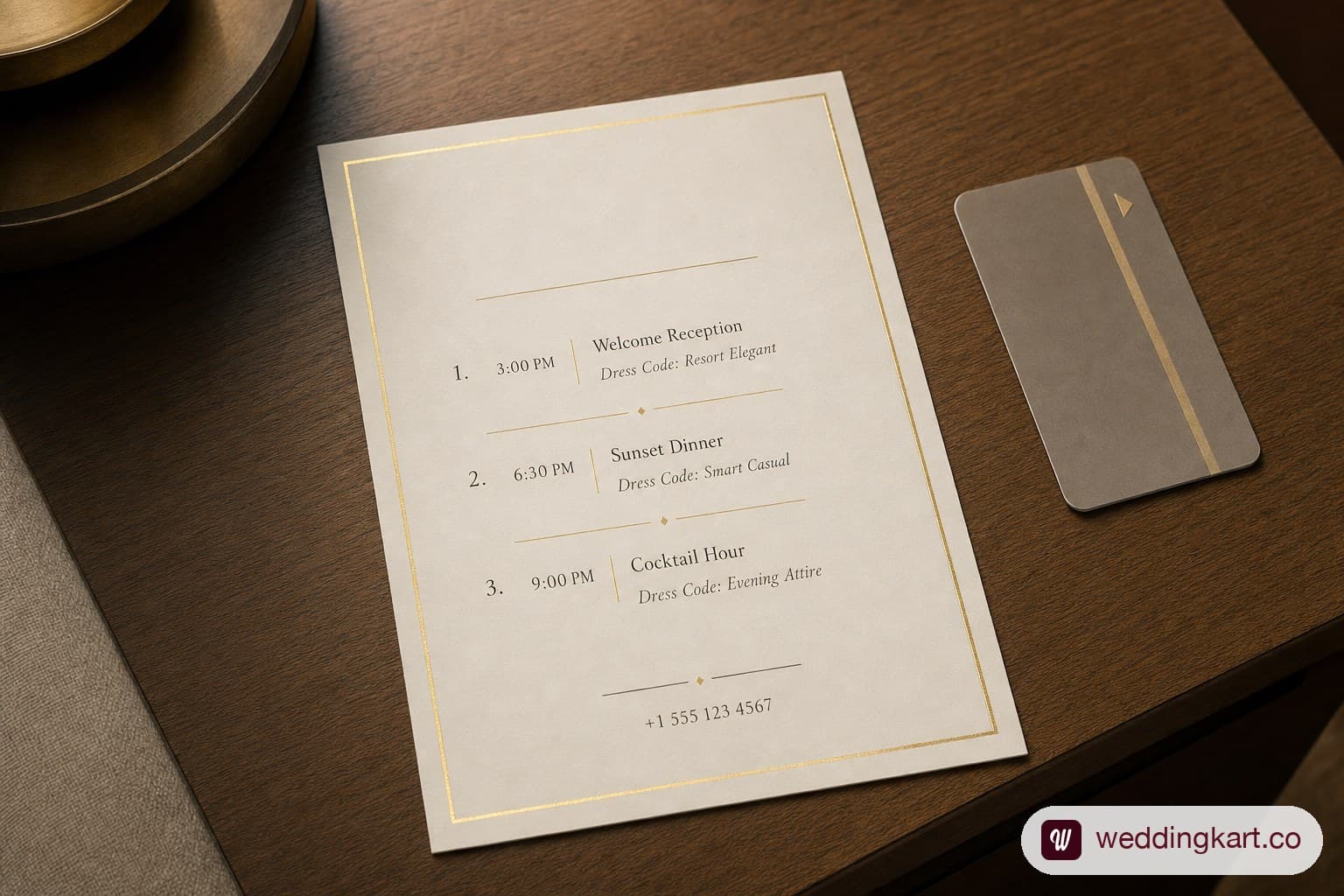
A personalised itinerary card is not the printed wedding program handed out at the venue — it’s a guest-specific document that only lists what applies to that guest, addressed to them by name, delivered before or at check-in. A joint family attending all five events needs a different card than a colleague’s plus-one attending only the wedding and reception.
A real itinerary card should contain:
- The guest’s name and their specific event list — not every ceremony, only the ones they’re invited to, since Indian weddings routinely have a smaller haldi/ mehendi guest list nested inside a larger wedding/reception list.
- Date, start time, and dress code per event — “Sangeet, 7:30 PM, Lawn 2, Indo-western” reads faster than a generic “evening functions begin at 7.”
- Their room number and hotel, if different guests are split across two or three properties — a common outcome once a room block crosses 150 rooms.
- Their pickup/drop time and vehicle, if arranged, cross-referenced to their actual flight or train rather than a blanket “cars leave at 6 PM.”
- One phone number to call or WhatsApp for anything — not the couple, not “ask around,” one number.
- A short local-area note if the guest is outstation: nearest pharmacy, ATM, and a landmark near the venue in case a driver mix-up happens.
The failure mode this fixes is specific: a rooming list update happens the night before (someone’s flight moves, a couple gets combined into one room to free up space for a late arrival), and only the desk staff know — not the guest holding yesterday’s printed card. A flight, someone meets the guest, someone has already dropped a gift and a schedule in the room, and someone is reachable by text the moment a guest has a question nobody briefed them on. That’s the whole playbook — the sections below cover each handoff in the order a guest actually experiences it.
Consider the difference in practice: a groom’s college friend flying in from Bangalore gets a card listing only the sangeet and wedding — he wasn’t invited to the family-only haldi — with his hotel room, his 6:30 PM pickup time cross-checked against his actual flight, and a note that the nearest ATM is in the hotel lobby. His cousin’s wife, flying in a day later with two kids, gets a different card entirely: all five events, a note about the kids’ play area starting at 8 PM per the venue’s schedule, and a different room in a family-block wing. Neither card is generic — that specificity is what makes a guest feel expected rather than processed, and it’s also exactly the kind of detail a single printed master itinerary handed to all 300 guests can never carry.
This is exactly the gap WeddingKart’s Personalised Guest Details feature closes — each guest gets their own room, flight, and schedule sent to their phone over WhatsApp, and if a room or pickup time changes, the update goes to that one guest automatically instead of requiring a reprint or a round of phone calls.
Room-drops and welcome gifts done right
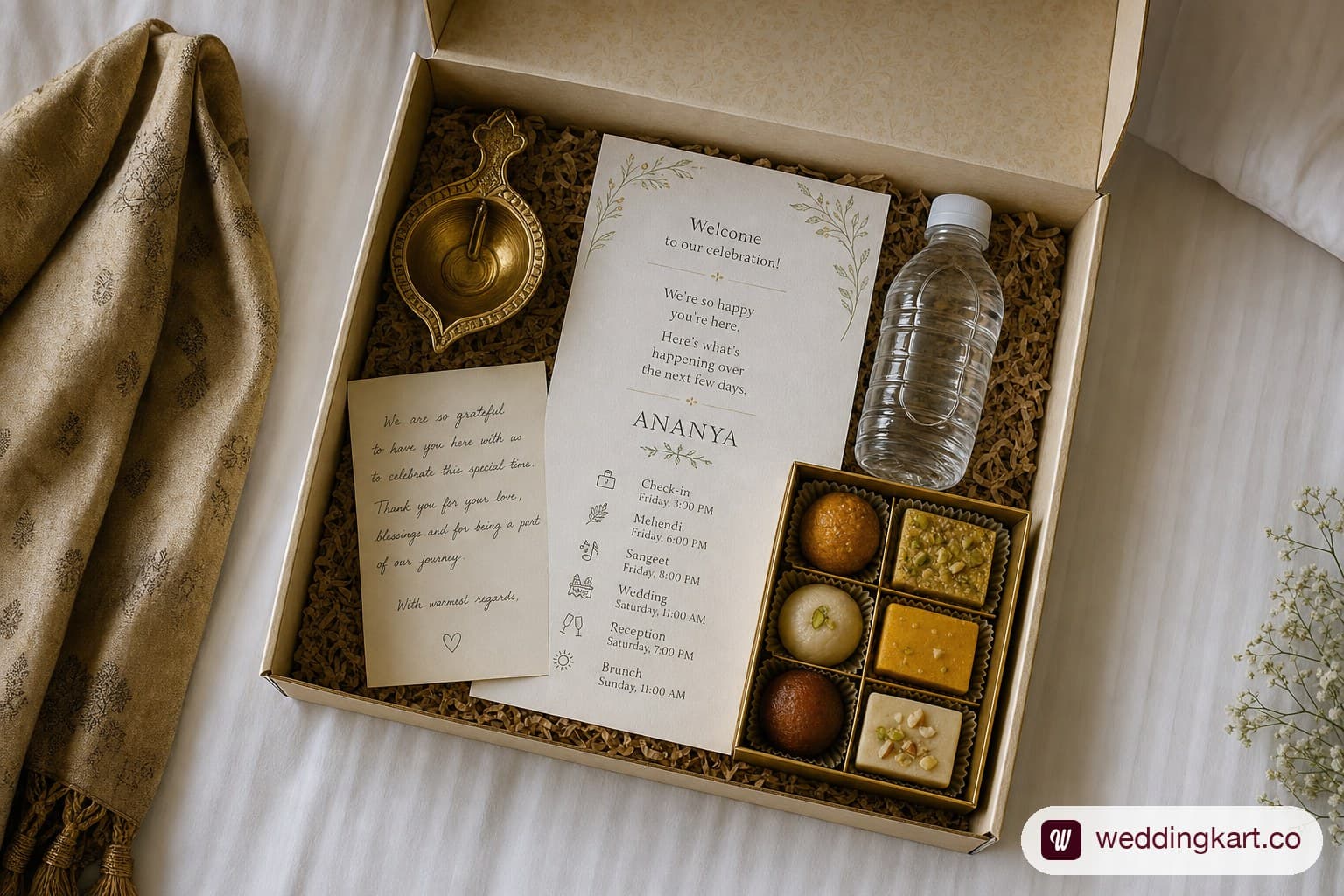
A room-drop gift only works if it’s in the room before the guest walks in tired from a flight — a gift discovered after check-in, or worse, the next morning, reads as an afterthought rather than a welcome. Timing a room-drop against real arrivals is harder than it sounds once a guest list spans a 24-hour arrival window.
The mechanics that actually make this work:
- Build a drop schedule keyed to confirmed arrival times, not a single blanket time. If your earliest guest lands at 9 AM and your latest at 11 PM, “drop all gifts by 4 PM” means a third of your guests find an empty room.
- Split the housekeeping run into waves. A hotel housekeeping team can usually turn 15–20 rooms per wave with lead time; for anything past 100 rooms, coordinate three waves aligned to your morning, afternoon, and evening arrival clusters instead of one mad dash.
- Confirm distribution responsibility in writing with the hotel. Some properties charge a per-room distribution fee or require gifts to be pre-approved for content (alcohol, open food items) before they’ll place them — a call that needs to happen at contract stage, not the week of.
- Keep a signed drop log. A missing gift complaint is common enough that a simple checklist — room number, time dropped, staff initials — saves an argument later.
The gift itself matters less than the timing; see our full welcome-kit breakdown for what to actually put in it, budget tiers, and a free downloadable checklist. This section is specifically about getting a good kit to the right room at the right moment, which is a logistics problem, not a shopping one.
Pickup-on-landing: the first impression that sets the tone
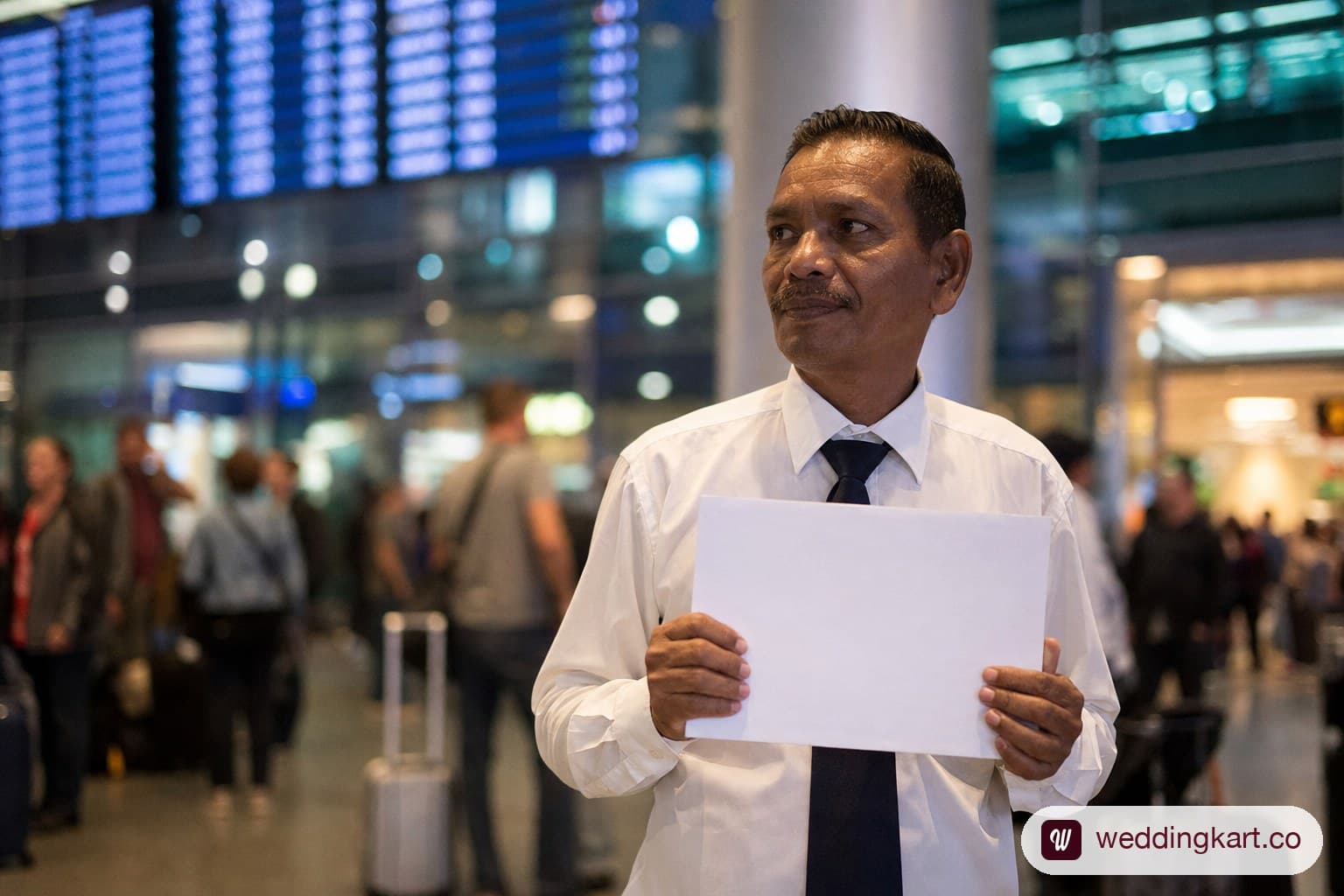
The single biggest driver of a bad first impression is a guest standing at arrivals with no one there — and the single biggest cause of that isn’t bad planning, it’s a flight that changed after the pickup roster was finalised. A guest who’s greeted by name at the airport, even by a driver holding a printed sign, starts the weekend differently than one who calls the couple’s cousin from a taxi stand.
A pickup-on-landing system that holds up under real conditions needs:
- A live flight-status check, not a static pickup sheet. Flights land early, late, or get diverted often enough on any guest list past 50 people that a sheet printed the night before is a guess by the next morning.
- A named driver and vehicle assigned per guest or per travelling group, shared with the guest in advance so they know who and what to look for — a random driver holding a phone with a misspelled name is a common source of guests walking past their own pickup.
- A buffer window built into every pickup time, not the flight’s scheduled landing time. Immigration and baggage claim at a busy Indian airport routinely take 30–60 minutes past touchdown; a driver told to arrive “at landing time” waits at the wrong moment or leaves too early.
- A single point of contact the driver escalates to if a guest doesn’t show, doesn’t answer calls, or the vehicle breaks down — this needs to be a person actively watching messages during arrival windows, not the same person also running the hospitality desk.
This is the exact failure mode covered in depth in our guide to coordinating guest airport pickups — read that piece for the full pickup-manifest build and how to handle a driver waiting at the wrong terminal. Here, the relevant point is that pickup accuracy is really a
data-freshness problem: your pickup sheet is only as good as the last time someone checked the actual flight.
WeddingKart’s Guest Arrival Tracker reads a guest’s shared flight or train ticket automatically and keeps that pickup detail live, so a delay updates the driver’s assignment without anyone re-entering data by hand.
A live WhatsApp concierge for guest questions
A concierge chat answers the questions a printed itinerary can’t anticipate — “is the pool open,” “what’s the wifi password,” “can my driver wait an extra 20 minutes” — in real time, without the guest having to track down a person. The distinction that matters here is what a concierge can answer versus what still needs a human.
What a WhatsApp concierge handles well:
- Standing information that’s already documented: venue timings, dress codes per event, hotel amenities, local transport options, dietary menu details.
- Routine logistics confirmations: “yes, your pickup is confirmed for 6 PM,” “your room is 412.”
- Directing a guest to the right physical desk or person for anything it can’t resolve itself.
What still needs a human, fast:
- Anything involving a change — a guest asking to move rooms, add a plus-one, or shift a pickup time — needs a person with authority to actually make that change, not just relay information.
- Emotionally weighted situations: family seating conflicts, a guest upset about accommodation, anything that needs judgment rather than a lookup.
- Genuine emergencies — medical issues, lost documents — where a scripted response is actively unhelpful.
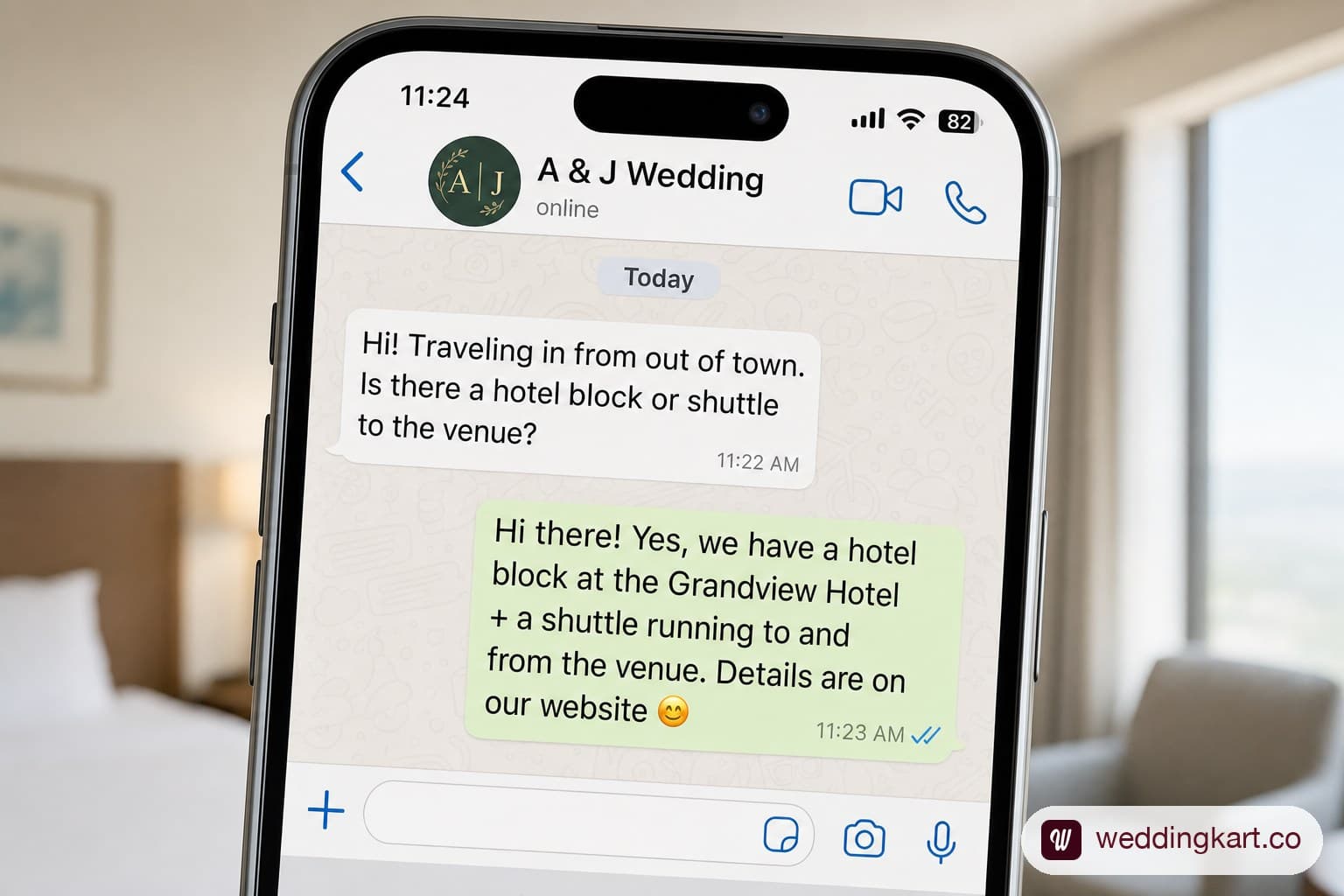
The practical setup that works: a concierge answers the first tier instantly, and anything it can’t resolve gets flagged to the hospitality desk team in real time rather than dropped. That’s the difference between a chatbot that frustrates guests and a concierge that actually reduces desk traffic. WeddingKart’s WhatsApp Concierge runs exactly this way — it’s a real WhatsApp thread, free for every guest, that answers standing questions instantly and is free for guests to use throughout the event, with nothing to install and no app to figure out mid-wedding.
Putting it all together: a sample 3-day VIP guest timeline
Here’s how the four pieces above actually stack for one outstation guest across a typical three-day Indian wedding, from the moment they land to check-out.
| Time | Touchpoint | What happens |
|---|---|---|
| Day 0, on landing | Pickup | Driver with named signage meets guest at arrivals; pickup time was set 45 min after actual flight landing, confirmed live via ticket upload |
| Day 0, on arrival at hotel | Room-drop | Welcome kit and personalised itinerary card already in the room; front desk has guest’s name and room pre-confirmed, no re-verification needed |
| Day 0, evening | Concierge | Guest messages asking about dinner timing; concierge answers instantly with tonight’s schedule and dress code for Day 1 |
| Day 1, morning | Itinerary | Guest’s phone itinerary auto-updates: haldi moved 30 minutes earlier due to muhurat change; guest sees it before walking down, no announcement missed |
| Day 1, evening | Concierge | Guest asks where the sangeet after-party is; concierge relays venue change and points to hospitality desk for a mobilityaccess question it can’t answer |
| Day 2, morning | Room-drop follow-up | A second smaller gift (breakfast basket) dropped ahead of the wedding ceremony as a thank-you touch for the full stay |
| Day 2, wedding day | Pickup/drop | Guest’s onward pickup to the airport is pre-scheduled based on their return ticket, confirmed the evening before via WhatsApp |
| Day 3, check-out | Itinerary | Final message sent with checkout time, luggage assistance contact, and a thank-you note personalised with the guest’s name |
Every row in that table is a small, specific decision — not a big-ticket spend — and every row depends on the same underlying thing: one accurate, live source of guest data that itineraries, pickups, room-drops, and the concierge chat all read from. Spreadsheets and WhatsApp groups can deliver two or three of these rows reliably for a 40-guest wedding. Past 150–200 outstation guests across three days, the handoffs start dropping unless the system is built to update once and reflect everywhere — which is the whole premise behind WeddingKart’s guest layer: the itinerary, the room-drop timing, and the concierge chat all run off the same guest record, so a change made once — a flight delay, a room swap — shows up correctly in every one of these touchpoints automatically.
If you’re running the physical side of this — the desk staff, the signage, the on-the-day request handling — pair this playbook with our guide to setting up the on-ground hospitality desk, which covers staffing ratios and the tech stack that keeps the desk in sync with everything above.
Downloadable: 3-Day VIP Guest Timeline Template
A companion planning template lets you fill in your own arrival windows, room-drop waves, and concierge escalation contacts against the table structure above.
Was this article helpful?
Share