
Last updated:
All PostsRunning the On-Ground Wedding Hospitality Desk: A Complete Setup Guide
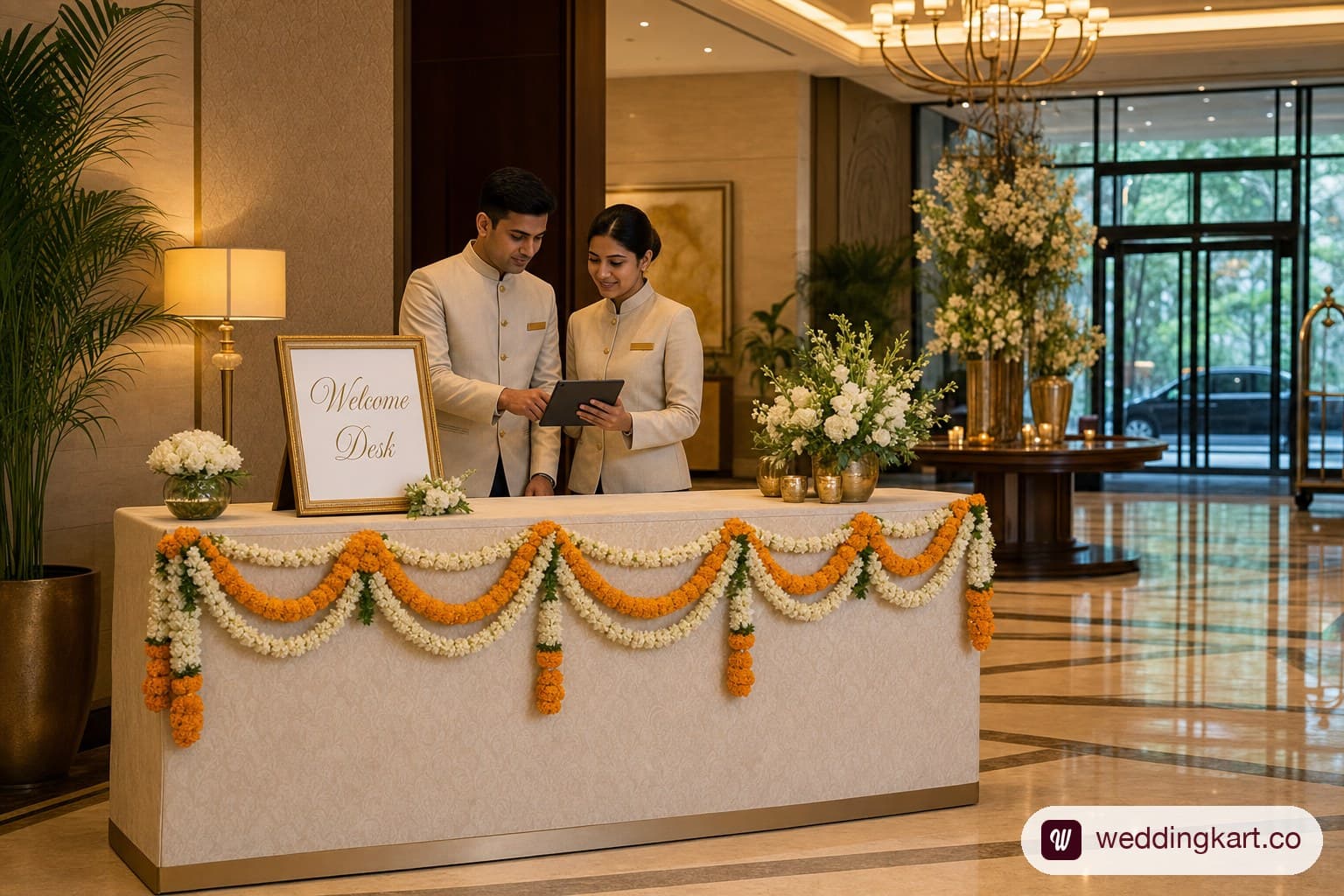
A wedding hospitality desk is a staffed, physical point of contact — usually at the hotel lobby or venue entrance — that handles guest check-ins, questions, and issues from arrival to departure. It needs a live, shared guest list, a staffing ratio of roughly one person per 50-75 guests during peak arrival windows, and a clear escalation path for anything it can’t solve on the spot. Set up without those three things, a hospitality desk becomes a table with a sign and a printed list nobody’s updated since yesterday.
What a hospitality desk actually does at a multi-day wedding
A hospitality desk is the one fixed location where a guest can walk up, ask a question, and get an answer from a person with actual authority to act on it — not just relay information. That distinction matters because a WhatsApp concierge (covered in our VIP guest experience playbook) can answer standing questions instantly, but a room change, a missing name tag, or a genuine complaint needs a human who can act.
Across a three-to-five-day Indian wedding, the desk typically handles five categories of work: checking guests in against the master list on arrival, distributing welcome kits and room keys where the hotel hasn’t already done it, answering logistics questions (schedule, dress code, venue directions), resolving on-the-day issues (the bulk of this guide, below), and staying the point of contact the driver, decor, and catering teams escalate to when something guest-facing goes wrong. It is not event coordination — that’s the planner’s job — and it is not the hotel’s front desk, though it works alongside both.
The desk’s real value shows up at scale. A 40-guest wedding survives on the couple’s cousin fielding questions in a family WhatsApp group. Past roughly 150 guests, or the moment guests are split across two or more hotels, an unstaffed or under-resourced desk is the single most common cause of the “nobody told me” complaints that dominate postwedding feedback.
It also needs to run for the full duration of the event, not just day one. Planners who set up a desk for the arrival rush and then quietly wind it down by day two are usually the ones fielding complaints on the last day — check-out logistics, a guest who missed the memo about a schedule change, a last-minute transport request for an early flight. The desk’s workload shape changes over the course of the wedding (heavy check-in traffic early, heavy issue-resolution and check-out traffic late) but the need for a staffed, findable point of contact doesn’t drop to zero until the last guest has left.
Staffing it: roles and shift coverage
The staffing ratio that holds up in practice is roughly one staffer per 50-75 guests checking in during peak arrival windows — not across the full guest count, but specifically during the compressed windows when most guests land, typically the afternoon and evening before day one of the wedding. A 300-guest wedding with 200 of those guests arriving in a six-hour window on the same afternoon needs 3-4 people at the desk during that window, even if one person could technically handle the same 200 guests spread across three days.
Three roles cover most of what a desk needs, though smaller weddings often combine them:
- Desk lead — owns the master guest list, makes judgment calls on exceptions (a guest not on the list, a room dispute), and is the one person the hotel’s duty manager and the couple’s family call directly.
- Check-in staff — verify guests against the list, hand off room keys or direct guests to hotel reception, distribute welcome kits, and log anything unusual for the desk lead.
- Runner — physically moves between the desk, the rooms, and the venue to resolve issues that can’t be solved by phone (a missing name tag, a transport mixup, a request to swap adjoining rooms).
Shift coverage should map to arrival and departure windows, not a flat 9-to-6. A typical structure: a light morning shift (1-2 people) for late-arriving stragglers and outgoing departures, a heavy afternoon-to-evening shift (full staffing) for peak arrivals, and a smaller late-night shift (1 person, on-call) for delayed flights. Running the same headcount all day either overstaffs the quiet hours or understaffs the arrival crunch — both are common mistakes on a first-time hospitality desk.
The desk’s tech stack: guest list access, live issue logging
A hospitality desk running off a printed guest list and a paper issue log breaks down the moment two things happen at once: a guest’s room changes and the printed sheet hasn’t been reprinted, or two staff members log the same issue differently and nobody’s sure if it’s resolved. The desk’s tech stack needs to solve exactly two problems — everyone sees the same guest data, and every issue gets logged once, visibly, until it’s closed.
In practice that means:
- A shared, live guest list every staffer can check from their own device — not one printed master copy that becomes stale the moment a change happens. A room swap, a late RSVP, or a plus-one addition needs to show up for every staffer at the same time, not just the desk lead who happened to be told in person.
- A single issue log, not scattered notes — one place where “Guest in Room 214 says AC isn’t working” gets logged, assigned, and marked resolved, visible to whoever’s on shift next so problems don’t get re-reported or dropped between shift changes.
- A way for the desk to escalate upward to the planner or ops lead without a phone call for every issue — a status view the planner can glance at rather than fielding forty individual updates during peak arrival hours.
This is precisely where a printed spreadsheet at the desk loses to a shared, real-time system. WeddingKart’s Team Collaboration feature gives every staffer at the desk the same live guest list from their own phone, so a room change or a late RSVP updates everywhere at once instead of only where someone remembered to write it down — and the Reporting & Ops View gives the planner a single screen showing arrivals, pending issues, and check-in counts by day, rather than a string of individual status calls from the desk.
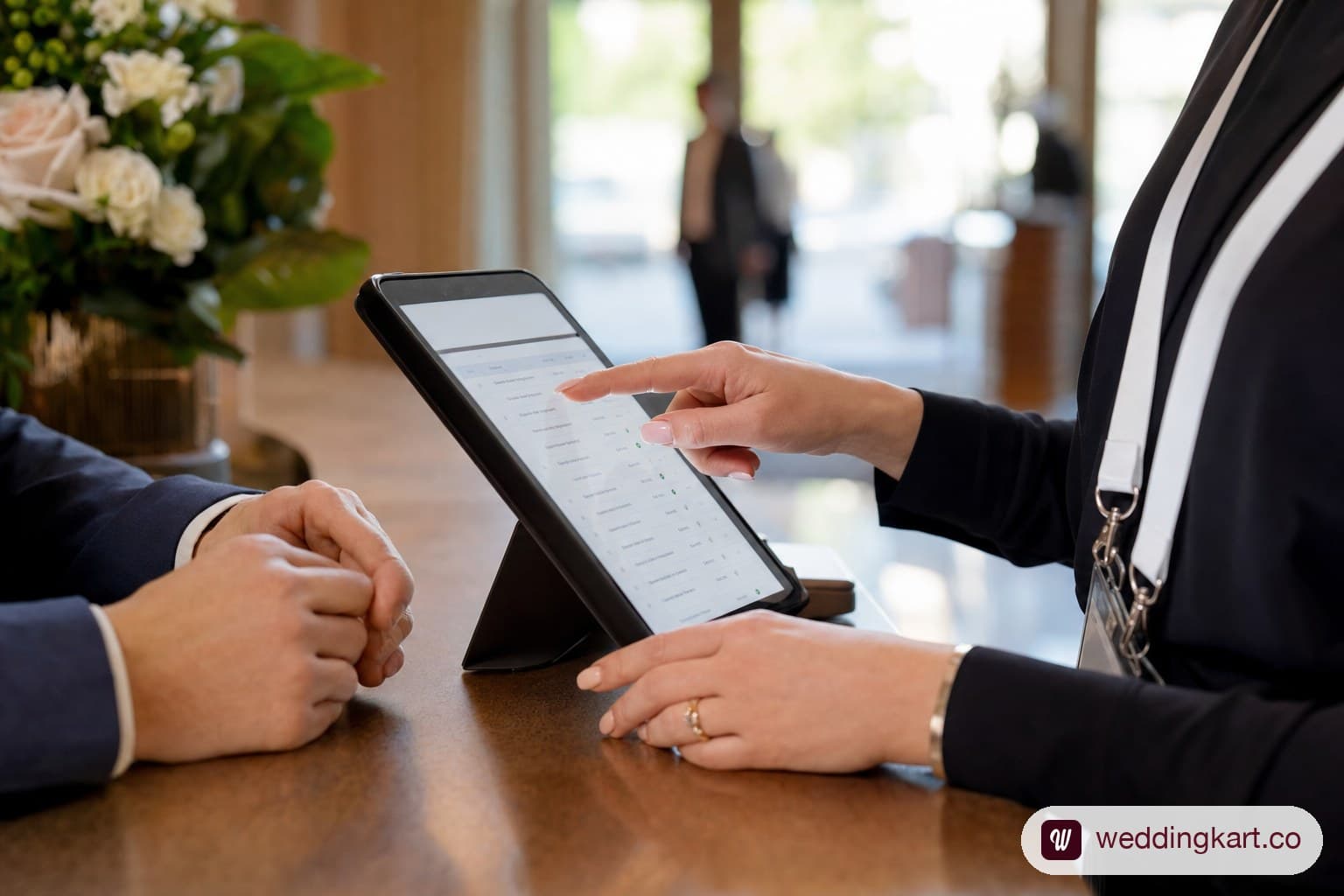
Handling the top 10 on-the-day requests
Most of what a hospitality desk fields on any given day falls into a short, predictable list. Training staff against this list — rather than leaving them to improvise — is what makes a desk feel calm instead of chaotic during a rush.
| # | Request | What the desk should do |
|---|---|---|
| 1 | Room change (noise, view, adjoining family request) | Log the request, check availability with the hotel, confirm back to the guest with a timeframe — don’t promise a swap before checking |
| 2 | Missing or incorrect name tag / welcome kit | Keep 10-15% spare kits and blank tags on hand; reprint or hand-write on the spot |
| 3 | Transport confusion (wrong pickup time, no driver shown) | Runner checks the live pickup manifest, contacts the driver directly, updates the guest with an ETA rather than “someone will check” |
| 4 | ”What’s the dress code for tonight?” | Have the day’s schedule and dress code printed at the desk; this should also be pre-answered on the guest’s itinerary card and the WhatsApp concierge |
| 5 | Dietary or allergy request not on file | Log immediately and relay to catering same-day; don’t assume it was captured at RSVP stage |
| 6 | Guest not on the list | Desk lead verifies with the planner directly before turning anyone away — plus-ones and last-minute adds are common enough that this needs a fast escalation path, not a hard no |
| 7 | Lost item (room key, ID, phone) | Runner checks with housekeeping and last-known location; log it so a second report doesn’t start the search over |
| 8 | Request for a late check-out or early check-in | Desk lead liaises with hotel front desk directly rather than guest going to reception cold |
| 9 | Elderly or mobility-assistance request (wheelchair, ground-floor room) | Flag as priority; this should ideally be captured pre-arrival, but the desk needs a same-day fallback with the hotel |
| 10 | General “who do I ask about X” | Desk should always have one clear answer, even if it’s “let me connect you with the right person” — never “not sure, ask around” |
The pattern across all ten: every request needs a named owner and a visible status, which loops back to the issue-logging point above. A desk that handles these ten well handles roughly 90% of what actually comes up.
Train against this list before the desk opens, not during the first rush. A short 20-minute briefing where every staffer walks through each of the ten scenarios out loud — what they’d say, who they’d escalate to, where the spare kits are kept — catches the gaps a written checklist alone won’t. The most common breakdown isn’t that staff don’t know the answer; it’s that two staffers give a guest two different answers to the same question, which erodes trust faster than a single “let me check and get back to you.”
Signage, wayfinding, and the first-impression setup
A hospitality desk that’s hard to find creates its own workload — guests who can’t locate the desk end up asking hotel staff, random passersby, or each other, and questions that should take 30 seconds turn into 10-minute detours. Signage needs to solve two separate problems: guests need to find the desk itself, and guests need to find their way from the desk to their room, the venue, and back.
A working wayfinding setup covers:
- A visible sign at the point guests first enter the property — lobby entrance or porte-cochère — not just at the desk itself, since a guest arriving by car often doesn’t see the lobby desk until they’re already inside asking someone else.
- Directional signage from the lobby to the venue/lawn/banquet hall, especially at properties with multiple event spaces, so the desk isn’t fielding “which way to the mandap” all evening.
- A desk that’s visually distinct from the hotel’s own reception — branded signage, wedding colours, a clear “Wedding Guest Desk” label — so guests don’t queue at hotel check-in for questions the wedding team should be handling.
- A printed schedule or map posted at the desk itself, for the guest who wants to glance rather than ask.
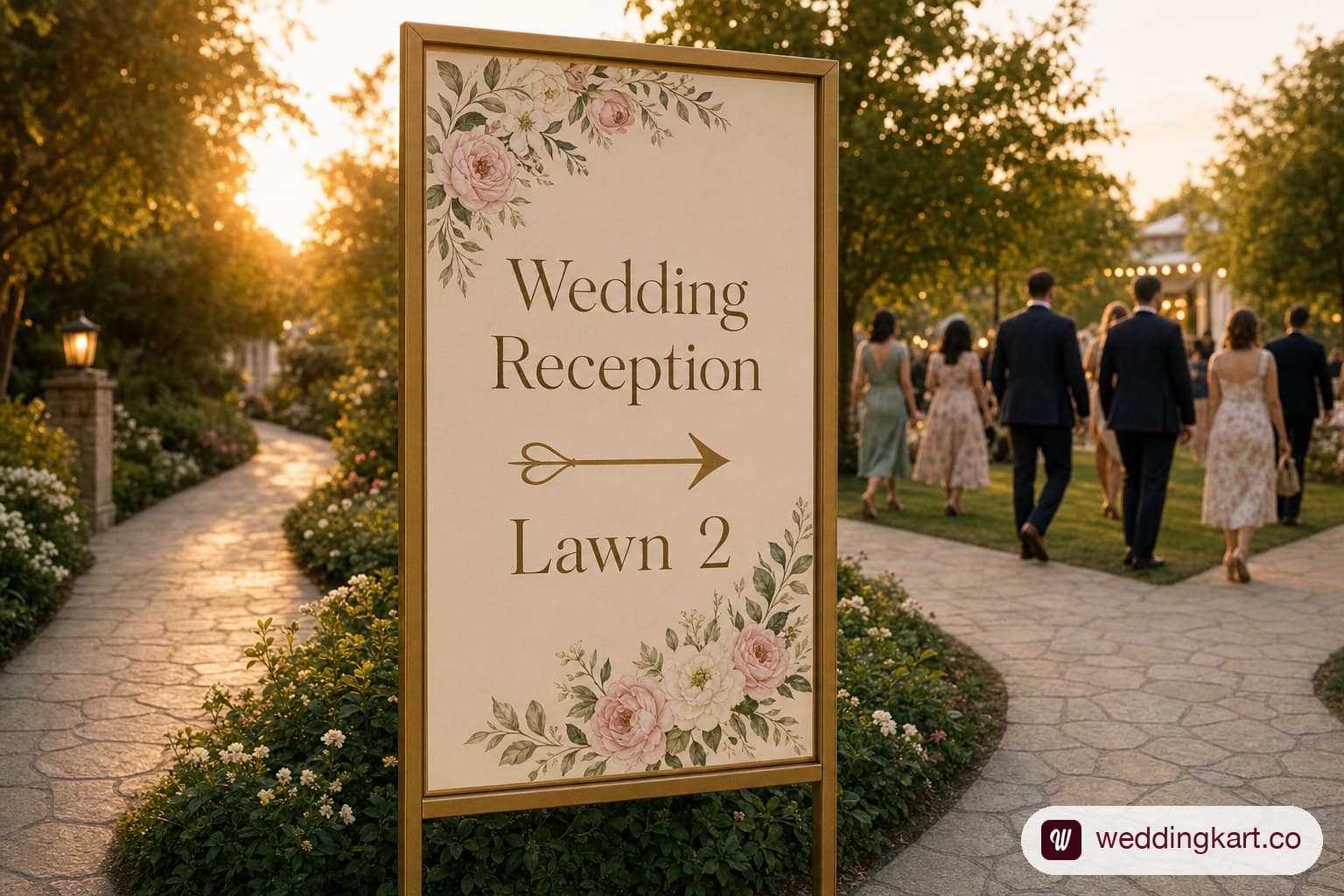
Download a ready-to-use signage and wayfinding checklist alongside the shift-roster template below — both are built to be printed and handed to your on-ground team the morning of.
How the desk connects back to your master guest list
Every function above — check-in, issue logging, signage that answers “who do I ask” — only works if it’s reading from the same guest list the rest of the wedding is running on. A desk with its own separate spreadsheet, disconnected from RSVP data, room-block assignments, and pickup schedules, is exactly how a guest gets checked in against an outdated headcount, or a room change made at the desk never reaches the hotel’s own system.
The desk should be a live window into the master guest list — the same one used for RSVP tracking, rooming-list management, and pickup coordination — not a parallel record someone has to manually reconcile after the fact. When the desk logs a room swap, that should be the same record the front desk, the planner, and the guest’s own itinerary card all read from. That’s the point of running the desk on a shared system rather than a standalone spreadsheet: one update, reflected everywhere, instead of five people each holding a slightly different version of the truth.
If you haven’t yet built the welcome kits the desk will be distributing at check-in, our welcome kit guide covers exactly what to include and how to budget it — and pairs directly with the desk workflow covered here.
The same logic extends past the desk itself. Guests arriving from out of town need their pickup coordinated before they ever reach the desk, and outstation guests specifically tend to generate a disproportionate share of the ten requests above simply because they’re less familiar with the venue and the city. If your guest list is heavy on outstation and destination travellers, read this alongside our guide to welcoming outstation and destination wedding guests, which treats pickup, welcome kit, and desk hand-off as one connected sequence rather than three separate jobs.
Downloadable companion assets
Two ready-to-use templates ship with this article:
Covers entrance signage, directional boards, and desk-branding items
Fillable shift roster covering desk lead, check-in staff, and runner roles
Was this article helpful?
Share