
Last updated:
All PostsHow to Send a Wedding Invitation on WhatsApp to 500+ Guests (Without Getting Banned)
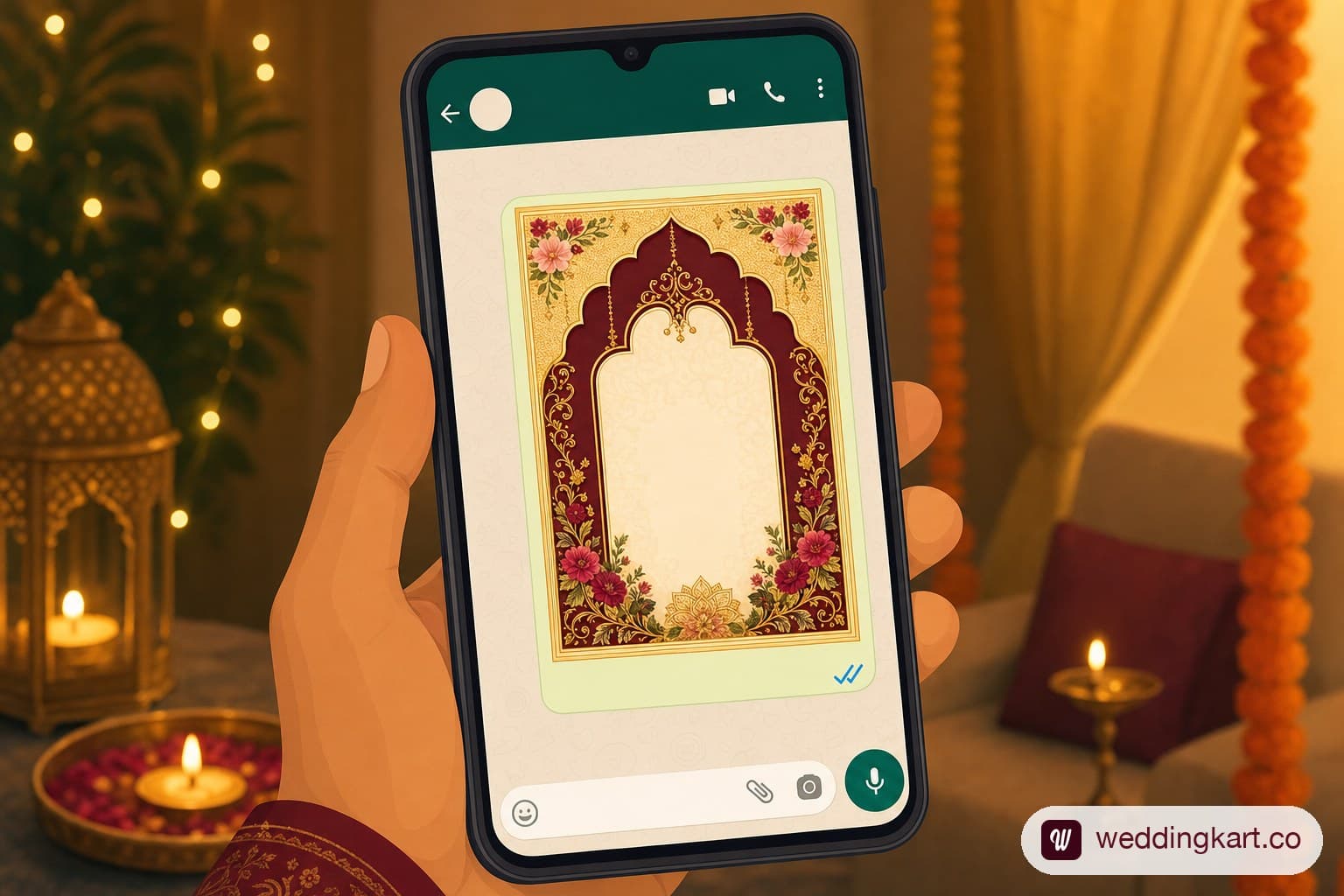
If you've ever tried to send a wedding invitation on WhatsApp to your entire guest list, you've probably already hit the wall: use a WhatsApp Business Platform (API) partner, not your personal number. That's the direct answer. Everything else in this guide is about why that's true, and how to actually do it without your number getting banned two weeks before the big day.
WhatsApp has quietly become the default invitation channel for Indian weddings — faster than courier, cheaper than print, and read almost instantly. But the same app that makes sending one invite effortless makes sending five hundred of them genuinely risky if you don't know the rules. This guide covers both: the two hard limits that catch most hosts off guard, and the step-by-step way to send compliant, trackable invitations at scale.
Why WhatsApp has replaced printed cards for Indian weddings
A printed card takes days to design, print, and courier — and there's no way to know if Dadi actually saw it before RSVPing over a phone call three weeks later. A WhatsApp invite lands in seconds, can include a video, a Google Maps pin, and an RSVP link, and — crucially — tells you the moment it's been delivered and read via the familiar grey and blue ticks.
For a majority of Indian weddings today, WhatsApp isn't a backup to the printed card — it is the invitation, with the physical card reserved for immediate family or a symbolic keepsake. The catch is that WhatsApp was built for chats between friends, not for broadcasting a single message to five hundred people at once. That mismatch is where most hosts run into trouble.
The two real risks of sending in bulk
Before you send a single message, it helps to understand exactly why "just message everyone" doesn't scale past a few hundred guests.
The 256-contact broadcast/group limit
WhatsApp caps both groups and broadcast lists at 256 contacts. That's a hard technical ceiling, not a soft warning — once you hit it, you simply cannot add another guest to that list. For a wedding with 400, 600, or 1,000 invitees across multiple events (haldi, sangeet, wedding, reception), a single broadcast list was never going to cover your list.
Personal-number bans from spam reports
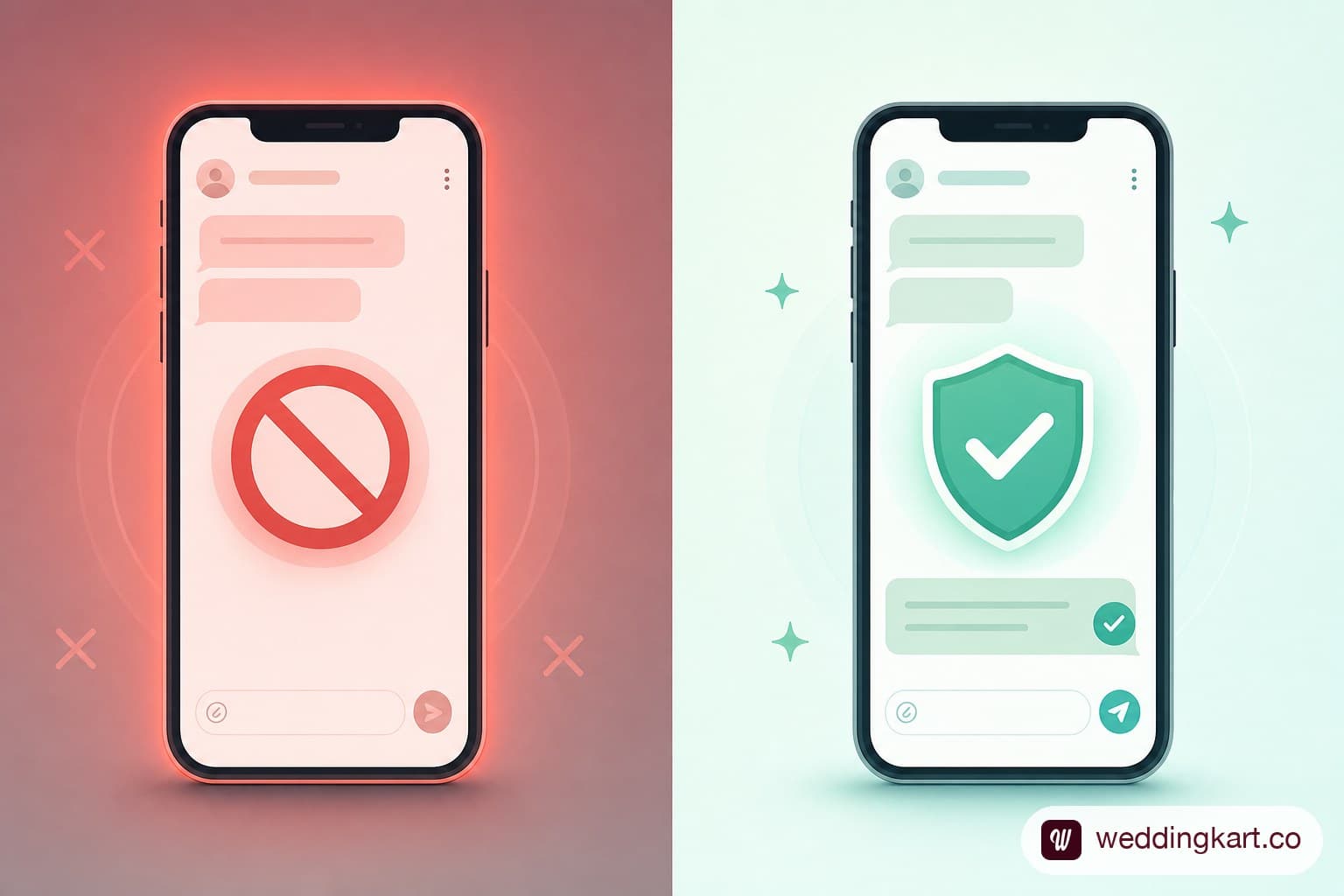
The second risk is more serious: Meta's own Terms of Service prohibit unofficial bulk-messaging automation from a personal WhatsApp number. If you use a personal-number automation tool to blast messages to hundreds of unsaved contacts, a handful of spam reports is often enough to get that number banned outright — no warning, no appeal window that works fast enough to matter (see our deep dive on why WhatsApp blocks automation tools and the dangers of using personal numbers for bulk WhatsApp messages). Losing your primary phone number's WhatsApp access two weeks before the wedding, with guests still unmessaged, is the failure mode that actually happens to real hosts, not a hypothetical.
What to include in the message
Once you've settled on a sending method, the message itself needs to do more work than a printed card ever did.
Event details, Google Maps link, RSVP deadline
At minimum, every invite should include: the couple's names, each event's date and time, the venue name with a tappable Google Maps link (not just an address guests have to copy-paste), dress code if relevant, and a clear RSVP deadline. Guests are far more likely to respond promptly when the reply action is obvious and low-effort — a simple "Reply YES/NO by [date]" line does more work than an elegant paragraph.
Attaching a video invite, PDF card, or Kankotri
WhatsApp supports video, PDF, and image attachments natively, so there's no reason to limit the invite to text. A short video invite tends to get opened and watched more than a static card — WeddingKart's wedding invitation generator and ready-to-send WhatsApp wedding invitation templates are a fast way to put one together, and a PDF Kankotri or e-card preserves the traditional format for relatives who expect it. Just keep file sizes reasonable — a heavily compressed video looks worse in-chat than a well-optimised one.
Step-by-step: sending to 500+ guests without a ban
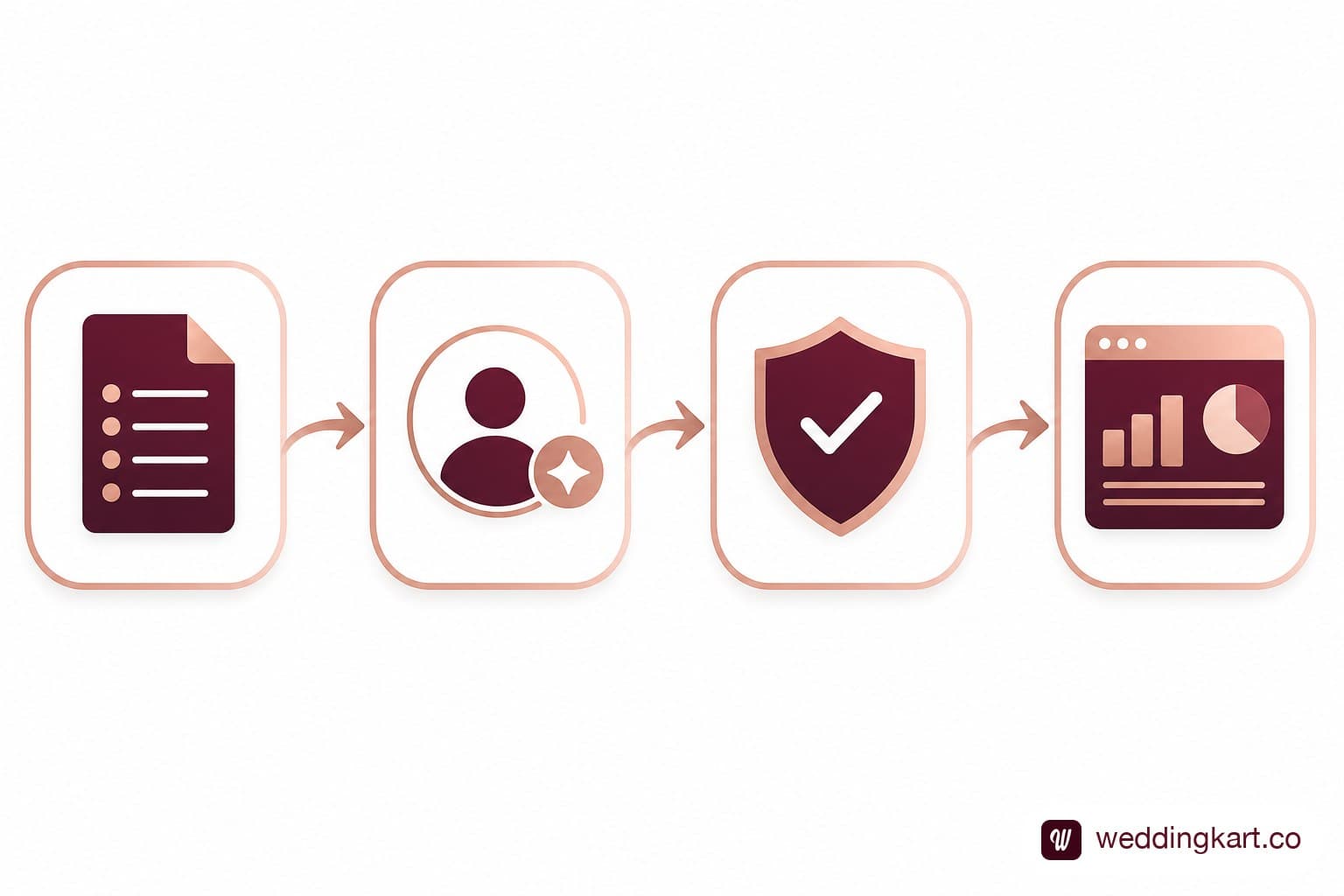
- Upload your guest list. Compile names, phone numbers, and relationship tags (bride's side, groom's side, event-specific) into a spreadsheet.
- Auto-personalise each message. Rather than one identical broadcast, each guest should receive their name and the specific event(s) they're invited to — a personalised "Dear Rohan, we'd love to have you at the sangeet" reads completely differently from a generic group blast.
- Send from a dedicated, verified business number. This is the step that avoids the ban risk entirely, since the sending is done through WhatsApp's official infrastructure rather than a workaround on a personal SIM.
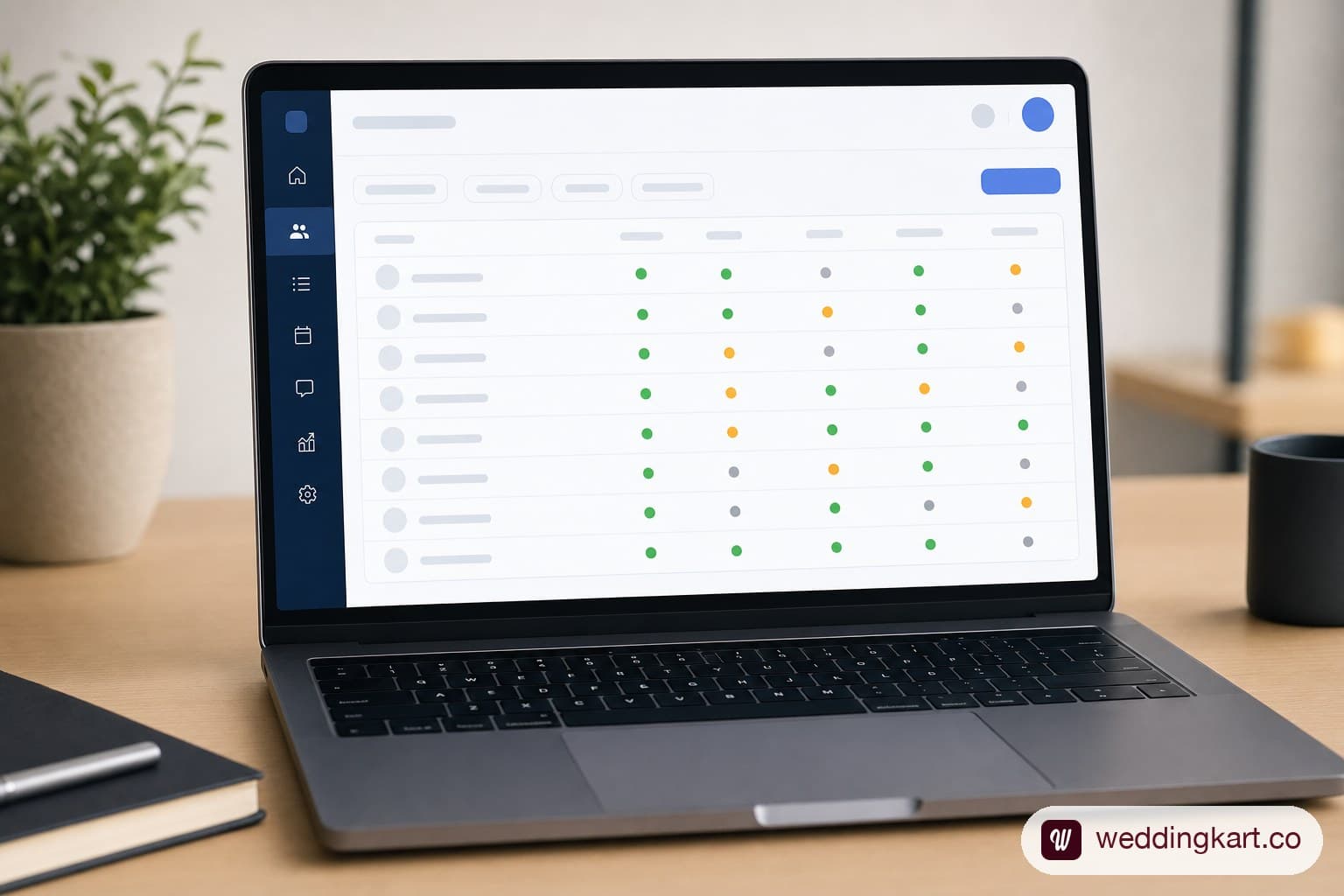
- Track sent, delivered, read, and failed status per guest. Instead of guessing who saw the invite, you get a per-guest log — genuinely useful when you're following up with the dozen relatives who haven't responded three days before the RSVP deadline.
This is exactly the gap WeddingKart is built to close. As a real WhatsApp Business API partner (not a personal-number automation script), WeddingKart lets you upload your full guest list, personalise every message with the guest's name and relationship, and send from a verified business number using WhatsApp announcements — with delivery and read tracking (see WhatsApp delivery tracking) on every single guest, so you're never left wondering who's actually seen the invite. See How It Works
WhatsApp Business API vs personal number vs bulk-sending tools
| Method | Cost | Contact limit | Ban risk | Delivery tracking |
|---|---|---|---|---|
| Personal number (manual) | Free | 256 per group/list | Low if done manually, slow at scale | None |
| Generic bulk-WhatsApp tools | Cheap | Often unlimited, but ToS-violating | High — frequently flagged and banned | Rarely, and unreliable |
| WhatsApp Business API (e.g. WeddingKart) | Paid, wedding-specific | Unlimited, compliant | Compliant — official infrastructure | Per-guest sent/delivered/read/failed, plus optional green-tick verification |
The personal-number route works fine for a 40-person guest list. It breaks down fast once you're past a couple hundred names, both because of the hard contact cap and because manual sending simply doesn't scale to hundreds of individually personalised messages. Generic bulk tools solve the volume problem but not the compliance one — they're still automating a personal number in a way Meta's terms don't allow, so the ban risk doesn't go away, it just gets deferred. A WhatsApp Business API platform is the only option built to handle both at once.
How WeddingKart sends compliant bulk invitations
WeddingKart operates as an official WhatsApp Business Solution Provider, which means every invitation goes out through Meta-approved infrastructure rather than a workaround (see how this compares to a plain WhatsApp broadcast list). In practice, that means you upload your guest list once via guest management, WeddingKart handles the personalisation and sending across your entire list — no 256-contact ceiling, no risk to a personal number — and you get a live dashboard showing exactly who's opened the invite and who hasn't, so follow-ups are targeted instead of guesswork. For hosts managing 500+ guests across a multi-day wedding, each guest can be tagged to the specific functions they're invited to via multi-event support, so the haldi-only cousin doesn't get a reception-only message by mistake.
The bottom line
WhatsApp is now the primary invitation channel for most Indian weddings — but the two facts that trip people up are simple and worth repeating: groups and broadcast lists cap out at 256 contacts, and Meta's Terms of Service prohibit unofficial bulk automation from a personal number. Both are exactly why manual sending breaks down past a few hundred guests, and both are solved the same way — sending through an official WhatsApp Business API partner built for exactly this use case.
Don't find out about the ban risk two weeks before the wedding with half your guest list still unmessaged. Set up compliant bulk sending early, personalise every message, and track delivery per guest from day one.
💌 WeddingKart is a real WhatsApp Business API partner — not a personal-number automation script. Upload your guest list once, send personalised invites at any scale, and track sent, delivered, read, and RSVP'd status per guest, with zero ban risk to your own number.
See How It Works →By Mayank JaiswalLast updated
Was this article helpful?
Share