
Quick Answer
Can you send stickers through the WhatsApp API?
Yes, with strict requirements. A sticker must be WebP, 512 by 512 pixels, with a transparent background. Static stickers are capped at around 100KB and animated ones at around 500KB. Get any of that wrong and the upload is rejected rather than silently converted. Stickers are a decorative touch rather than a workhorse, and they are wasted on anything that needs to be read.
Last updated:
Sending Stickers on the WhatsApp API
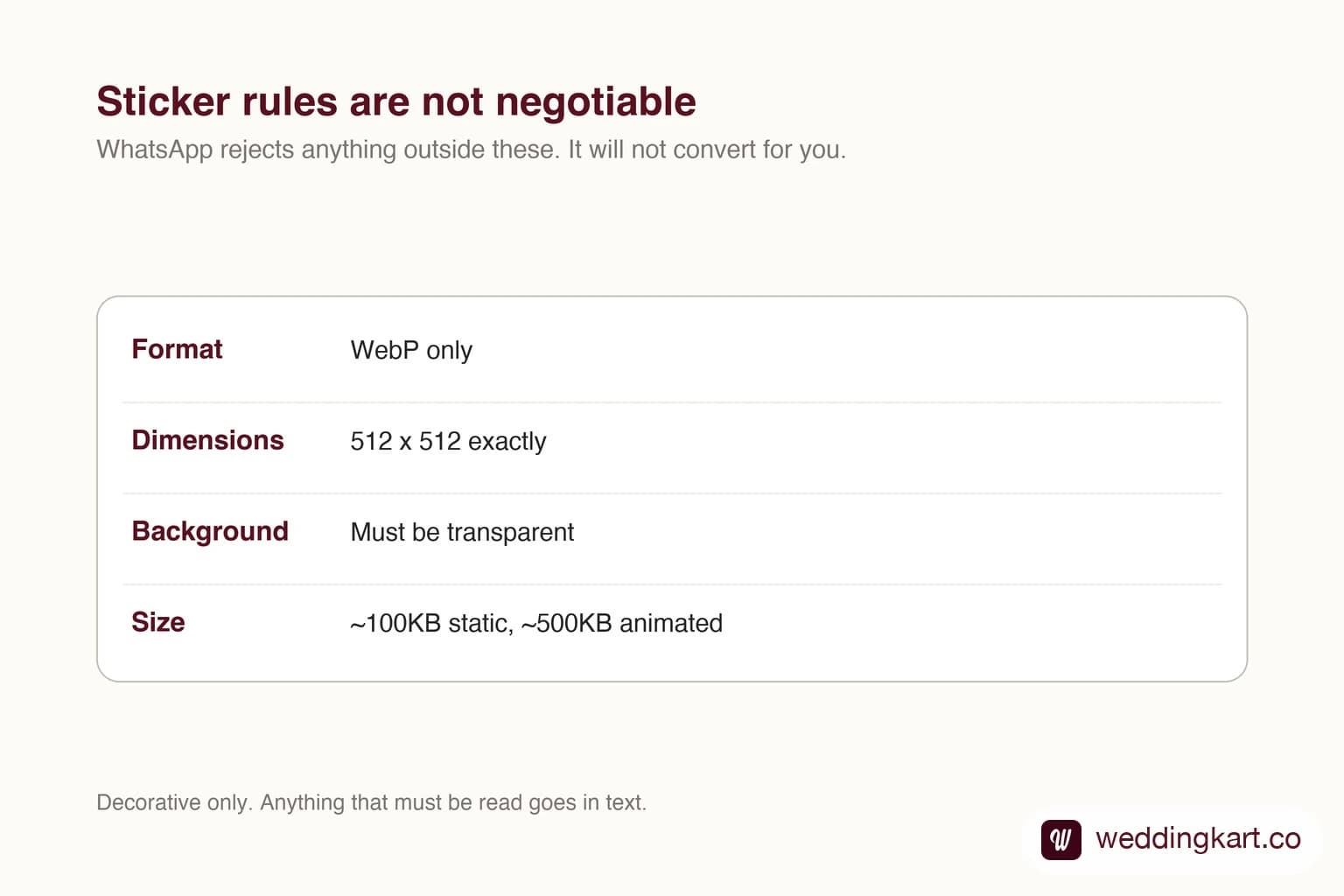
The format rules are not negotiable
WhatsApp will not fix your file for you. A PNG gets rejected, a 1024 pixel image gets rejected, and an animated sticker over the cap gets rejected. Convert and size before upload, and check both the static and animated limits because they are very different.
Transparency matters more than it sounds. A sticker with a white box around it looks broken against the chat background, which is the one thing a sticker must not do.
When to bother
Stickers work as punctuation. A short celebratory sticker after a guest confirms attendance reads as human in a way a text acknowledgement does not.
They do not work as content. There is no alt text, nothing searchable, and a recipient with images disabled sees nothing at all. Treat a sticker as something you could delete without losing meaning.
Tools referenced in this post
Try Weddingkart for your wedding
Guest lists, WhatsApp invites, RSVPs, countdowns and more - the AI layer for Indian weddings.
Related reading
Frequently Asked Questions
What size must a WhatsApp sticker be?
512 by 512 pixels, WebP, with a transparent background. Static stickers are capped around 100KB and animated around 500KB.
Will WhatsApp convert my PNG to a sticker?
No. Files that do not meet the requirements are rejected at upload. Convert to WebP at the right dimensions first.
Was this article helpful?
Share
By Weddingkart TeamLast updated