
Quick Answer
How do WhatsApp authentication templates work?
Authentication is a dedicated template category for one-time passcodes, and it behaves differently from marketing or utility templates. You do not write the body copy: Meta supplies fixed wording in each language and you supply the code as a variable. That is why most OTP template rejections come from trying to write your own message or add promotional content. In exchange you get a copy-code or one-tap autofill button and reliable delivery.
Last updated:
WhatsApp Authentication Templates (OTP)
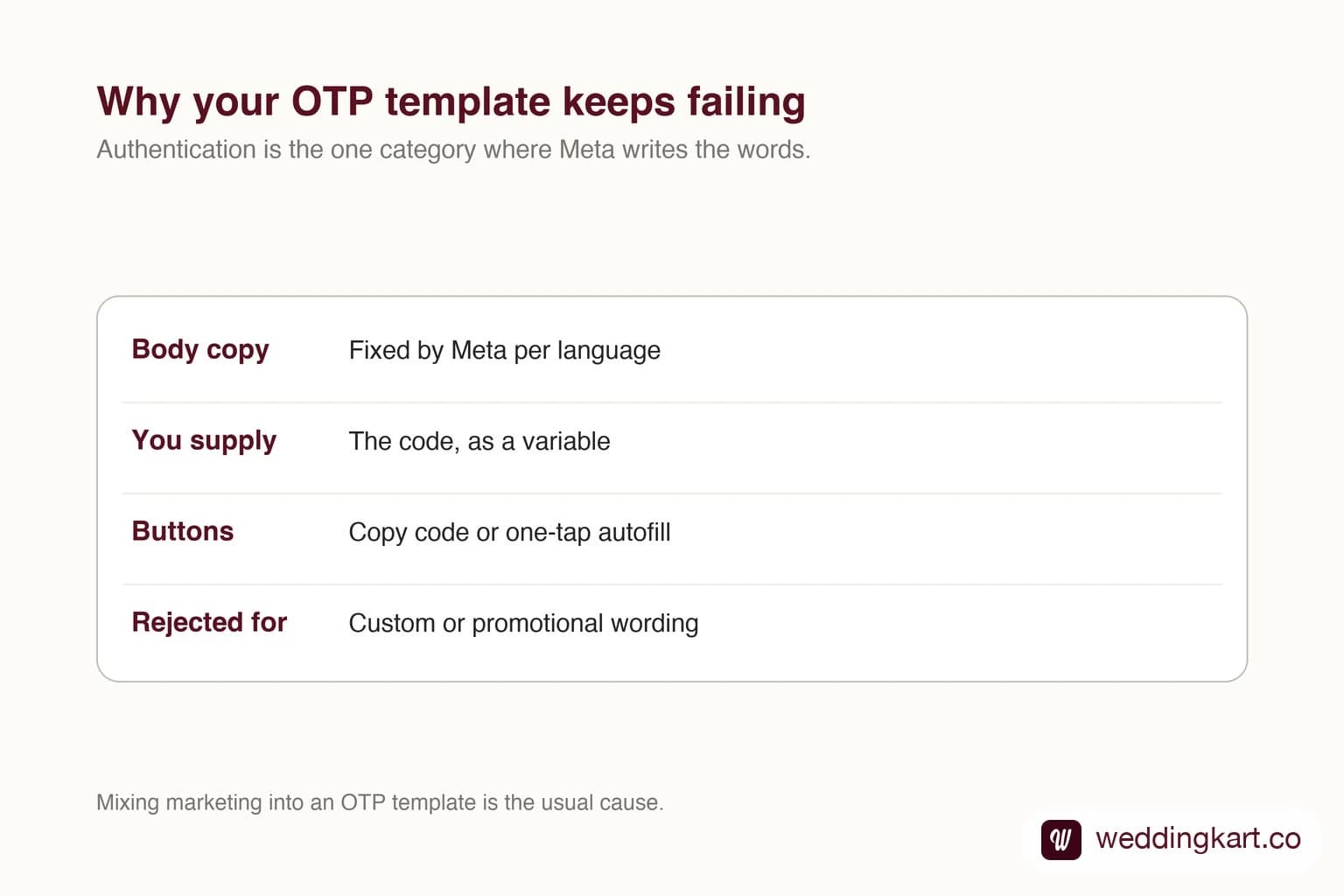
Why you cannot write the copy
OTP messages are the most phished message type in existence, so Meta standardised them. Fixed wording means a user can learn what a legitimate code message looks like, and anything that deviates is suspicious by construction.
Practically, you pick the category, pick the button style, and provide the code. If you find yourself fighting the template editor to add a sentence, that is the system working as designed.
Getting them approved
Do not add a tagline, an offer, or a link to anything other than the authentication flow. Mixing promotion into an authentication template is the single most common rejection.
Add every language you actually send in, as separate approved versions. And do not use an authentication template for anything that is not a code; using it to dodge marketing pricing is the kind of thing that costs you the category.
Tools referenced in this post
Try Weddingkart for your wedding
Guest lists, WhatsApp invites, RSVPs, countdowns and more - the AI layer for Indian weddings.
Related reading
Frequently Asked Questions
Why does my OTP template keep getting rejected?
Usually because it contains custom or promotional copy. Authentication templates use Meta fixed wording with the code as a variable; you cannot write your own body text.
Are authentication templates priced differently?
Yes. Authentication is a separate category from marketing and utility, and is priced on its own line in Meta rate card.
Was this article helpful?
Share
By Weddingkart TeamLast updated