
Quick Answer
What do WhatsApp Business API error codes mean?
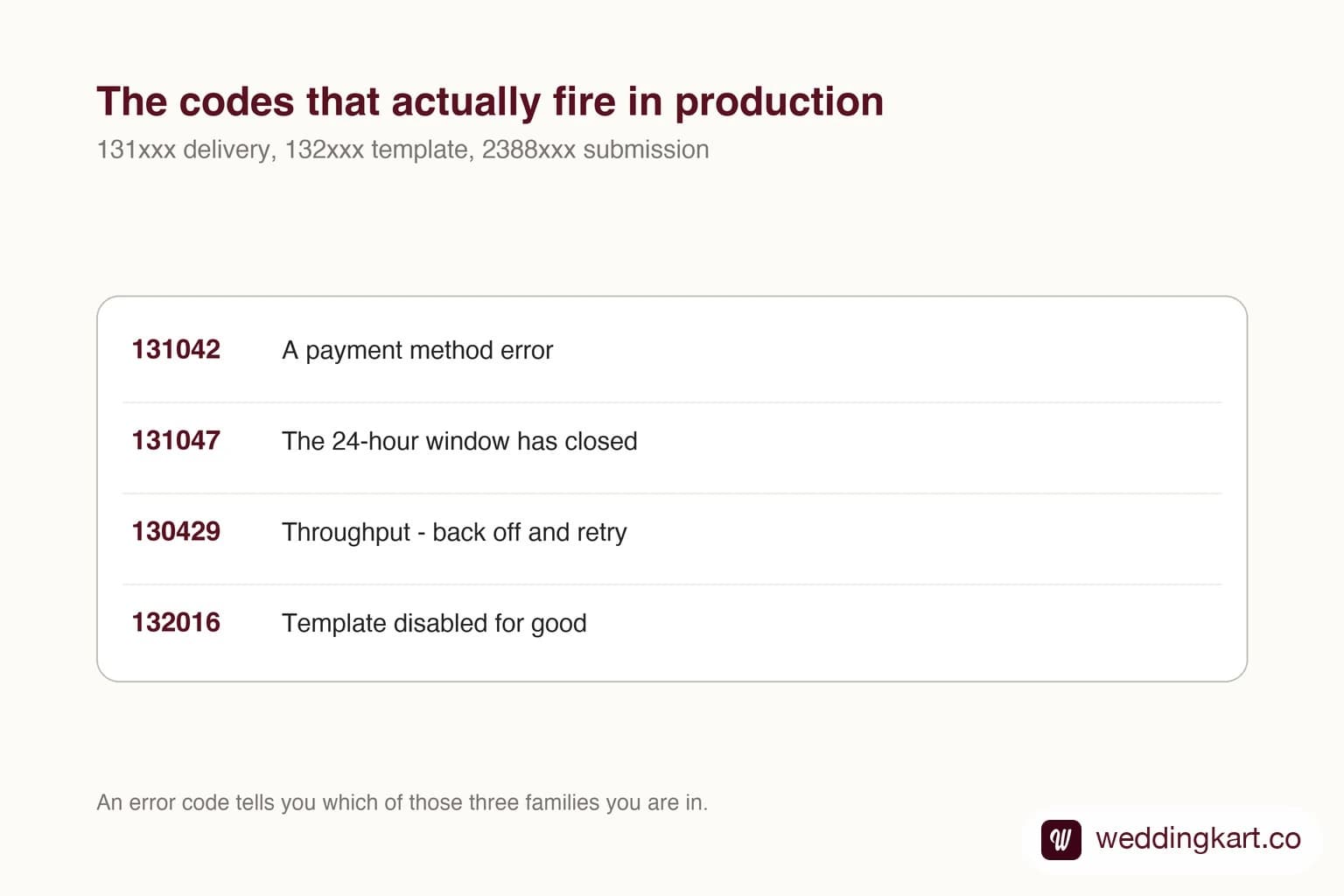
WhatsApp API errors group into families by their leading digits. The 131xxx range covers delivery problems - 131026 is undeliverable, 131047 means the 24-hour window closed, 131042 means your account has no working payment method. The 132xxx range covers template problems at send time, including 132015 for a template paused on quality and 132016 for one permanently disabled. The 2388xxx range covers template submission rejections, which are almost always about variables rather than content. 130429 is a throughput rate limit and needs exponential backoff, not a retry loop.
Last updated:
WhatsApp API Error Codes, Decoded
There are a lot of WhatsApp error code lists on the internet, and most of them are the same scraped table with different branding. This is not that. It is the subset we actually hit while running WhatsApp messaging in production, with what each code means once you have seen it a few dozen times.
Codes we have not seen fire ourselves are deliberately left out. A reference is only useful if you can trust every row in it.
Read the family first
Before looking up a specific number, note its range - it tells you which part of the system rejected you, and therefore which team’s problem it is.
- 131xxx - delivery. The message was accepted but could not reach the person.
- 132xxx - templates at send time. The template exists but something about this send is wrong.
- 2388xxx - template submission. Your template was rejected before it ever existed.
- 130xxx - platform limits, most commonly throughput.
Delivery and send-time errors
| Code | What it means | What to do |
|---|---|---|
131026 Message undeliverable | Meta will not say why. The number may not be on WhatsApp, the recipient may have blocked you, they may not have accepted Meta’s current terms, or they may be in a restricted country. | Treat as a data-quality signal, not a bug. Validate numbers before sending and suppress repeat failures - re-sending to the same number will fail identically. |
131047 Re-engagement required | You tried to send free-form text more than 24 hours after the recipient’s last message. The customer service window has closed. | Send an approved template instead. If you are hitting this constantly, your reply times are the problem, not your code. |
131049 Meta chose not to deliver | Not a technical failure. Meta deliberately withheld the message to protect the recipient’s experience - typically a marketing frequency limit on that user. | Nothing to retry. Reduce marketing volume to that audience. Utility and authentication messages are unaffected. |
131042 Business eligibility / payment issue | The business account has no working payment method, or billing is otherwise not set up. Everything else can look perfectly configured. | Add a valid payment method to the business portfolio. This is the single most common reason a brand new account passes every setup check and still sends nothing. |
130429 Rate limit hit | You exceeded Cloud API message throughput. This is about messages per second, not your daily recipient cap. Default is up to 80 per second per number; a number shared with the WhatsApp Business app is fixed at 20. Meta can accept the send first and report this failure in a later status update. | Back off exponentially - start at 1 second, double each retry, cap at 60. Do not retry in a tight loop; you will stay rate limited. |
131042 deserves special mention. It is the error that makes an account look haunted. Every setup screen is green, the number is verified, templates are approved - and nothing sends. The cause is a missing or failed payment method on the business portfolio, and nothing in the onboarding flow surfaces it clearly. If a freshly onboarded account will not send, check billing before you check anything else.
Template errors at send time
| Code | What it means | What to do |
|---|---|---|
132000 Parameter count mismatch | The number of values you passed does not match the placeholders in the template. | A bug in your sending code. Compare against the template’s component schema. |
132001 Template does not exist | No template with that name in that language - or it was deleted or disabled. | Check the name and language code first. If both are right, the template was disabled: see 132016. |
132005 Hydrated text too long | After your values were substituted in, the message exceeded the length limit. | Truncate the values you inject at send time. The template passed review empty; it is your data that overflows it. |
132007 Format character policy violated | Content violated policy at send time, which is rare for an already-approved template. | Read error_data.details - it is usually something in a substituted value, not the template body. |
132012 Parameter format mismatch | You sent the wrong type - text where the template expects media, for example. | Check the template’s component schema and match the parameter types exactly. |
132015 Template is paused | Recipients blocked, reported or ignored this template enough to trip Meta’s quality threshold. It cannot be sent while paused. | The pause lifts automatically once quality recovers. Fix the audience and the frequency - rewording alone will not help. |
132016 Template is disabled | Repeated pauses led to a permanent disable. This is terminal. | The template cannot be revived. Create a new one under a different name, and change what caused the complaints. |
The pair worth internalising is 132015 and 132016. Everyone treats template approval as a one-time gate, so a template that worked last month and fails today reads as a platform bug. It is not. Meta scored your audience’s reaction and acted. There is no support ticket that reverses 132016 - see the template guide for how to avoid getting there.
Template submission rejections
These come back when you POST a new template, before any human review. In our experience they are overwhelmingly about variables rather than about what the message says.
| Code | Name | What to do |
|---|---|---|
| 2388024 | Content in this language already exists | A template with that name and language already exists in any status - including stale rejected ones. Pick a new name. |
| 2388040 | Character limit exceeded | A field is over its cap: body 1,024, header 60, footer 60, button 25. |
| 2388047 | Header format incorrect | Validate the header component’s type, format and example keys. |
| 2388072 | Body format incorrect | Usually exotic formatting, unescaped braces, or three consecutive line breaks. |
| 2388073 | Footer format incorrect | Almost always a variable in the footer. Footers cannot be parameterised. |
| 2388103 | Migration failed | Not a content problem - a business account or phone number configuration mismatch. |
| 2388293 | Parameters ratio exceeded | Too many variables relative to fixed text. Add real words around the placeholders. |
| 2388299 | Leading or trailing variable | The body starts or ends with a placeholder. A trailing full stop may not be enough - add words. |
The error that is not an error
The most expensive outcome on this platform does not produce an error code at all. You submit a template as utility, get back HTTP 200 and status PENDING, and everything looks fine - except the response says category: MARKETING. Meta reclassified you, silently, and that decision becomes permanent once review completes.
Nothing in your logs will flag it, because nothing failed. The only defence is to read the category back immediately after every submission and compare it to what you asked for.
How to instrument this properly
Three things worth building once, which pay for themselves the first time something goes wrong at volume.
Store the code, not the message. Meta’s human-readable strings change; the numbers do not. If you log only the text, you cannot aggregate across a year.
Separate “their problem” from “our problem” in alerting. A wave of 131026 means a dirty list and probably deserves a report, not a page. A single 131042 or 132016 means everything has stopped, and deserves to wake someone up. Alerting on raw failure count conflates the two and trains everyone to ignore it.
Make failures visible to the person who can act. The most common real-world outcome of a WhatsApp failure is not a crash - it is silence, where the sender assumes the message went out. Whatever you build, surface per-recipient status somewhere a non-technical person will look. That is exactly why we built per-guest delivery tracking rather than leaving codes in a log file.
Tools referenced in this post
Try Weddingkart for your wedding
Guest lists, WhatsApp invites, RSVPs, countdowns and more - the AI layer for Indian weddings.
Call our AI assistant, any time: +91 92409 54071
Related reading
Frequently Asked Questions
What does WhatsApp error 131026 mean?
Message undeliverable. Meta deliberately does not disclose which reason applied, for recipient privacy. It can mean the number is not registered on WhatsApp, the recipient blocked your business, the recipient has not accepted Meta’s current terms of service, or they are in a restricted country. Because you cannot tell them apart, the only sane response is to stop sending to that number and treat it as a list-quality signal.
How do I fix WhatsApp error 131047?
You cannot fix it by retrying - it means the 24-hour customer service window has closed, so free-form text is no longer allowed to that person. Send an approved message template instead. If this error appears often in your logs, it is telling you something about response times rather than about your integration.
Why is my WhatsApp template paused?
Error 132015 means recipients blocked, reported or ignored the template enough for Meta’s quality signals to trip. Meta suspends it until quality recovers, which happens automatically. Editing the wording will not lift the pause, because the cause is not the wording - it is who you sent it to and how often. Repeated pauses escalate to 132016, a permanent disable that cannot be reversed.
What is the difference between error 130429 and my messaging limit?
They are different ceilings. 130429 is a throughput limit - too many API requests per second - and the fix is exponential backoff in your sending code. Your messaging limit is a separate daily cap on how many unique people you may start conversations with, set by your number’s quality rating. Hitting the daily cap does not produce 130429; you simply cannot open new conversations.
Does a failed WhatsApp message still cost money?
No. Meta charges on delivery, so a message that errors out is not billed. This is worth building into your reconciliation - if you count send attempts internally and compare that to a Meta invoice counting deliveries, the two will never match, and the gap is your failure rate.
Was this article helpful?
Share
By Weddingkart TeamLast updated