
Quick Answer
How do blue ticks work on the WhatsApp Business API?
They are a call you make. The Cloud API does not mark inbound messages as read automatically: until you send a read receipt for a message id, the customer sees two grey ticks no matter how many people on your team have looked at it. Marking as read is a deliberate signal that someone has the message. Triggering a typing indicator marks it read as a side effect, so the two usually arrive together.
Last updated:
Marking WhatsApp API Messages as Read
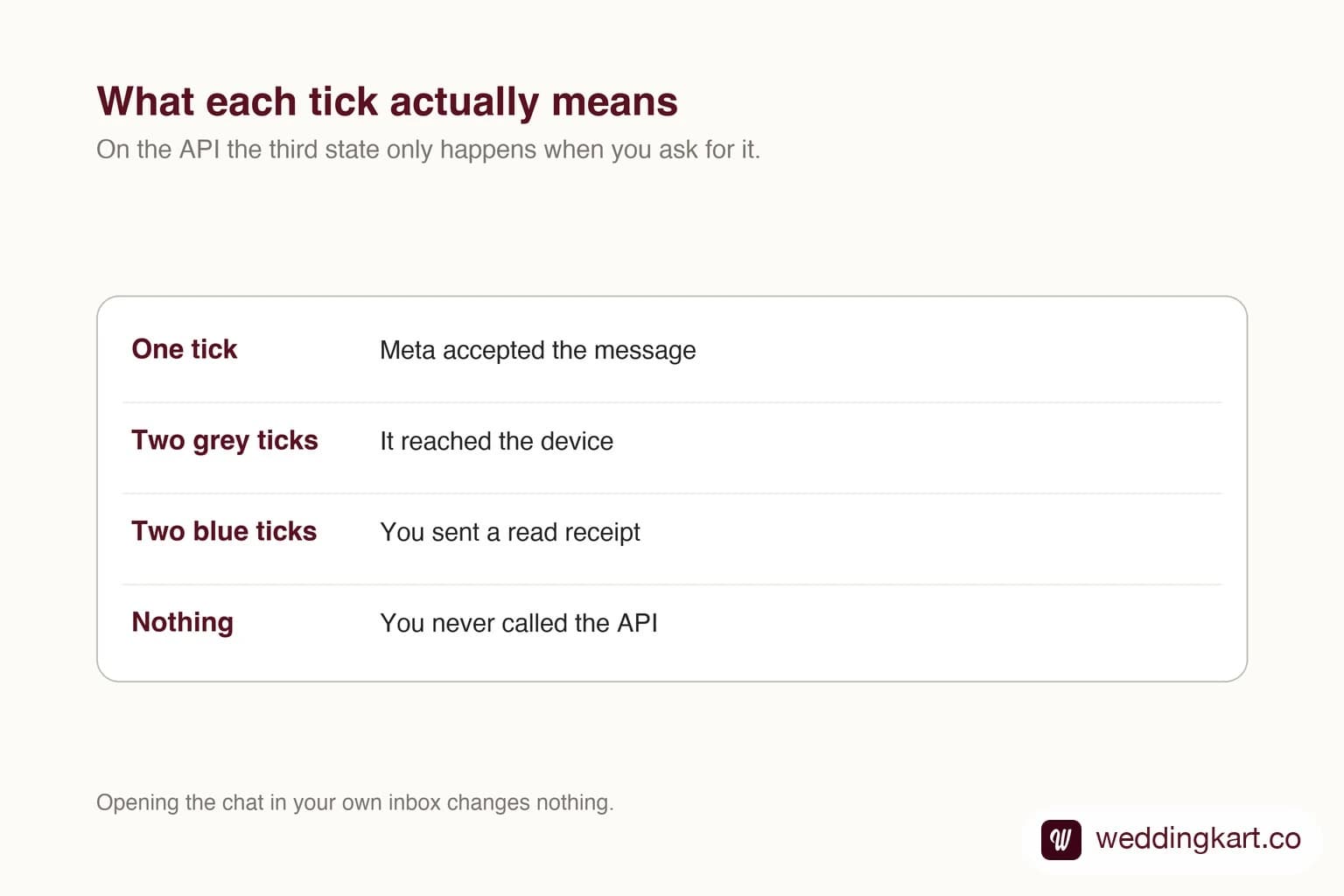
What the customer actually sees
One tick means Meta accepted the message. Two grey ticks mean it reached the device. Blue ticks mean a read receipt was sent for it. On the API that third step is entirely under your control, which surprises teams moving over from the WhatsApp Business app where it happens by itself.
That control is useful. A read receipt is a real signal to the person waiting, and sending it the moment a human picks up the conversation is more honest than sending it when a server received the webhook.
Choosing a policy
Two policies work. Mark read on human pickup, which makes blue ticks mean a person has it. Or mark read immediately, which is fine if an automated reply genuinely follows within seconds.
The policy that goes wrong is marking everything read on receipt while replies take hours. Customers read blue ticks as being ignored on purpose, which is worse than appearing not to have seen the message at all.
Tools referenced in this post
Try Weddingkart for your wedding
Guest lists, WhatsApp invites, RSVPs, countdowns and more - the AI layer for Indian weddings.
Related reading
Frequently Asked Questions
Why do my WhatsApp messages never show blue ticks?
Because nothing is sending read receipts. The Cloud API requires an explicit call against the inbound message id; opening the conversation in your own dashboard does not do it.
Can I turn off read receipts on the API?
They are off by default in the sense that nothing happens unless you call for them. If you never send read receipts, customers only ever see two grey ticks.
Was this article helpful?
Share
By Weddingkart TeamLast updated