
Quick Answer
Can you move a WhatsApp number from one provider to another?
Yes. A number registered on the WhatsApp Business Platform can be migrated to a different provider or Business Manager, and it keeps its display name, quality rating and messaging tier. What does not come automatically is your message templates, which generally have to be recreated and re-approved on the receiving side. You need the two-step verification PIN, and you should expect a short window where the number cannot send.
Last updated:
Moving a WhatsApp Number to a New Provider
What carries over and what does not
The valuable part carries over. A number with a long clean history and a high messaging tier does not go back to square one, which is the whole reason migration exists rather than just registering a fresh number.
Templates are the catch. They live against the account they were approved under, so budget time to recreate them and get them through review before you need to send anything.
Sequence the move properly
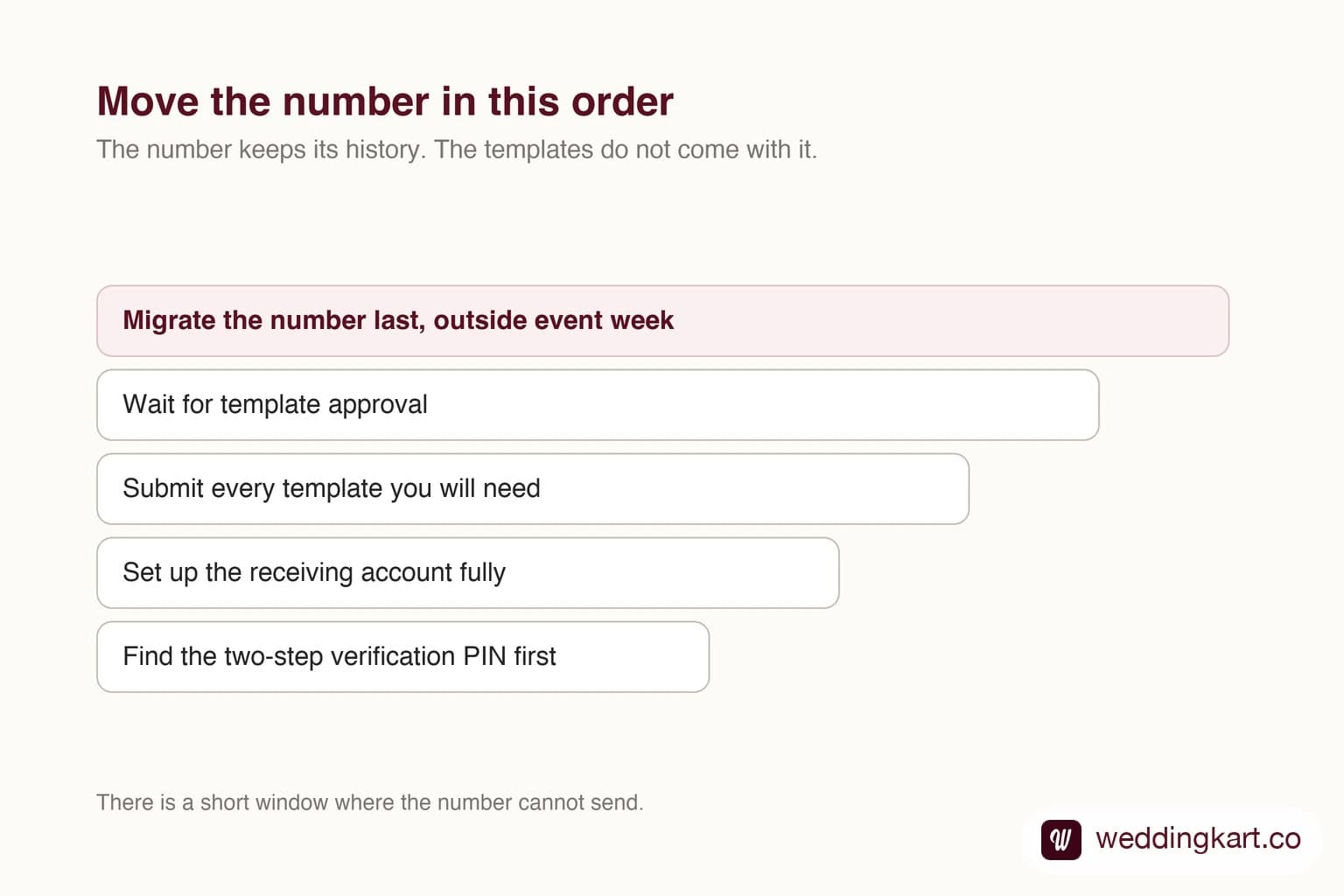
Have the PIN before you start. Set up the receiving side fully, submit the templates you will need, and only then move the number, so you are not waiting on template review while unable to send.
Pick the timing deliberately. There is a period during the switch where the number is not usable, and the one thing you cannot do is pause a wedding while a migration completes.
Tools referenced in this post
Try Weddingkart for your wedding
Guest lists, WhatsApp invites, RSVPs, countdowns and more - the AI layer for Indian weddings.
Related reading
Frequently Asked Questions
Do I lose my quality rating when migrating?
No. Display name, quality rating and messaging tier move with the number. Message templates generally do not and need recreating.
Can I migrate without the two-step PIN?
No. The PIN is required. If you have lost it, reset it first and allow for the waiting period Meta may apply.
Was this article helpful?
Share
By Weddingkart TeamLast updated