
Quick Answer
Can you send a contact card through the WhatsApp API?
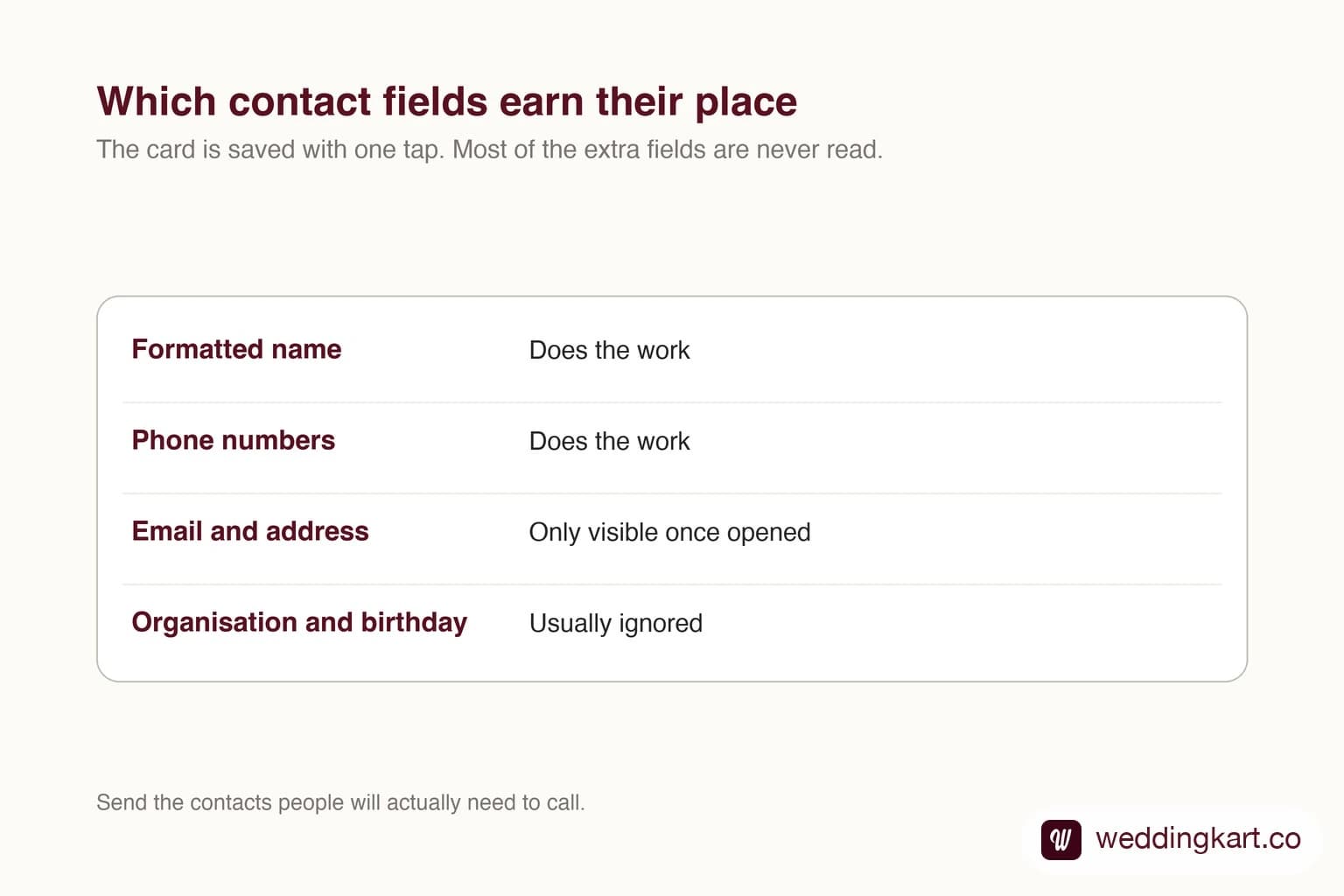
Yes. The contacts message type sends one or more cards the recipient can save straight to their phone book with a tap. Each card supports a formatted name, phone numbers, emails, addresses, an organisation and a birthday. In practice only the name and phone numbers carry their weight: the recipient sees a compact card, and most of the extra fields only appear once they open it.
Last updated:
Sending Contact Cards on WhatsApp API
Where it earns its place
Contact cards are for the moment when someone will need to reach a specific person later and should not be scrolling back through a thread to find a number. A transport coordinator, a venue manager, an on-call number for the day.
The advantage over plain text is simply that saving it is one tap. A number typed into a message gets lost; a card gets saved while the person is already thinking about it.
Keep the card small
Fill in the name and the phone numbers, label them sensibly, and stop. The organisation and address fields are supported but mostly go unread, and a card stuffed with fields is harder to scan than one with two lines.
If you are sending several at once, send the ones that are genuinely useful. A list of twelve contacts nobody asked for gets ignored exactly like a printed directory would.
Tools referenced in this post
Try Weddingkart for your wedding
Guest lists, WhatsApp invites, RSVPs, countdowns and more - the AI layer for Indian weddings.
Related reading
Frequently Asked Questions
How many contact cards can one message hold?
More than one; the contacts object takes an array. Keep it short, because a long list is harder to use than a few well-chosen cards.
Which contact fields actually show?
The formatted name and phone numbers do the work. Emails, addresses, organisation and birthday are supported but mostly only visible once the recipient opens the card.
Was this article helpful?
Share
By Weddingkart TeamLast updated