
Quick Answer
Can you send a location through the WhatsApp API?
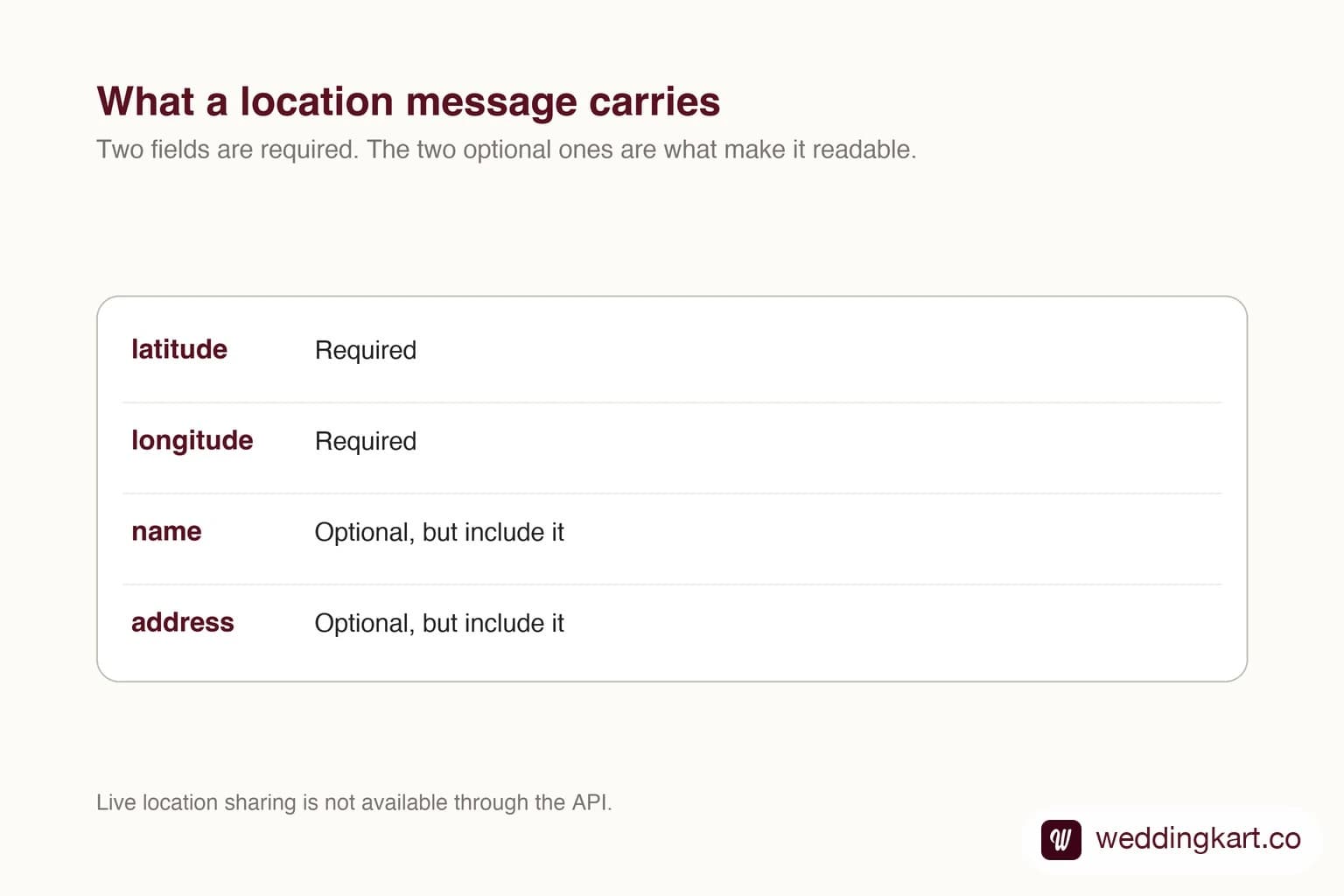
Yes. The location message type takes latitude and longitude, plus an optional name and address. The recipient sees a map preview they can tap to open in their own maps app and navigate. You can also receive locations: when a customer shares one, the webhook delivers coordinates you can store. What the API does not support is live location sharing, which stays a consumer feature.
Last updated:
Sending a Location on the WhatsApp API
Getting it right
The optional fields are the difference between a useful message and a confusing one. With a name and address the card reads like a place; without them it is a pin with numbers under it, and people hesitate to tap.
Accuracy matters more than you would think for venues. A pin dropped on the centre of a large property can send a driver to a service entrance. Set the coordinates where you want people to actually arrive.
Receiving a location
Guests can share their own location back, which arrives through the standard messages webhook with coordinates attached. That is useful for working out who is where on the day, though it is a one-off snapshot rather than a live feed.
Be thoughtful about asking. A location is personal data, and the reason for collecting it should be obvious to the person sharing it.
Tools referenced in this post
Try Weddingkart for your wedding
Guest lists, WhatsApp invites, RSVPs, countdowns and more - the AI layer for Indian weddings.
Related reading
Frequently Asked Questions
Can the WhatsApp API send live location?
No. Live location sharing is a consumer app feature. The API sends a static point only.
Do I have to include an address?
It is optional but you should. Without a name and address the recipient sees only a map pin, which reads as unfinished.
Was this article helpful?
Share
By Weddingkart TeamLast updated