
Quick Answer
Can a business post a WhatsApp Status through the API?
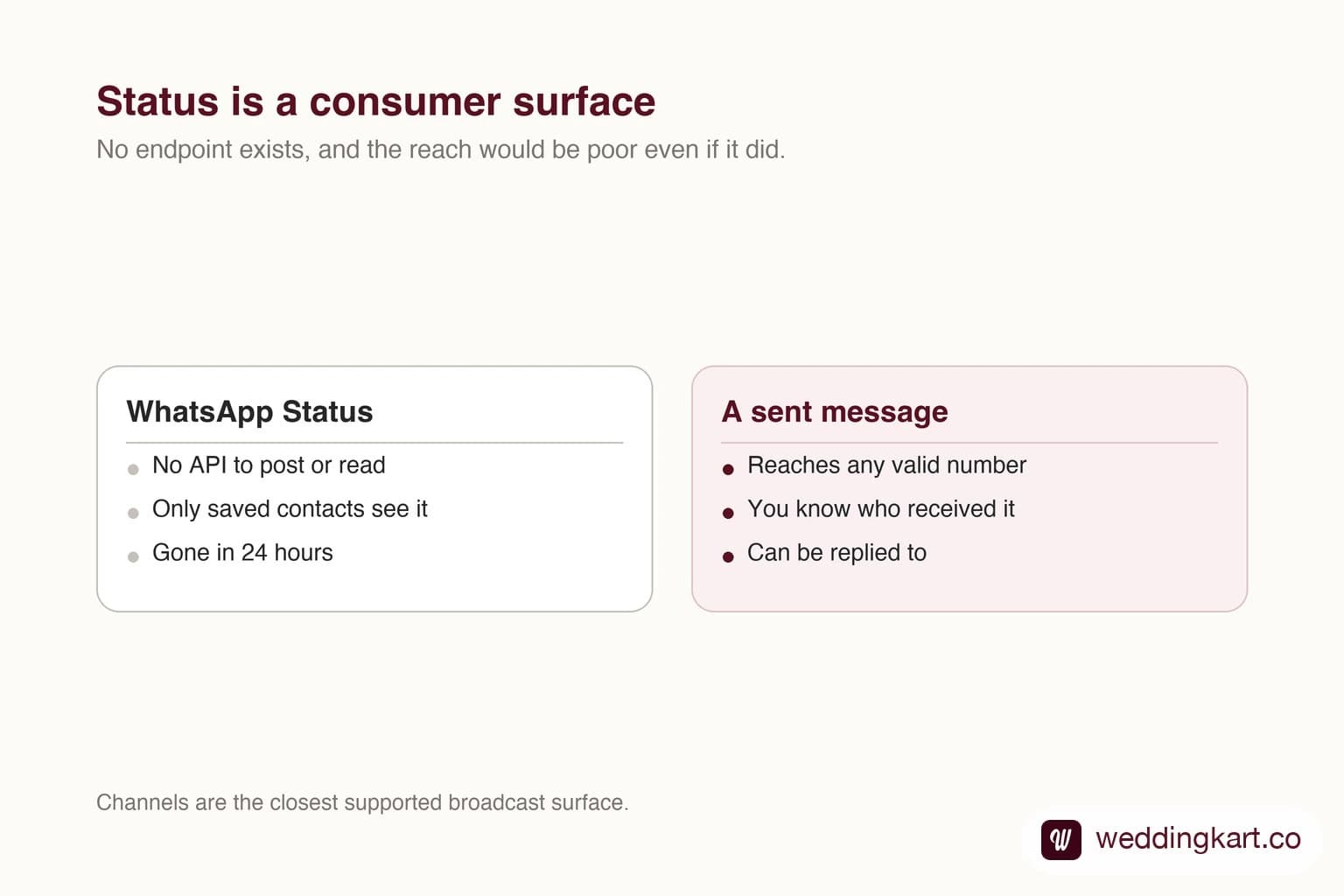
No. Status, the twenty-four hour updates WhatsApp shows at the top of the app, has no Cloud API surface. You cannot post one, schedule one or read who viewed one. Status is also opt-in by contact save, so it only reaches people who already have your number saved, which makes it a poor fit for business reach even if it were available. Channels and ordinary messages are the supported routes.
Last updated:
Can the WhatsApp API Post a Status?
Why Status is not an API feature
Status is built around a personal contact graph. It shows updates from people you have saved, and that framing does not translate to a business sending programmatically.
Even setting the API aside, the reach maths is poor. A guest list is full of people who have never saved your number, and they would never see a Status at all.
The supported alternatives
If you want a one-to-many surface people can follow, Channels are the closest thing, though they are managed in the app rather than through the messaging API and give you followers rather than a guest list.
If you want something to land reliably and come back with an answer, send a message. It costs more than a free Status post, and it is the only route that tells you who received it.
Tools referenced in this post
Try Weddingkart for your wedding
Guest lists, WhatsApp invites, RSVPs, countdowns and more - the AI layer for Indian weddings.
Related reading
Frequently Asked Questions
Can I automate WhatsApp Status posts?
Not through the official API. Tools claiming to do it are automating a personal account, which risks a ban on that number.
Who can see a business Status?
Only contacts who have saved the number, which on a typical guest list is a small minority.
Was this article helpful?
Share
By Weddingkart TeamLast updated