
Quick Answer
Can you delete a message sent through the WhatsApp API?
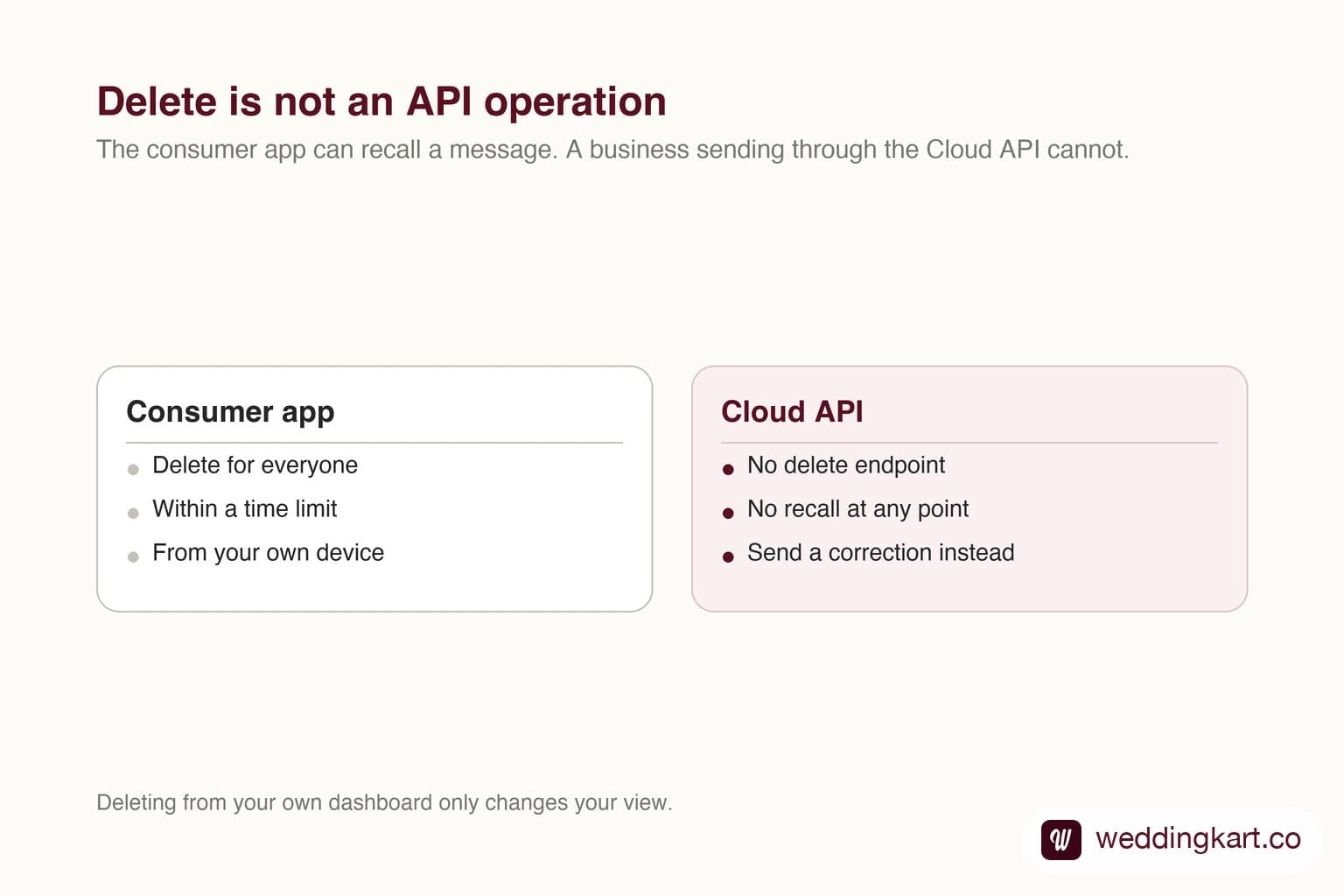
No. The WhatsApp Cloud API has no endpoint for deleting or recalling a message once it has been accepted for delivery. The delete-for-everyone option people know from the consumer app is not exposed to businesses, and deleting the message from your own dashboard only hides it from you. The message stays on the recipient phone. Your options are to send a correction, to design the send path so mistakes are caught before they go out, and to use the quoted-reply context so the correction attaches to the wrong message in the thread.
Last updated:
Can You Delete a WhatsApp API Message?
Why there is no delete endpoint
WhatsApp treats a delivered message as the recipient property. The consumer app lets a person delete for everyone within a time limit because that person sent it from their own device. A business sending through the Cloud API is in a different position: Meta will not let a company reach into thousands of phones and remove something after the fact.
This is deliberate, and it has not changed. If a tool offers you a delete button for API messages, check carefully what it actually does. In almost every case it removes the message from that tool own conversation view and nothing more.
What to do instead
Send a correction quickly. A short, plain follow-up reads far better than silence, and on WhatsApp people are used to it. Quote the original using the reply context so the correction sits directly under the mistake rather than floating at the bottom of a busy thread.
If the wrong message went to a template send, you cannot stop the ones already accepted, but you can usually stop the rest. Most platforms queue a large send in batches, so pausing within the first seconds limits the damage.
The durable fix is a preview step. At wedding scale a single wrong variable reaches several hundred people before anyone notices, so the time to catch it is before the send, not after.
Tools referenced in this post
Try Weddingkart for your wedding
Guest lists, WhatsApp invites, RSVPs, countdowns and more - the AI layer for Indian weddings.
Related reading
Frequently Asked Questions
Can I delete a WhatsApp message sent by my business?
Not through the API. The Cloud API exposes no delete or recall operation for a message that has been accepted for delivery. The delete-for-everyone feature in the consumer app is not available to businesses sending programmatically.
Does deleting the chat in my dashboard delete it for the customer?
No. Removing a conversation from your own inbox changes only what your team sees. The recipient copy is unaffected and stays in their chat history.
What is the best way to correct a wrong message?
Send a short correction as soon as you notice, and use the quoted-reply context so it attaches to the message it is correcting. Do not send a long apology; on WhatsApp a brief correction reads as competent rather than flustered.
Was this article helpful?
Share
By Weddingkart TeamLast updated