
Quick Answer
Can you reply to a specific message on the WhatsApp API?
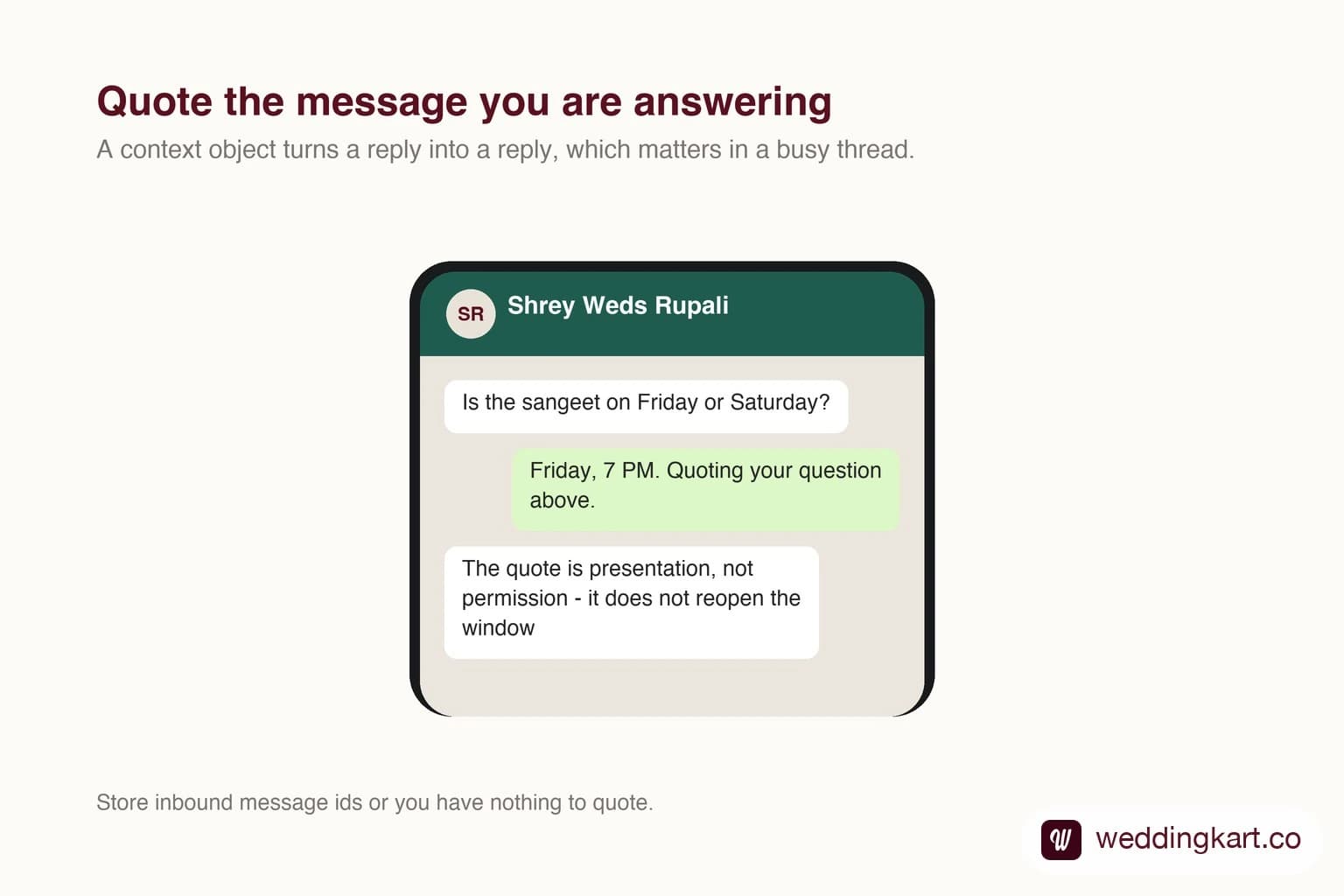
Yes. Pass a context object containing the id of the message you are answering, and your reply appears quoted above it in the thread, exactly as a manual reply would. It works for any outbound message type. The limits worth knowing: you need the original message id, which means storing it when the webhook arrives, and a quote to a message the recipient has deleted from their device degrades to an ordinary message rather than failing.
Last updated:
Replying to a Specific WhatsApp Message
Why it matters more than it looks
In a quiet conversation a reply is obviously a reply. In a thread where a guest asked three questions and your team answered the second one forty minutes later, an unquoted answer is a guessing game.
It also matters for corrections. If you sent a wrong time and follow up with the right one, quoting the original puts them together in the thread, which is the closest thing the API has to an edit.
Store the ids
The only real work is bookkeeping. Every inbound webhook carries a message id, and if you do not persist it against the conversation you cannot quote anything afterwards.
Worth knowing: quoting does not restart the twenty-four hour window, and it does not make a free-form reply legal once the window has closed. The quote is presentation, not permission.
Tools referenced in this post
Try Weddingkart for your wedding
Guest lists, WhatsApp invites, RSVPs, countdowns and more - the AI layer for Indian weddings.
Related reading
Frequently Asked Questions
How do I reply to a specific WhatsApp message?
Include a context object with the id of the message you are replying to in your send request. WhatsApp renders your message with the original quoted above it.
What if the quoted message was deleted?
The reply still sends, but it arrives without the quote rather than failing.
Was this article helpful?
Share
By Weddingkart TeamLast updated