
Quick Answer
Can you send a video with the HD label through the WhatsApp API?
No. On phones, WhatsApp shows the small HD label on a video only when the person sending it tapped HD in the WhatsApp app. The WhatsApp Business API has no HD setting: a video message takes just a media ID or link and a caption. So invitation videos sent through any WhatsApp API tool, including Weddingkart, arrive on phones without the label. WhatsApp Web is different: it labels any video that is at least 720 pixels on its short side, whoever sent it. The missing label is not a sign of lower quality. A 720p video sent through the API has the same resolution as an HD video sent from the phone app.
Last updated:
Why WhatsApp API Videos Don't Show HD
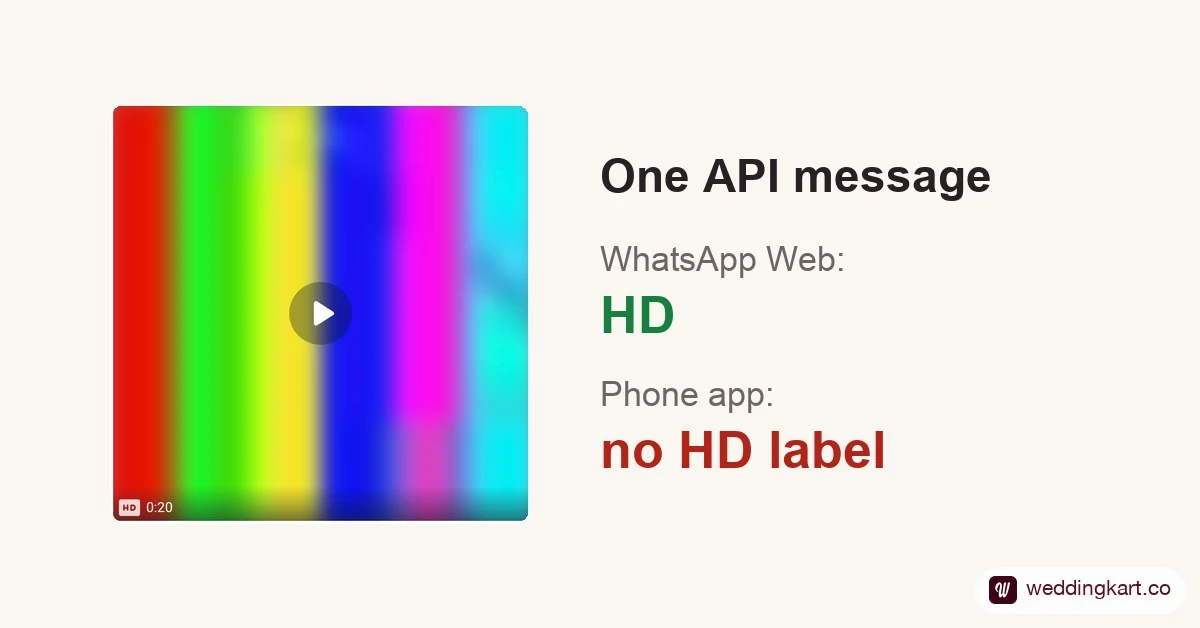
An event manager told us their invitation videos show a small HD label when they send them from their own phone, but never when the same invitation goes out through Weddingkart. They wanted to know why, and whether there was a setting to turn it on.
There isn't. We tested it to understand exactly why, and found that the answer also depends on where you look at the message.
On a phone, the label comes from the sender
When you attach a video in the WhatsApp app, the editor shows an HD option. Standard quality sends a smaller copy. HD sends a sharper one, up to 720p. When you pick HD, the person receiving it sees the HD label on the video. The label tells them which option you chose.
A business sending through the WhatsApp Business API never sees that editor. A video message in the API takes just three things: a media ID or a link to the file, and an optional caption. There is no HD, quality or resolution setting, and Meta's documentation does not mention the label at all. Template messages with a video header work the same way.
So on a phone, a video sent through the API never shows the HD label. That is true for every WhatsApp API tool, not just Weddingkart. We sent seven test videos, from 480p up to 1080p, and none of them showed HD on our phone.
On WhatsApp Web, resolution decides
WhatsApp Web behaves differently. Looking at the same seven messages on WhatsApp Web, three of them showed the HD label and four did not.
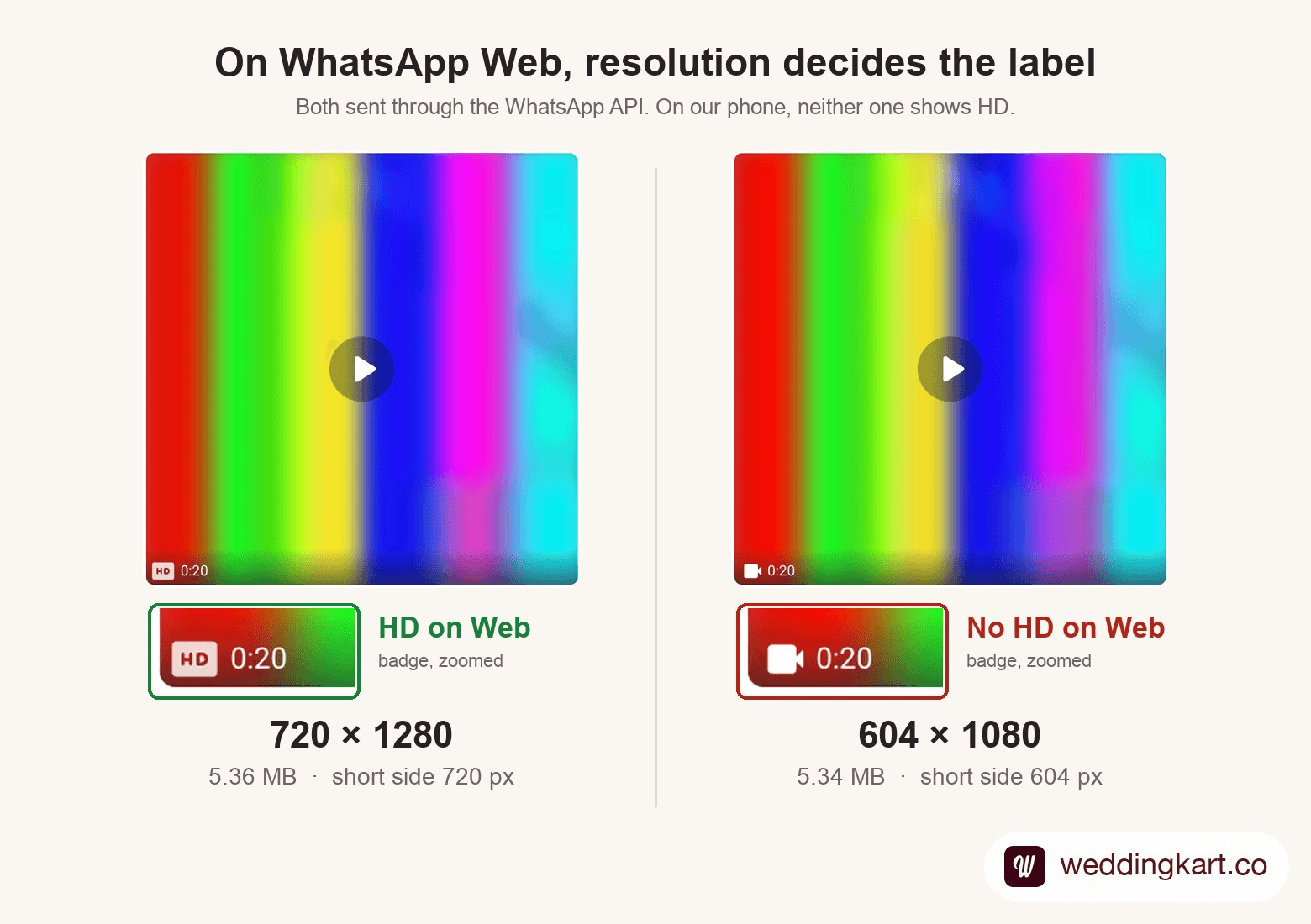
| Resolution | File size | WhatsApp Web | Phone app |
|---|---|---|---|
| 1920 × 1080 | 7.87 MB | HD | No HD |
| 1280 × 720 | 5.36 MB | HD | No HD |
| 720 × 1280 | 5.36 MB | HD | No HD |
| 960 × 540 | 5.34 MB | No HD | No HD |
| 854 × 480 | 5.34 MB | No HD | No HD |
| 604 × 1080 | 5.34 MB | No HD | No HD |
| 576 × 1024 | 5.35 MB | No HD | No HD |
On WhatsApp Web, every video that was at least 720 pixels on its short side got the label, and every smaller one did not. File size made no difference: the 720 × 1280 and 604 × 1080 videos differ by 20 KB. So if you check an API-sent invitation on your laptop and see HD, that does not mean your guests see it on their phones.
The label is not the quality
Missing the label does not mean the video looks worse. In the phone app, HD means up to 720p. A 720p video sent through the API has the same resolution as an HD video sent by hand; it simply carries no label.
What does make an invitation look worse is a low-resolution file. When we looked at invitation videos uploaded to Weddingkart, many were already 464 × 832, 480 × 848, 576 × 1024 or 604 × 1080 before we received them. The usual reasons:
- The video was saved from a WhatsApp chat. If the designer sent it on WhatsApp in standard quality, the copy on your phone is the smaller version.
- The designer exported at a reduced size to keep the file small.
- A video app shrank it while adding music or text.
How to send the sharpest invitation video
- Ask your designer to export at 720 × 1280 (portrait) or 1080 × 1920.
- Get the file by email, Google Drive or a download link, not as a WhatsApp forward.
- Keep it under 16 MB, the WhatsApp API limit for video.
- Upload that original file, then send a test to yourself before guests see it.
Weddingkart resizes very large videos so they fit inside the WhatsApp limits. A 1080 × 1920 video becomes 720 × 1280, the same resolution as an HD send from the phone app. A video that is already smaller stays as it is. For the full list of media limits, see sending media on the WhatsApp API.
If the HD label itself matters to a family, the only way to get it is to send the video by hand from the WhatsApp app with HD switched on, one chat at a time. For a guest list of hundreds, that trade is rarely worth it.
How we tested
We made seven 20-second test videos with ffmpeg (H.264 video, AAC audio, about 2 Mbps), uploaded each one to a template message on a Weddingkart test wedding, and sent it to ourselves with Send it to me. We then checked the label on each message on WhatsApp Web and in the WhatsApp app on a phone, on 26 October 2026. Meta does not document the HD label, so these are our observations, not official rules. We will update this page if WhatsApp changes how the label works.
Tools referenced in this post
Try Weddingkart for your wedding
Guest lists, WhatsApp invites, RSVPs, countdowns and more - the AI layer for Indian weddings.
Call our AI assistant, any time: +91 92409 54071
Related reading
Frequently Asked Questions
Can I add the HD label to a video sent through the WhatsApp API?
No. A video message in the WhatsApp Cloud API takes only three things: a media ID or a link to the file, and an optional caption. There is no HD, quality or resolution setting, and Meta's documentation does not mention the HD label. Template messages with a video header work the same way. No WhatsApp API provider can add the label, because the API does not offer it.
Why does my video show HD when I send it from my phone?
Because you tapped HD before sending. The WhatsApp app sends videos in standard quality unless you choose HD in the editor, and the phone of the person receiving it shows the HD label when you did. The label tells them which option you picked. A business sending through the API never gets that option.
Why do I see HD on WhatsApp Web but not on my phone?
WhatsApp Web decides the label differently. In our test, it showed HD on every video that was at least 720 pixels on its short side, including ones sent through the API, and no HD on smaller ones. The phone app showed no HD on any of the same messages. So the label you see depends on the device you open the chat on.
Does a video without the HD label look worse?
Not necessarily. In the WhatsApp app, HD means up to 720p and standard quality means less. A 720p video sent through the API has the same resolution as an HD video sent from a phone, even though it carries no label. What makes a video look worse is a low-resolution file: if the video you upload is already 480p, it will look like 480p however it is sent.
What size should I export a WhatsApp invitation video at?
720 × 1280 for a portrait video, or 1080 × 1920 if your editor offers it. Keep the file under 16 MB, the WhatsApp API limit for video. Get the file from your designer by email or Google Drive, not as a WhatsApp forward, because a forward sent in standard quality is a smaller copy.
Does Weddingkart reduce the quality of my video?
Weddingkart resizes very large videos so they stay inside the WhatsApp limits. A 1080 × 1920 video becomes 720 × 1280, the same resolution as an HD send from the phone app. A video that is already smaller stays at its own size. We cannot add detail that is not in the file.
Was this article helpful?
Share
By Mayank JaiswalLast updated