
Quick Answer
Is it safe to give a provider partner access to your Meta Business Portfolio?
Yes, when it is genuine partner access. Partner access is a standard Meta feature that lets an agency or software provider work inside your business portfolio - creating a WhatsApp Business Account, connecting your number, setting your display name and submitting message templates. It does not give access to your personal Facebook profile, your chats, your friends, your photos or your bank details, and it does not allow anyone to post as you. It never requires your password. It is visible in your portfolio settings and you can revoke it in two clicks, without affecting your number or your data. If anyone asks for your Facebook password instead, refuse - it is never needed.
Last updated:
Is Meta Business Partner Access Safe?
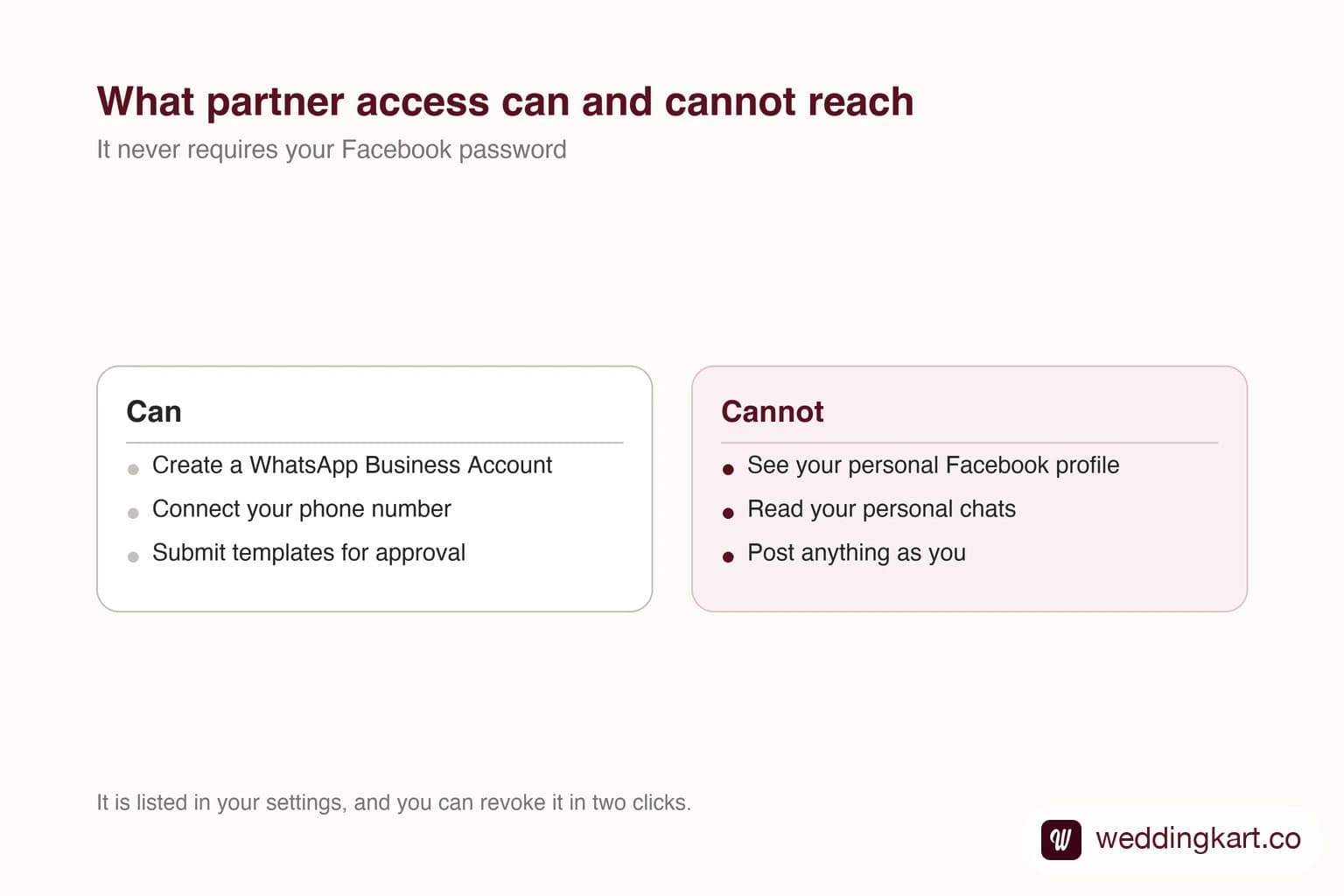
This is the part of WhatsApp onboarding where business owners pause, and they are right to. Someone you met last week is asking for access to your company’s Meta account. That deserves a straight answer rather than reassurance.
So here is exactly what is being asked for, what it can reach, and what it cannot.
What partner access is
It is a feature Meta built into business portfolios specifically so that agencies and software providers can do work for a business without anyone sharing a login. It is how marketing agencies run ad accounts, how resellers manage catalogues, and how WhatsApp providers set up messaging.
The important word is scoped. Your Meta Business Portfolio is a container that holds business things - your Facebook page, your ad account, your WhatsApp account. Your personal Facebook profile is not inside that container. Partner access reaches into the container and nothing else.
What it can and cannot touch
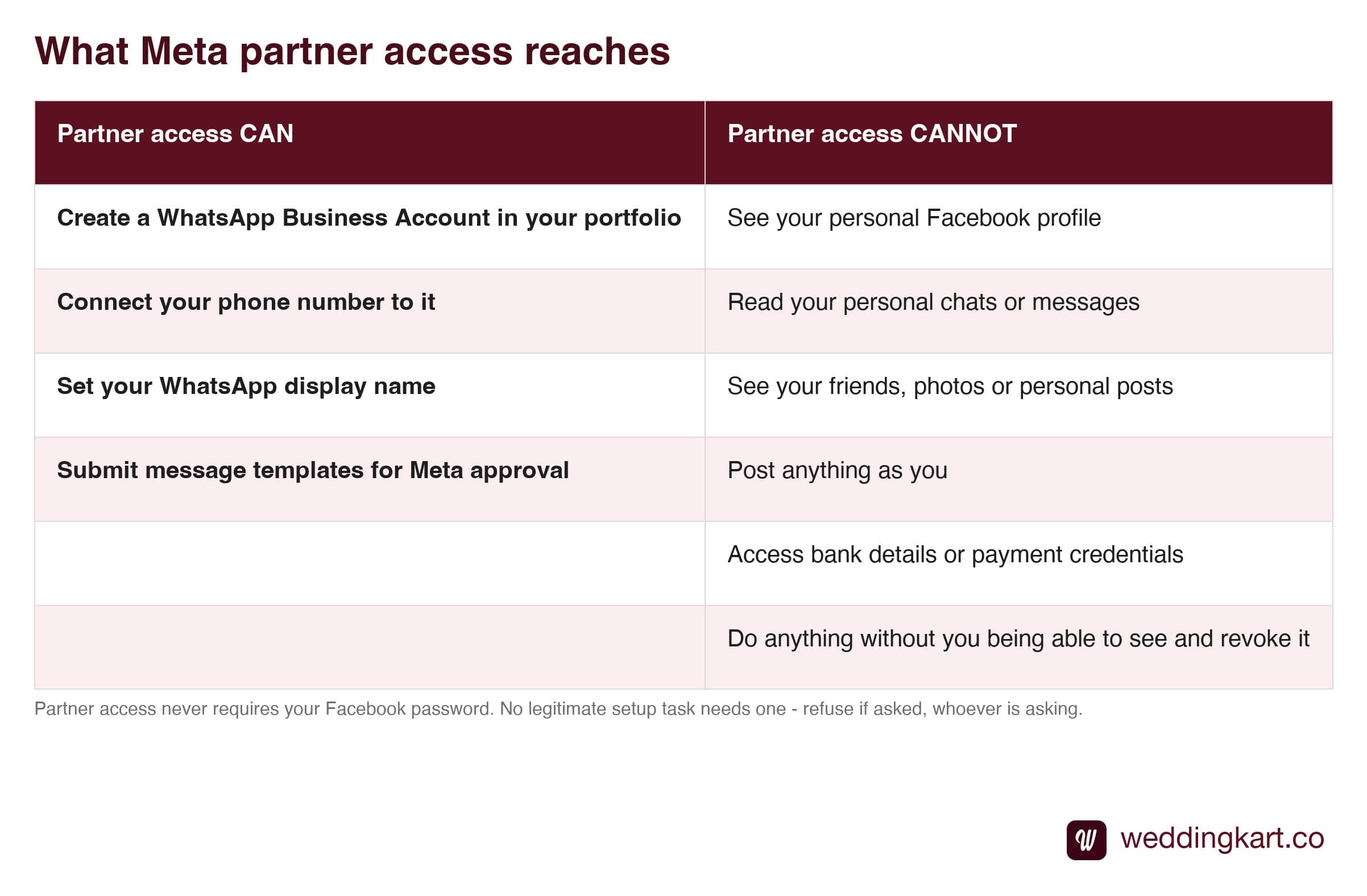
The four things in the left column are the entire job. Every one of them has to happen inside your portfolio, which is why the access is needed at all. If a provider asks for more than this for a WhatsApp setup, ask what for.
The password rule
There is exactly one line worth memorising from this whole page: nobody needs your Facebook password.
Not us, not your agency, not the person setting up your ads. Meta built partner access so that password sharing is never required, and any request for one is either a misunderstanding of how this works or something worse. A password gives away your personal profile, your messages and your identity on the platform - vastly more than a WhatsApp setup needs.
If you take nothing else from this page: say no to that, every time, to everyone.
You can undo it
Partner access is not a one-way commitment, and this is the fact that usually settles the question.
It is listed in your portfolio settings, so you can always see who has it. Removing a partner takes two clicks and applies immediately. Crucially, removing them does not cost you the assets: the WhatsApp Business Account, the phone number and the approved templates stay in your portfolio, not the partner’s. What it does stop is that partner’s software - if they are the provider actively sending your messages, revoking access cuts the integration off mid-flight, so do it when you are switching providers, not while a wedding is live. Your guest list is a separate matter again: it sits in that provider’s database, and your contract decides what you can export.
That last point is worth understanding properly, because it is the real protection here - more than any permission setting. We go into it in who owns your number and guest data.
If you would still rather not
Then do not. Ask for a screen-share instead and click through the setup yourself while someone talks you through it. It takes longer, and you will be the one typing your business address into the form - which matters, because a mistyped address is the main cause of rejection. But it is a legitimate way to do it, and any decent provider will offer it without making it awkward.
The goal is not to talk you into granting access. It is that you understand what you are granting, so the decision is actually yours.
Tools referenced in this post
Try Weddingkart for your wedding
Guest lists, WhatsApp invites, RSVPs, countdowns and more - the AI layer for Indian weddings.
Related reading
Frequently Asked Questions
What can a partner actually do with this access?
The work that setup requires and nothing more: create a WhatsApp Business Account inside your portfolio, connect your phone number to it, set your display name, and submit message templates for Meta approval. Those are the four things that cannot be done from outside your portfolio, which is exactly why the access is requested.
Can a partner see my personal Facebook or Instagram?
No. Partner access is scoped to the business portfolio, which is a separate container from your personal profile. It does not expose your chats, your friends list, your photos or anything you post personally. It also does not allow anyone to publish as you on Facebook or Instagram. Those are different permissions entirely and are not part of what WhatsApp setup requires.
Should I ever share my Facebook password?
No - not with us, not with any agency, not with anyone. There is no legitimate setup task that requires it, and sharing it hands over far more than the job needs. Meta built partner access precisely so that password sharing is never necessary. Treat a password request as a reason to stop and ask why, whoever it comes from.
How do I remove partner access later?
Open business.facebook.com, go to your business portfolio settings, find the partners section, select the partner and remove them. It takes a couple of clicks and takes effect immediately. Your WhatsApp Business Account, your phone number, your approved templates and your guest data all stay exactly where they are - they belong to your portfolio, not to the partner.
Is there an alternative to giving access at all?
Yes. If you would rather not add anyone as a partner, most providers will walk you through the setup on a screen-share while you hold the controls and click everything yourself. It takes longer and you do the typing - which, given that mistyped addresses are the main cause of rejection, is a real consideration - but it is a perfectly reasonable way to do it if it makes you more comfortable.
Was this article helpful?
Share
By Weddingkart TeamLast updated